15 best AI apps I can't live without in 2026 (free + paid)

Almost every tech tool I have been using for the past three years has some AI feature baked into it now.
It all started with ChatGPT, then Claude, and then we had an explosion of AI apps for literally every use case you can think of.
Video editing, voice generation, coding, search, automation, presentations, SEO, you name it.
Tools promising to make us more productive.
Some were simple "ChatGPT wrappers" while others were genuinely new products that used AI in ways that were not possible a few years ago.
The problem is that there are so many AI tools out there now that it's hard to know which ones are actually worth your time. I have personally tested over 70 of them, and most I used once and never opened again. But there are a handful that I genuinely cannot live without at this point.
These are the 15 AI apps that have stuck around in my daily and weekly workflow and continue to make ship things faster and better.
What is an AI app?
An AI app is any AI application that uses artificial intelligence, typically from large language models (LLMs), to help you get work done. This kind of AI software goes beyond traditional tools by being able to understand context, generate content, make decisions, and automate tasks that would normally require a human.
Some AI apps are built entirely around AI, like ChatGPT or Claude, where the AI is the product. Others are new AI tools that have used LLMs to create automations with other APIs and existing tools. There are AI applications for everything now.
The AI apps on this list cover a wide range of use cases, from writing and coding to video editing, voice generation, search, and automation. So I'm sure you'll find something in this list that you can walk away using in just 15 minutes from now.
But before we jump into the list of AI apps, let me go over how I evaluate AI tools when trying them out.
How I chose the AI apps on this list
I have probably used over 70 different AI tools and AI platforms over the past couple of years. And out of all of them, these are the 15 that I find myself coming back to over and over again over the last six months.
Some of them I use every single day. Others I use weekly depending on the project. But none of them are tools I tried once and forgot about.
Here is what I look at when evaluating whether an AI tool is worth keeping around:
- How often I actually use it after the first week
- Whether it actually produces something net new or it's just perceived value
- How easy it is to get started without
- The quality of the output compared to doing it manually
- Whether it has a free plan or reasonable pricing
- How well it integrates with the other tools I already use
- Whether the product is actively improving or feels outdated
- How reliable it is when I am depending on it for real work
These are more vibe tests. I could go over things like specific features and all the technical details. But I think that's starting to matter less and less these days.
It's less about the tech, and more about it unlocking something I couldn't do before. (No I did not use AI to write that, it just sounded right when typing.)
Okay, no more rambling. Let's go over my top AI apps and AI tools right now.
15 best AI apps and tools in 2026 (free + paid)
Here are the best AI apps and AI software:
- Google Labs
- Gumloop
- Claude
- Cursor
- Higgsfield
- Weavy
- ElevenLabs
- Paradigm AI
- Clearscope
- v0
- Lovable
- Originality AI
- Descript
- Perplexity
- Gamma
Alright, lets go over these in depth.
1. Google Labs
- Best for: Experimenting with Google's latest AI apps and tools for free
- Pricing: Free
- How I use it: Creating on-brand social media ads with Pomelli and brainstorming visual ideas with Mixboard
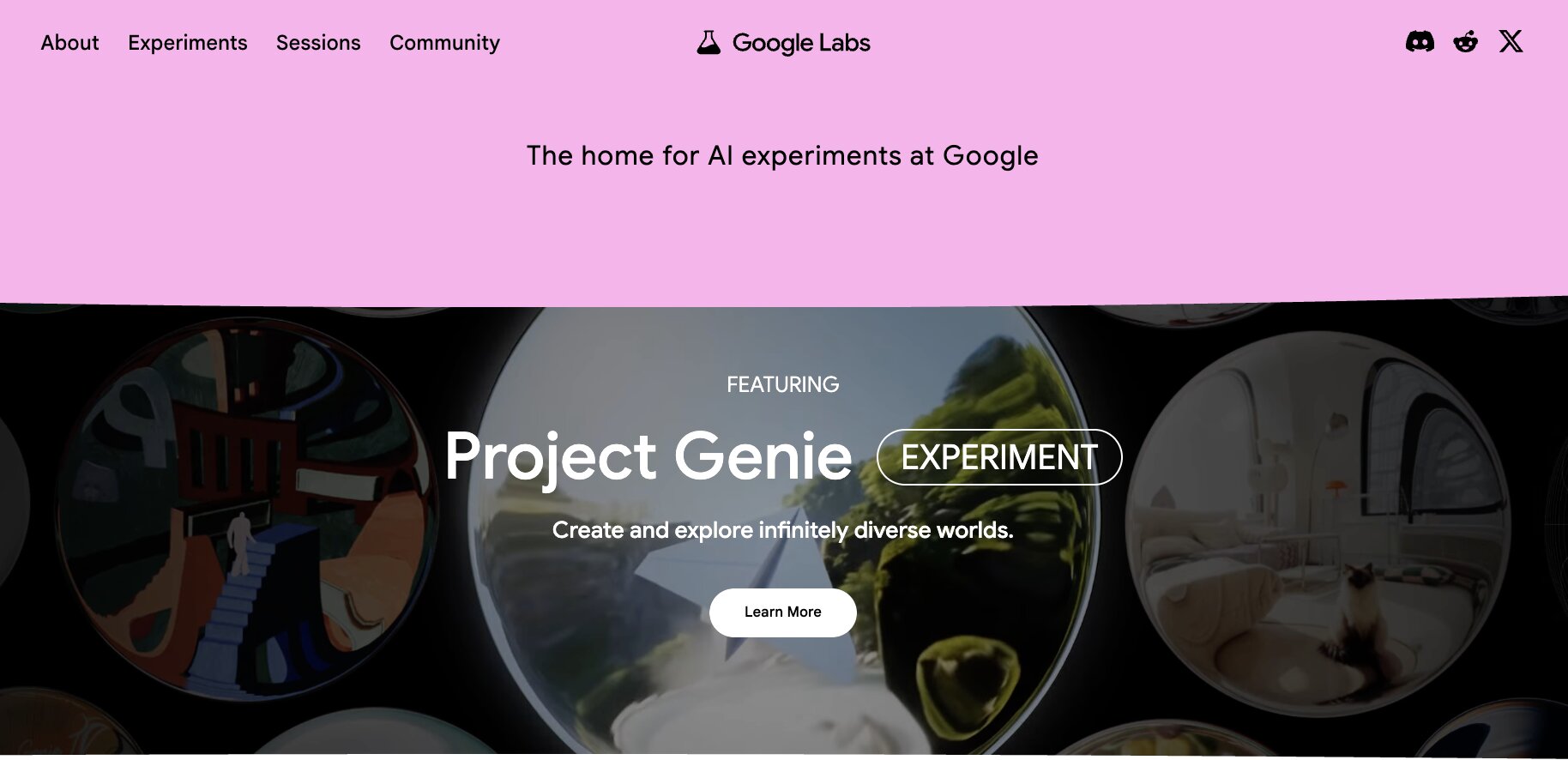
Some people might not know this, but Google has a ton of amazing free AI tools and apps for anyone to use. Through Google Labs, their experimental AI product hub, they have tons of different mini apps for various use cases.
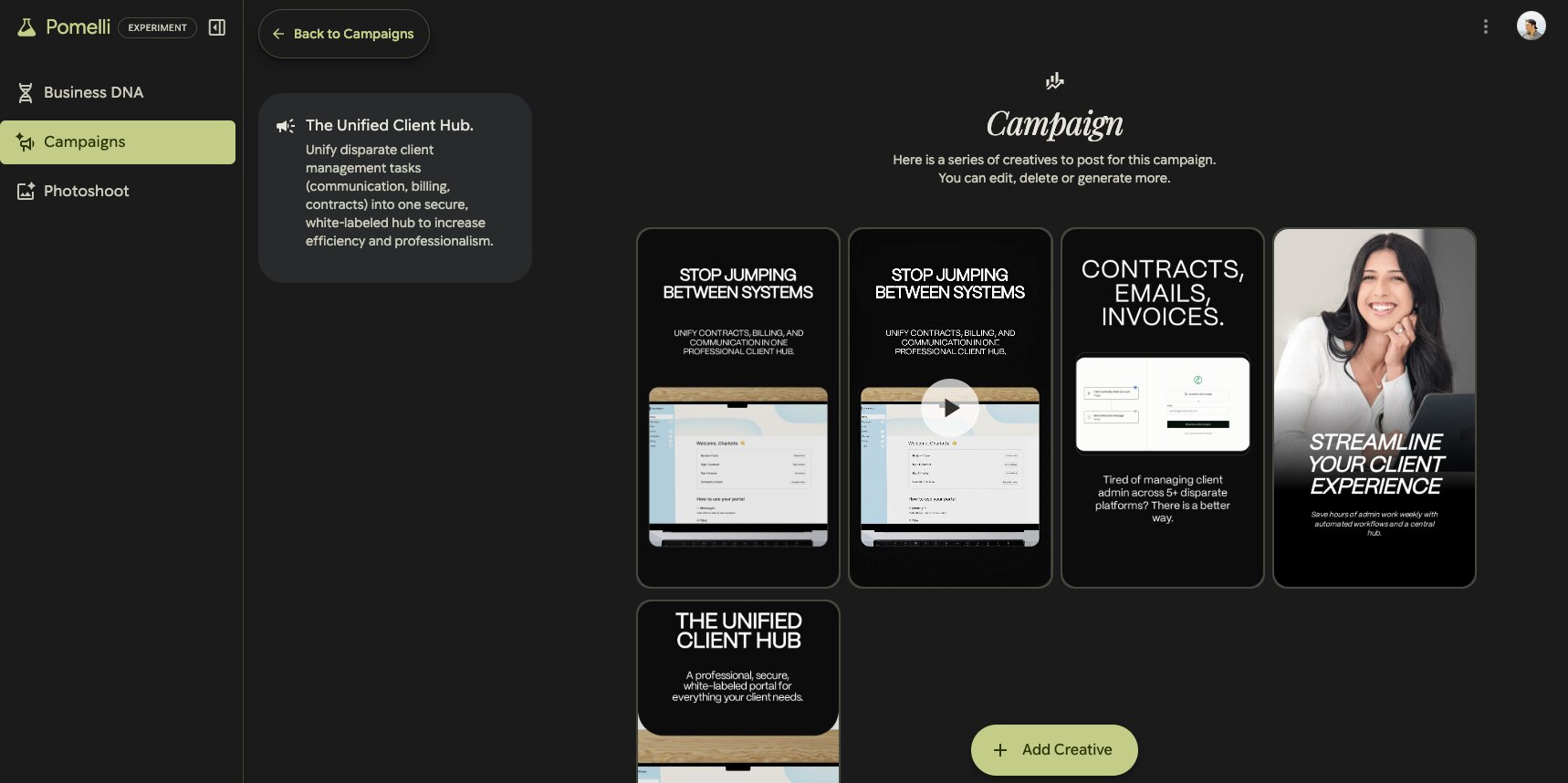
For example, they have an app called Pomelli that lets you create unbranded content for things like social media or ads. In fact, I have been using Pomelli a lot. And the thing I like about it is that you input your website and it downloads your entire design system. And then you can also feed it your product images and it can create custom ads that are on brand around your specific products.
There are also a bunch of other tools that you can play around with. Like productivity tools for email with their tool called CC. There is also Mixboard, which is a place for you to brainstorm and craft ideas, almost like a floating Pinterest inspiration design board.
Then there is Google AI Studio, which is a completely free web-based tool where you can prototype and experiment with Google's Gemini models. You can test prompts, generate images, create speech, and even build lightweight apps without paying a cent. It is one of the most underrated free AI tools out there right now.
And if you are a developer, Google also released Antigravity, which is their new AI-powered IDE built around autonomous coding agents. It is powered by Gemini 3 and lets you delegate complex coding tasks to AI agents that can plan, write code, test it in a browser, and validate the results without you needing to babysit every step. It is currently free in public preview.
Here are some things I like about Google Labs:
- Completely free to use across almost all experiments
- Pomelli is one of the best tools for creating on-brand ad content without a designer
- Google AI Studio gives you full access to Gemini models
- Antigravity is a legitimately powerful free IDE for developers
- New tools and experiments are constantly being added
Here are some cons with Google Labs:
- Features can disappear without warning since they are experimental
- Not all experiments are available in every country
- Can be confusing to navigate if you do not know what you are looking for
- Some tools feel half-baked since they are still in testing
Overall, Google Labs is a goldmine if you like playing around with the latest AI tools before they go mainstream. And the fact that everything is free makes it a no-brainer to at least check out.
Google Labs pricing
Google Labs is completely free to use.
All the experiments, including Pomelli, Mixboard, CC, and the other mini apps, are available at no cost. Google AI Studio is also free, with generous daily usage limits on Gemini models. And Antigravity, their AI-powered IDE, is currently free during its public preview period.
2. Gumloop
- Best for: Automating marketing, sales, and ops workflows with AI agents
- Pricing: Free 14-day trial, then starts at $37/month
- How I use it: Building automated SEO workflows, web scraping flows, content repurposing pipelines, and building multi-agent systems
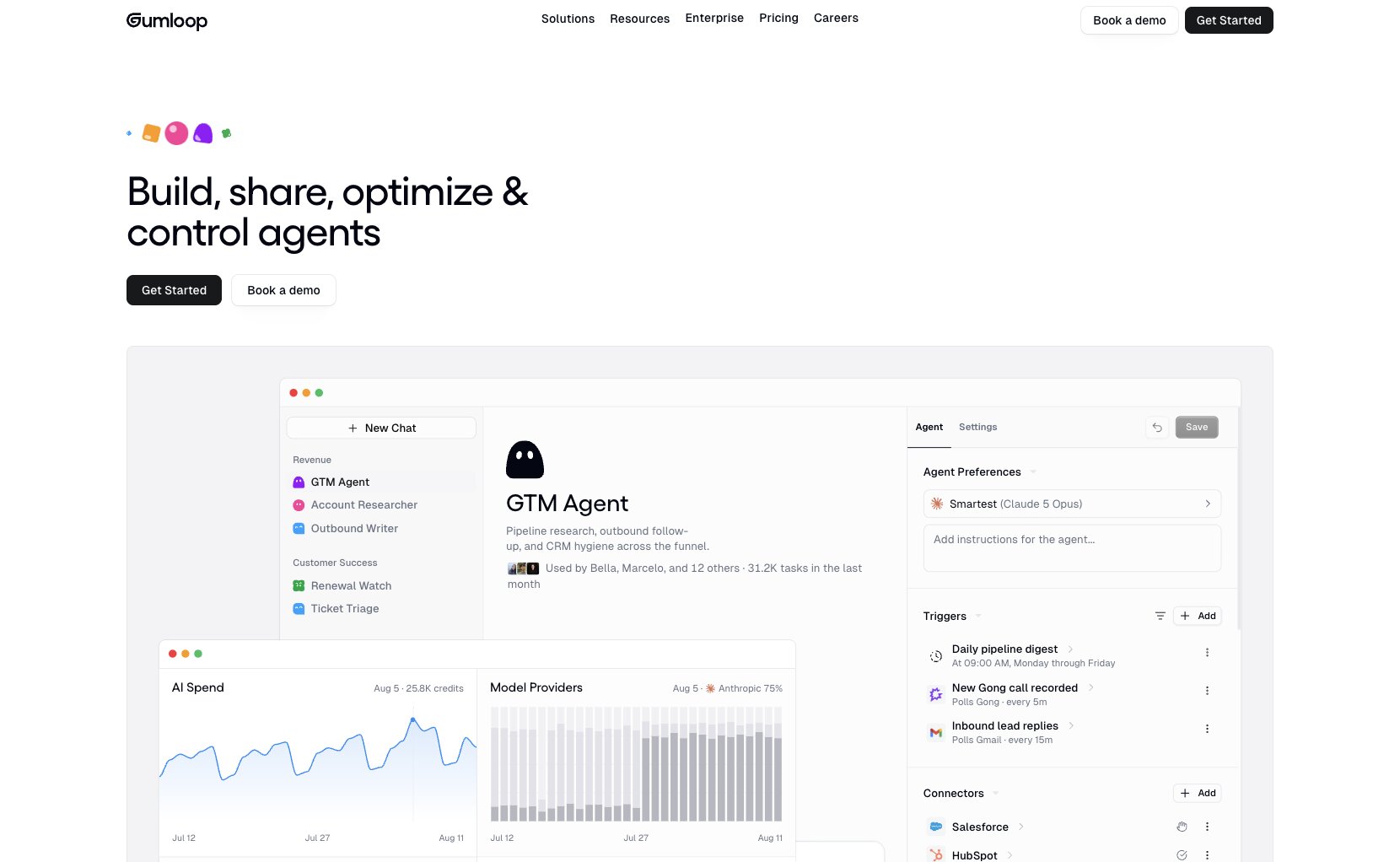
Gumloop is an AI automation and AI agent builder that I have been using for about 14 months now. It is one of the first automation tools that I fell in love with since using Zapier for almost a decade.
What makes Gumloop different from something like Zapier or n8n is that it is built specifically for AI-first workflows. Instead of just moving data between apps, Gumloop lets you add an AI model into the middle of your workflow to actually think, analyze, and make decisions. It connects with any premium LLM model like ChatGPT, Claude, Gemini, DeepSeek, Grok, etc. And you can also connect MCP servers with it as well.
The platform has a drag-and-drop builder where you can chain together scraping, AI prompts, integrations, and outputs. For example, I have a flow that scrapes competitor blog posts, summarizes them with AI, and sends me a Slack digest every morning. I have another one that takes a list of keywords, runs them through an LLM to generate content briefs, and pushes the output into Google Docs.
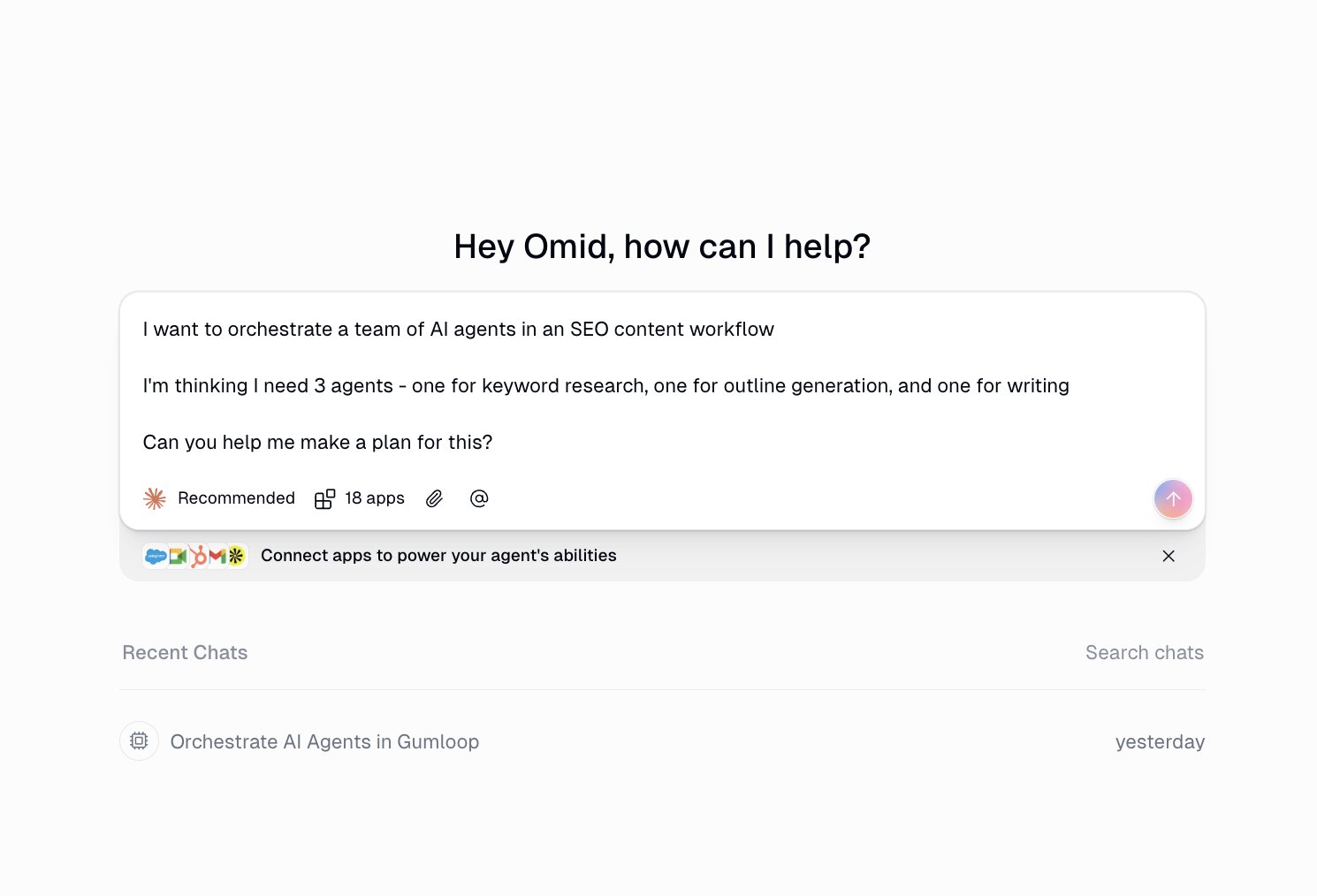
They also have Gummie, which is their in-product AI copilot that can help you build flows from scratch just by describing what you want. And they have a growing library of pre-built templates if you want to get ideas for where to start.
Whether you are a marketer, in sales, ops, or just someone who wants to automate repetitive work with AI agents, Gumloop is the tool I would recommend first.
Here are some things I like about Gumloop:
- Integrates with any LLM model without needing your own API keys
- Makes web scraping automations incredibly easy to set up
- Gummie (AI copilot) can help you build any flow from a description
- Has a Slack community where you can get help fast
- Clean drag-and-drop interface that is genuinely easy to use
Here are some cons with Gumloop:
- Still a relatively new tool so you might run into the occasional UI quirk
- Complex workflows can take some trial and error to get right
- Credit-based pricing means you need to keep an eye on usage
Gumloop pricing
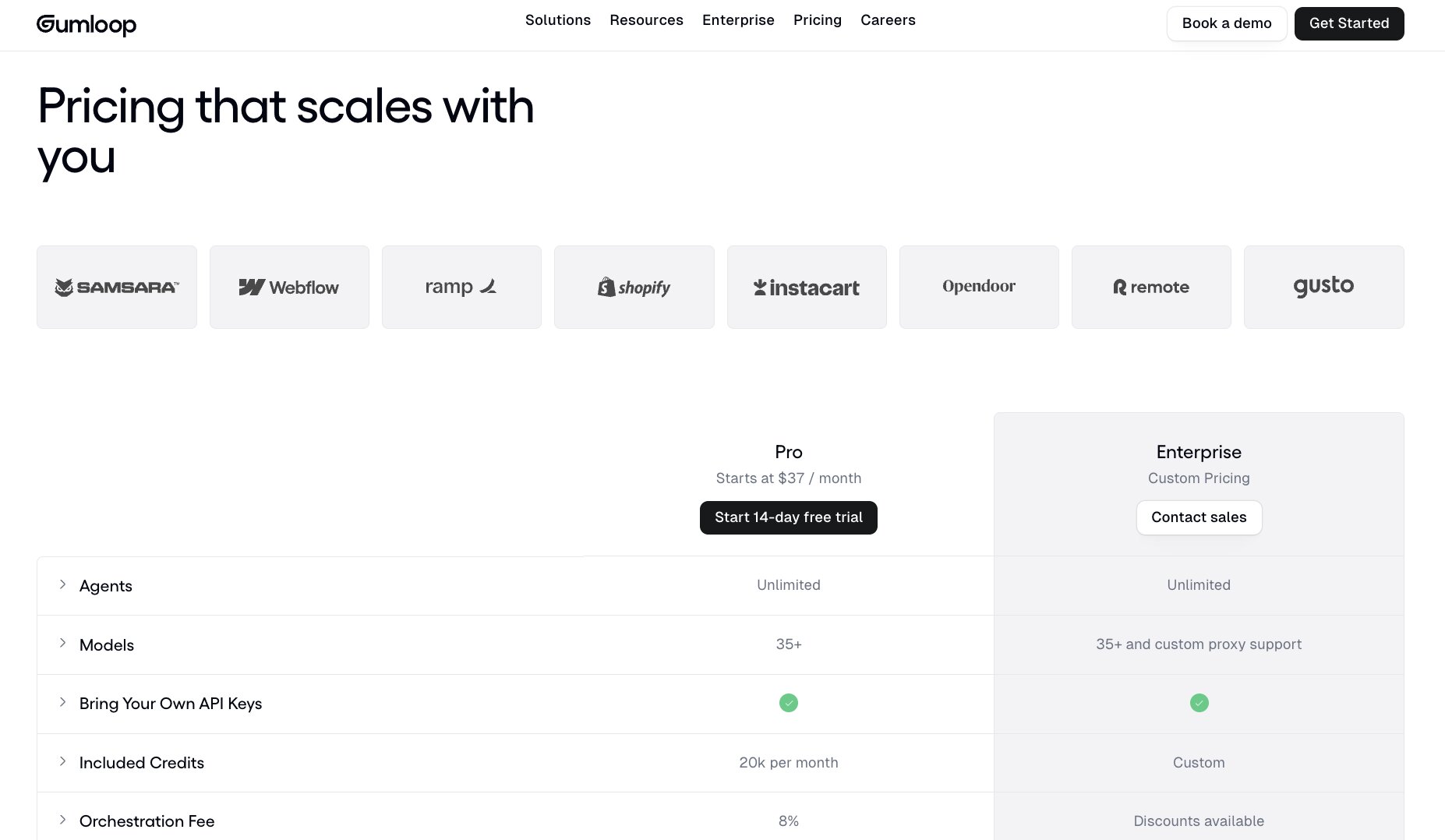
Here are Gumloop's pricing plans:
- Pro: $37/month with 20,000+ credits, unlimited triggers, webhooks, and bring your own API key
- Enterprise: Custom pricing with role-based access control, SAML/SSO, audit logs, and virtual private cloud
Gumloop reviews
Here is what users rate Gumloop on third-party review sites:
- G2: 4.8/5 star rating (from +7 user reviews)
- Product Hunt: 5/5 star rating (from +9 user reviews)
3. Claude
- Best for: All-around AI assistant for writing, coding, research, and productivity
- Pricing: Free plan available, Pro starts at $20/month, Max starts at $100/month
- How I use it: Proofreading blog posts, building internal tools with Claude Code, running SEO campaigns with MCP integrations, and creating custom skills for every project I work on
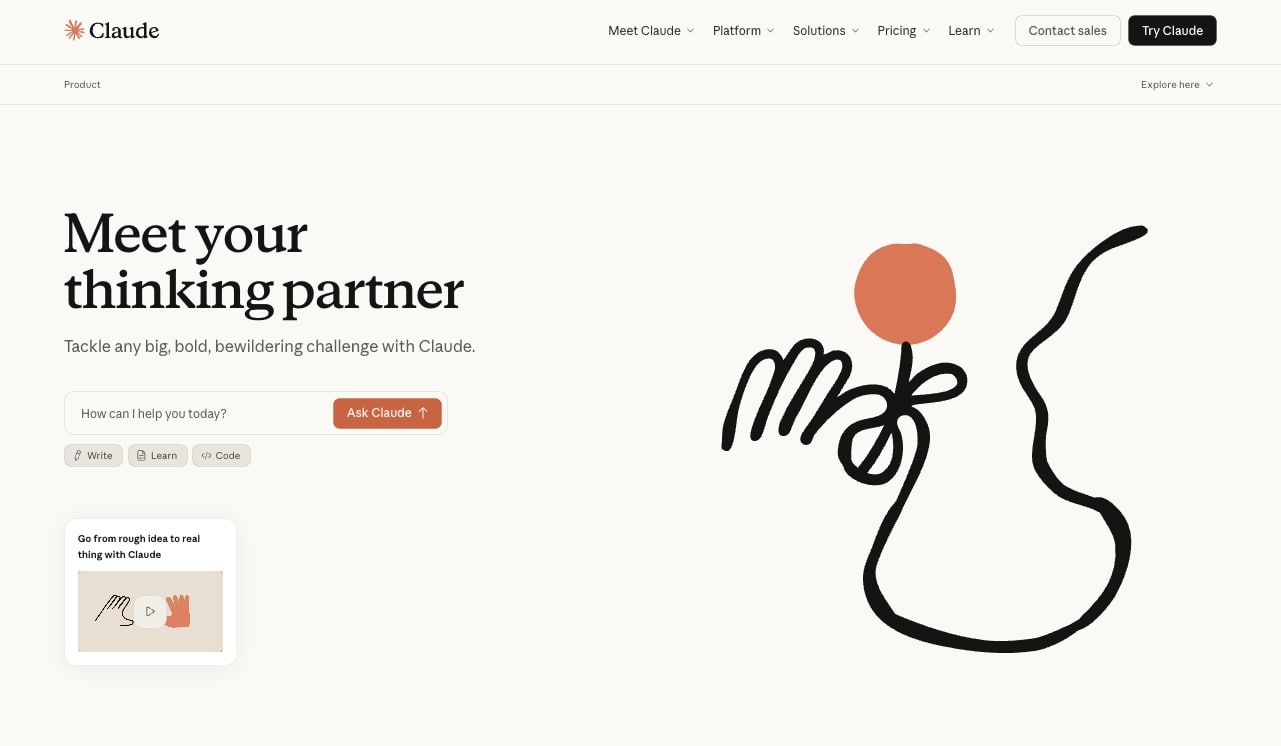
There is a good chance you already know what Claude is, the popular AI assistant built by Anthropic, but specifically I want to talk about the desktop app. I have been using Claude almost every day for everything from helping refine my ideas to using it as an AI writing tool to proofread blog posts to integrating it with MCP servers to pull in analytics or keyword data for SEO campaigns. There is just a broad range of use cases you can do with Claude.
My favorite way to use it is to create Claude skills and for every campaign I work on, save it as a project and add those skills as instructions within those projects. It basically turns Claude into a custom assistant for whatever you are working on.
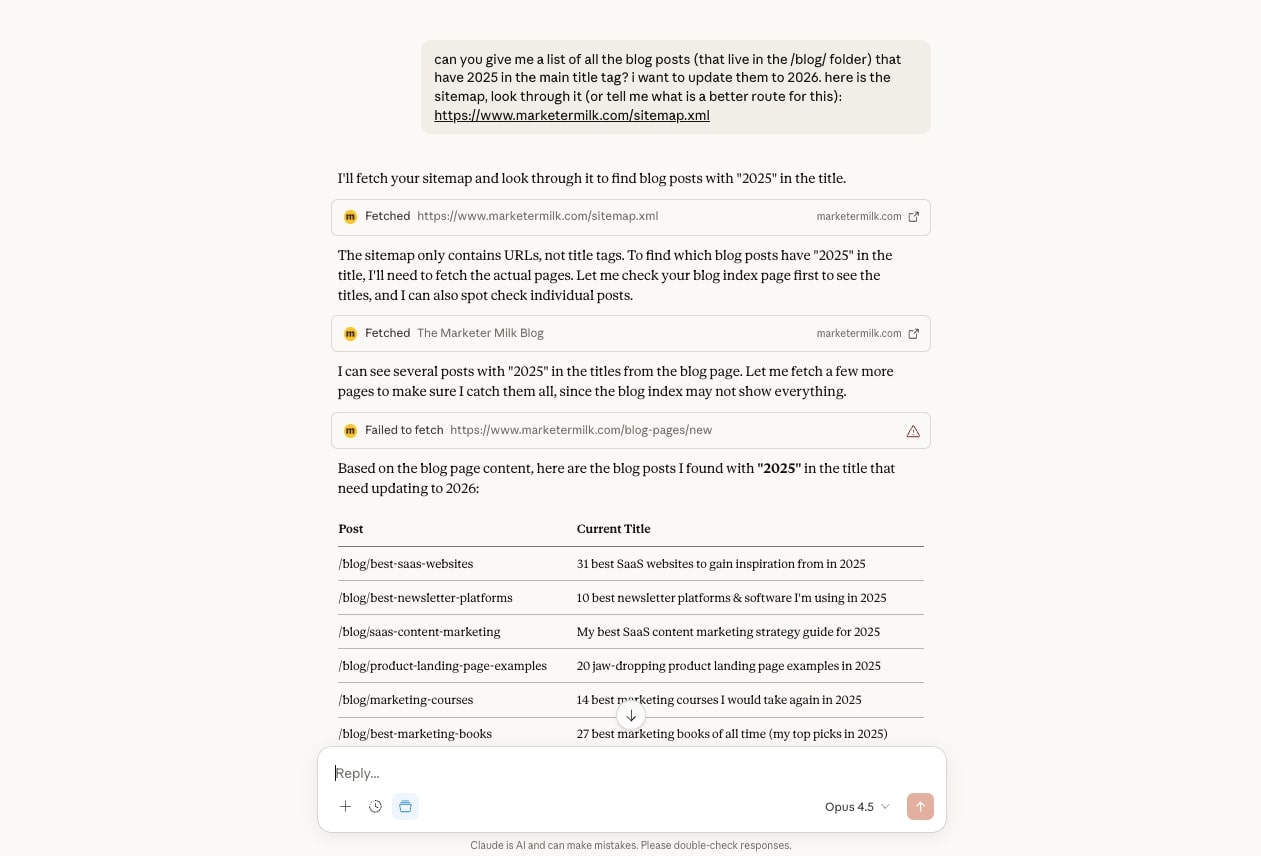
But there is also Claude Cowork if you want to give Claude access to your desktop and it can make edits in your files locally on your computer. And there is also Claude Code. I personally have been using Claude Code a lot to create internal tools. Like, I recently created my own speech-to-text tool that I am actually using right now to write this article.
There is just a wide range of things you can do with Claude and I would say that it is the best AI app if you are looking for an all-around easy tool to use for your personal life or your professional life across multiple different use cases. I am personally on the Max plan and I use it enough every day that it pays for itself many times over.
Here are some things I like about Claude:
- Projects let you save custom instructions and reference files per campaign
- Claude Code is great for building internal tools and scripts
- MCP integrations connect it to tools like Google Analytics and Ahrefs
- Cowork gives Claude access to your local desktop files
- Free plan is genuinely usable
Here are some cons with Claude:
- Usage limits can be frustrating, even on Pro
- Does not generate images natively
- Can be overly cautious with certain requests
- Big price gap between Pro ($20/month) and Max ($100/month)
Claude pricing
Here are Claude's pricing plans:
- Free: $0/month with web, mobile, and desktop access, web search, memory, file creation, MCP connectors, and Slack/Google Workspace integrations
- Pro: $20/month ($17/month annually) with more usage, Claude Code, Cowork, unlimited projects, and Research
- Max: From $100/month with 5x or 20x more usage than Pro, higher output limits, and early access to new features
You can view more about their pricing here.
Claude reviews
Here is what users rate Claude on third-party review sites:
- G2: 4.6/5 star rating (from +403 user reviews)
- Capterra: 4.4/5 star rating (from +48 user reviews)
4. Cursor
- Best for: AI-powered code editing and vibe coding with any LLM model
- Pricing: Free plan available, Pro starts at $20/month
- How I use it: Building internal tools with Claude Code inside Cursor, using the Cursor agent for frontend work, and managing all my marketing skills as local agents
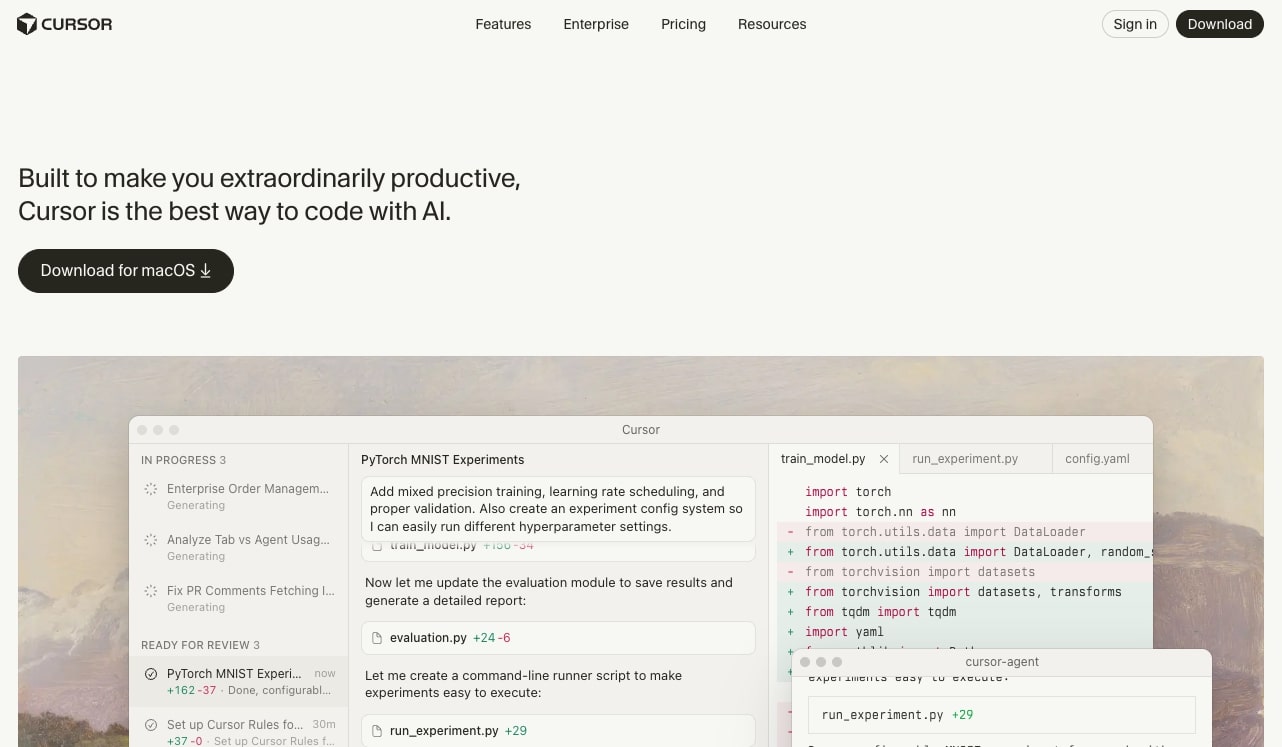
Cursor is the popular IDE that leverages AI to help you create software without having to manually type code. Cursor is built on top of VS Code so it is a full development environment, but its AI agent features allow you to leverage any AI coding model within the platform. You can think of Cursor as the final boss of vibe coding, where it gives you complete flexibility to use any model that you wish.
It's LLM agnostic, so you can use the latest Claude Opus models. You can use Google Gemini Pro models. You can use ChatGPT Codex models. Literally anything.
I also use Cursor with Claude Code. So for example, when I mentioned the speech-to-text tool I created, I actually built it in Cursor using Claude Code. And then I will also use the actual Cursor agent for other small coding tasks. I really love the Composer model created by Cursor. It is super fast and actually a lot faster than Claude Code at different frontend UI tasks.
So that is how I use it. I will use Claude Code within Cursor for more backend stuff, and then Cursor's agent for smaller frontend work. But Cursor is also amazing for pushing easily to GitHub and just having a full integrated environment.
I also use Cursor to save all of my marketing skills so I can create my own agents in a custom environment. However, note that these agents and workflows are all local on my computer. So if you want something that is cloud-based and a bit easier to use for agentic workflows specifically, I would recommend using Gumloop. I put together a walkthrough on how to build AI agents if you want to see what that looks like in practice.
Here are some things I like about Cursor:
- LLM agnostic so you can use Claude, Gemini, ChatGPT, or any model
- Built on VS Code so the transition feels familiar
- Composer model is super fast for frontend UI tasks
- Easy GitHub integration and full dev environment
- Works great alongside Claude Code for backend work
Here are some cons with Cursor:
- Can get expensive if you need higher usage tiers
- Not ideal if you are not already comfortable with VS Code
- Does have a learning curve for non-technical users
Cursor pricing
Here are Cursor's pricing plans:
- Hobby: Free with limited agent requests and limited tab completions
- Pro: $20/month with extended agent limits, unlimited tab completions, cloud agents, and maximum context windows
- Pro+: $60/month with 3x usage on all OpenAI, Claude, and Gemini models
- Ultra: $200/month with 20x usage on all models and priority access to new features
- Teams: $40/user/month with shared chats, centralized billing, usage analytics, and SSO
- Enterprise: Custom pricing with pooled usage, invoice billing, SCIM, audit logs, and priority support
You can view more about the pricing options here.
Cursor reviews
Here is what users rate Cursor on third-party review sites:
- G2: 4.7/5 star rating (from +307 user reviews)
- Product Hunt: 5/5 star rating (from +912 user reviews)
5. Higgsfield
- Best for: All-in-one AI video creation and editing
- Pricing: Starts at $9/month
- How I use it: Connecting multiple AI video models, generating voiceovers, and editing videos all in one platform
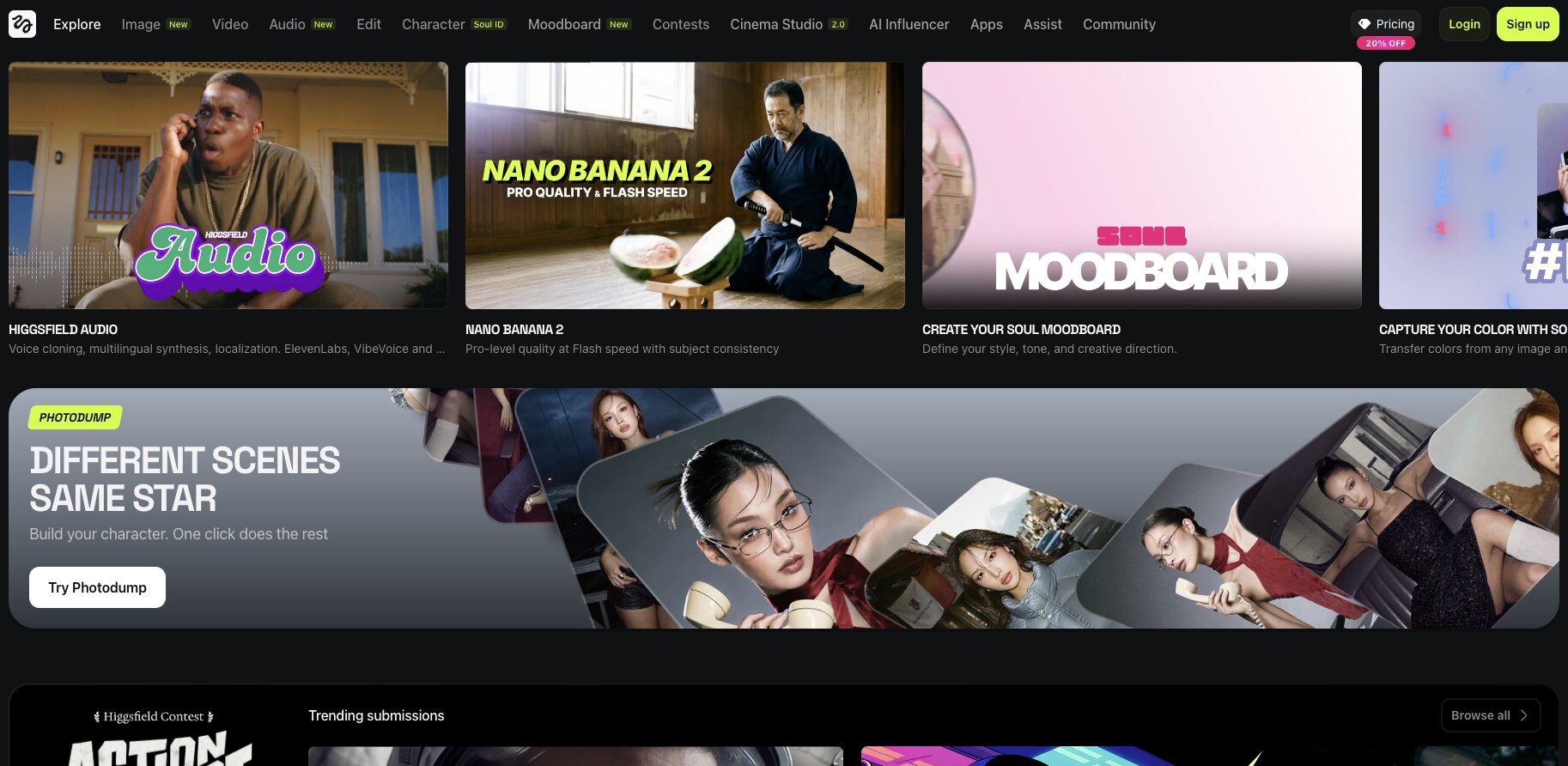
Higgsfield is an all-in-one platform for creating videos with AI. You can think of it as the Cursor for AI videos or the Gumloop for AI videos, as the platform lets you connect multiple video models along with a bunch of video editing, image generation, and audio tools.
Higgsfield also has its own models like Higgsfield Audio for voice cloning and multilingual synthesis. You can also connect ElevenLabs into the platform. So you get a full integrated environment for anything related to video generation.
Higgsfield essentially brings all of those different models and tools into one place. Instead of jumping between five different AI video tools, you just do everything from one dashboard.
Here are some things I like about Higgsfield:
- Connects multiple AI video models in one platform
- Has its own audio and voice cloning models built in
- Supports image generation alongside video editing
- Credit-based pricing makes it affordable to start
Here are some cons with Higgsfield:
- No free plan available
- Still a newer platform so some features are evolving
- Can get expensive at higher tiers if you are creating a lot of content
Higgsfield pricing
Here are Higgsfield's pricing plans:
- Basic: $9/month with 150 credits, access to selected models, and up to 2 concurrent videos
- Pro: $29/month with 600 credits, access to all models, and up to 3 concurrent videos
- Ultimate: $49/month with 1,200 credits, access to all models, and up to 4 concurrent videos
- Creator: $250/month with 6,000 credits, access to all models, up to 8 concurrent videos, and 35% cheaper cost per credit
All plans include access to all features, early access to advanced AI features, and discounts on extra credits.
Higgsfield reviews
Here is what users rate Higgsfield on third-party review sites:
- G2: 4.3/5 star rating (from +21 user reviews)
- Product Hunt: 4.7/5 star rating (from +3 user reviews)
6. Weavy
- Best for: AI image generation workflows and on-brand visual content
- Pricing: Free plan available, then starts at $24/month
- How I use it: Creating on-brand blog post thumbnails using custom workflows built around our design system
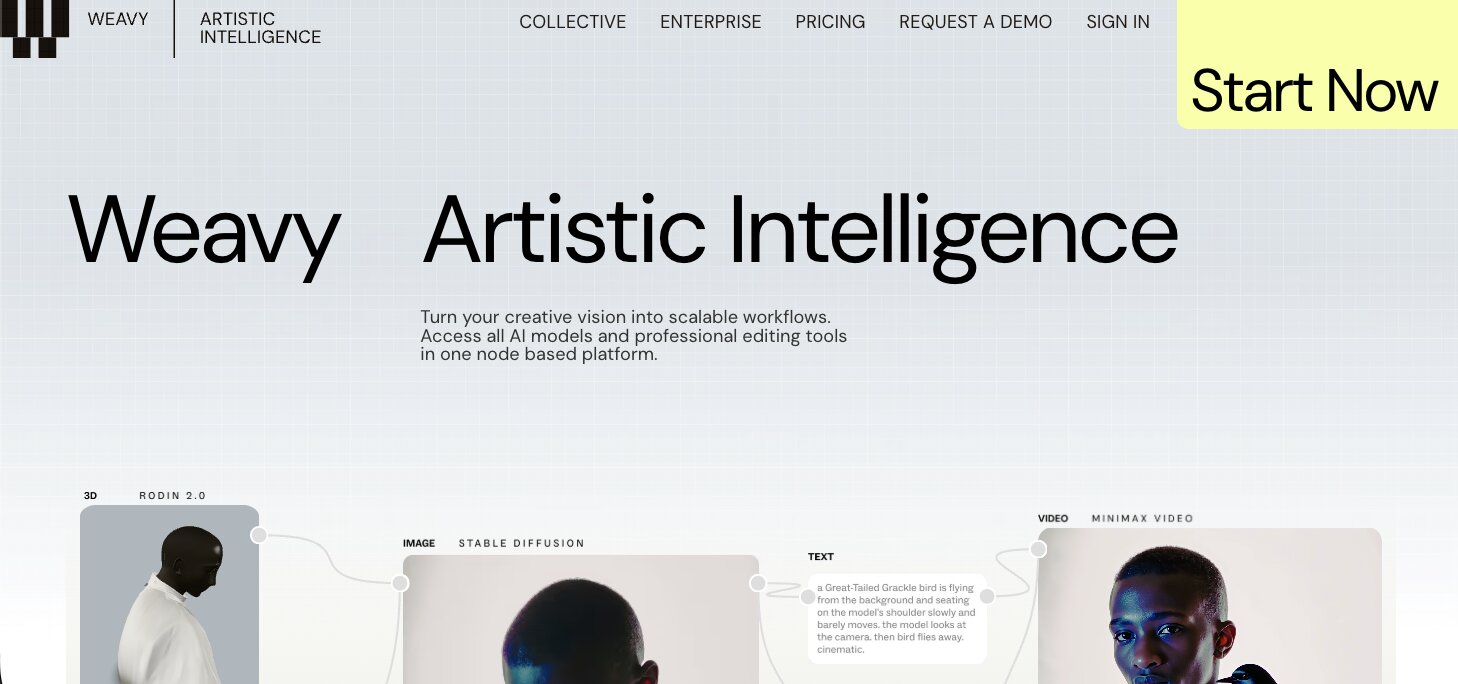
Weavy (now a part of Figma) is a platform for building workflows around AI image generators. You can think of it as Higgsfield, but specifically for images and short animations.
I have actually been using Weavy a lot recently for creating blog post images that are on brand. For example, if you actually scroll up and look at the thumbnail image for this blog post, it was created with the help of Weavy.
Essentially, I upload example designs from our designer into a workflow and set up prompt templates for the types of thumbnails I want. From there, I can quickly generate different thumbnails by tweaking the prompt slightly each time to customize it for that specific blog post.
Here are some things I like about Weavy:
- Workflow-based approach makes batch image creation fast
- Full access to all AI models even on the free plan
- Commercial license included on every plan
- Great for creating consistent, on-brand visuals
Here are some cons with Weavy:
- Free plan is limited to 150 credits and 5 workflows
- Credit system means heavy users will burn through allowances quickly
- Still a newer tool so the community is small
- Video generation eats through credits much faster than images
Weavy pricing
Here are Weavy's pricing plans:
- Free: $0/month with 150 credits, full access to all AI models, professional editing tools, and 5 workflows
- Starter: $24/month with 1,500 credits, unlimited workflows, and top-ups at $10 for 1,000 credits
- Professional: $45/month with 4,000 credits, 3-month credit rollover, and top-ups at $10 for 1,200 credits
- Team: $60/user/month with 4,500 credits per user, shared credit pool, unified billing, and workspace file sharing
You can learn more about what each plan has to offer here.
7. ElevenLabs
- Best for: AI voice generation, voiceovers, and conversational agents
- Pricing: Free plan available, then starts at $5/month
- How I use it: Generating voiceovers for AI videos and experimenting with conversational agents
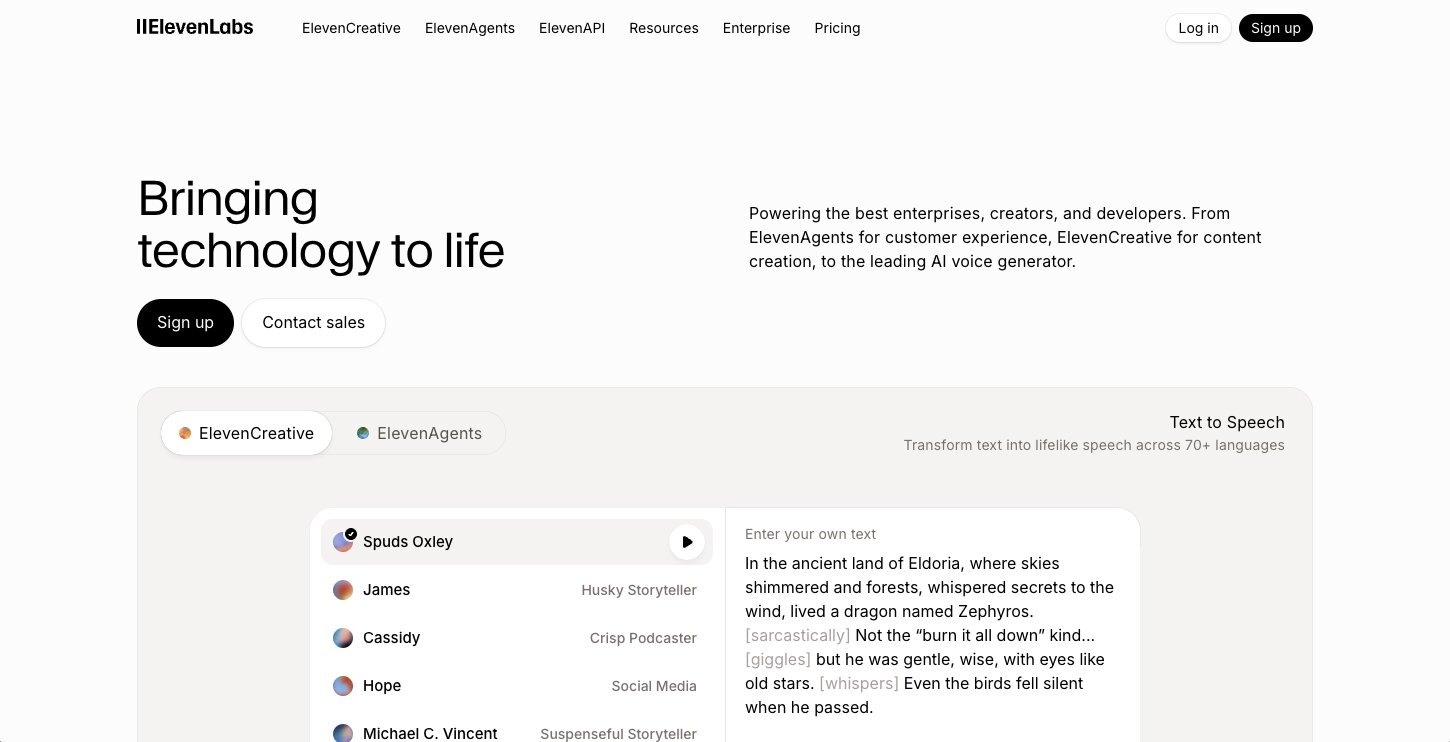
ElevenLabs is the popular AI voice generation app. You can give it a transcript and it will generate a human-like voiceover. It can be used for a wide range of use cases like voiceovers for AI-generated videos, creating agents that can read content on your site to visitors, and a lot more.
They also now have ElevenLabs Agents, which is a feature to deploy and monitor conversational agents. So you can build this directly into your products and create ultra-realistic speech across 70 plus languages.
ElevenLabs continues to be the best platform for voiceovers and conversational agents. So if you are ever in a situation where you need AI to speak something out, ElevenLabs is definitely the app to use.
Here are some things I like about ElevenLabs:
- Voice quality is the most realistic on the market right now
- Supports 70+ languages for both voiceovers and agents
- Free plan is generous enough to test with
- ElevenLabs Agents lets you deploy conversational AI into your own products
Here are some cons with ElevenLabs:
- Can get pricey if you are generating a lot of audio content
- Voice cloning is only available on paid plans
- Agent plans are a separate add-on billed per usage
- Free plan is limited to 10k credits per month
ElevenLabs pricing
Here are ElevenLabs' pricing plans:
- Free: $0/month with 10k credits, text to speech, speech to text, sound effects, voice design, music, and 3 projects
- Starter: $5/month with 30k credits, commercial license, instant voice cloning, and 20 projects
- Creator: $11/month (first month 50% off) with 100k credits, professional voice cloning, and 192kbps audio quality
- Pro: $99/month with everything in Creator plus 44.1kHz PCM audio output via API
Agent plans are a separate add-on and billed per usage. You can learn more about it here.
ElevenLabs reviews
Here is what users rate ElevenLabs on third-party review sites:
- G2: 4.5/5 star rating (from +1,139 user reviews)
- Product Hunt: 4.9/5 star rating (from +155 user reviews)
8. Paradigm AI
- Best for: Enriching spreadsheet data with AI agents
- Pricing: Free plan available, Pro starts at $20/month
- How I use it: Enriching keyword lists with search intent data and bulk research tasks across spreadsheet columns
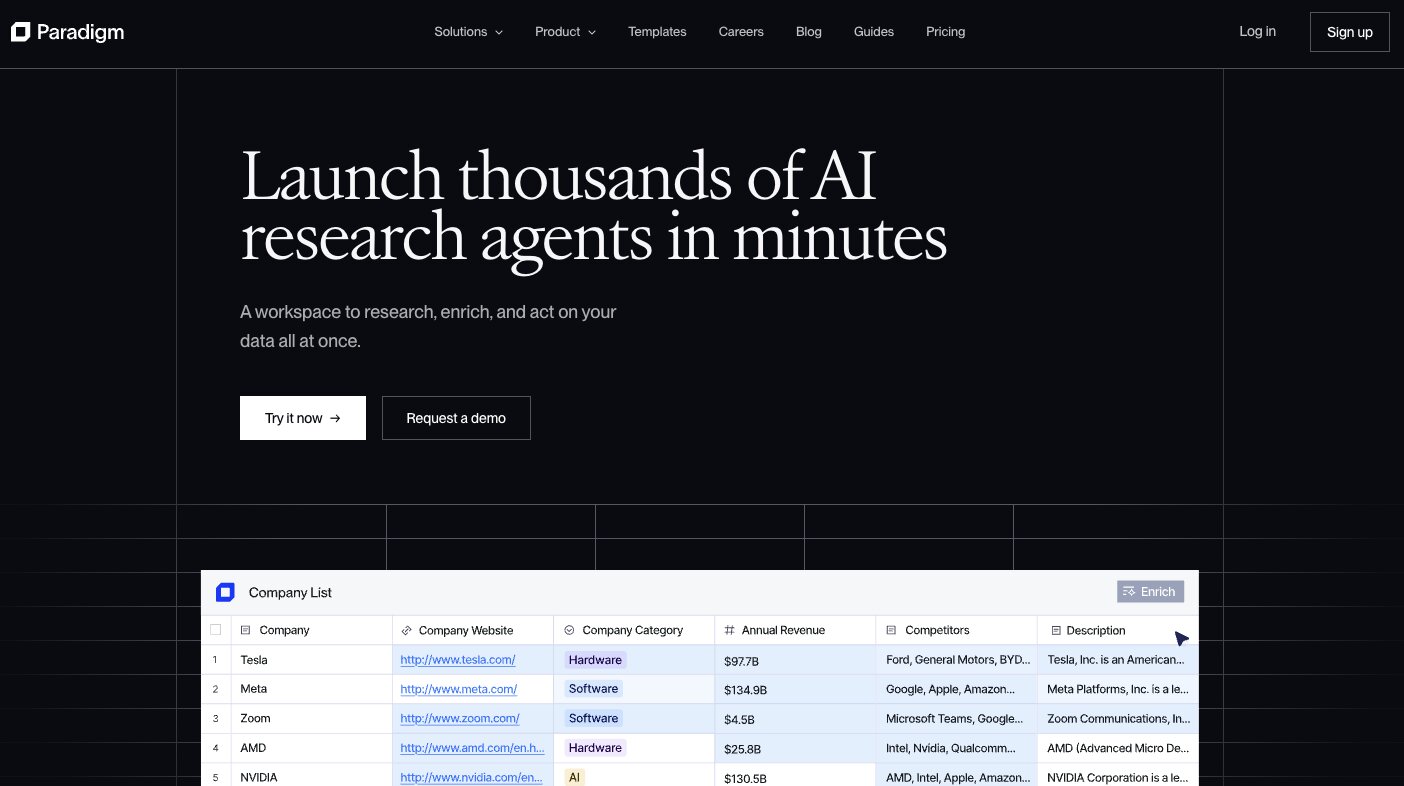
Paradigm AI is like a spreadsheet meets AI agents platform. I have been using it quite a bit recently, and it has become one of my favorite tools for anytime I use a spreadsheet but also want to be able to leverage AI to do things within the spreadsheet. It feels like a Clay alternative, it is very similar to that tool, except it is more horizontal and can serve a broad range of use cases.
One thing that is interesting about Paradigm is that their product is based around this concept that every cell is an AI agent.
So I can create a list of keywords I want to go after in a column, and then I can have a prompt for another column that says what the search intent is, and I can enrich that data in one click. A bunch of AI agents will fire, searching every keyword and then reporting back in a new column what the search intent should be.
You can think of this for pretty much any use case and how it can apply to you. It basically can help you enrich a lot of data within spreadsheets and speed up any data analysis work you are already doing in a sheet.
Here are some things I like about Paradigm AI:
- Every cell acts as an AI agent, which is a unique approach
- Great for bulk data enrichment tasks like keyword research
- Similar to Clay but works across more use cases
- Supports CSV and XLSX imports so you can bring in existing data
Here are some cons with Paradigm AI:
- Free plan has a monthly cap and no on-demand usage
- Big jump from Pro ($20/month) to Business ($500/month)
- Premium AI models are only available on Business and above
- Still a newer tool so integrations are limited compared to Clay
Paradigm AI pricing
Here are Paradigm AI's pricing plans:
- Starter: Free with daily usage up to a monthly cap, basic AI chat, basic AI models, and up to 100 emails per month
- Pro: $20/month with $20 of on-demand usage, up to 50 team seats, full email access, personal analytics, and webhooks
- Business: $500/month with $500 of on-demand usage, premium AI chat, premium AI models, team analytics, and Slack support
- Enterprise: Custom pricing with custom usage allocation, custom seat count, full RBAC, domain auto-verification, and SSO
You can see what each plan has to off on their pricing page.
Paradigm AI is still a new platform, so there aren't many user ratings on third-party review sites.
9. Clearscope
- Best for: SEO content optimization and keyword research
- Pricing: Starts at $129/month
- How I use it: Running SEO reports on target keywords to identify what content and terms I need to include on a page to maximize its ranking potential
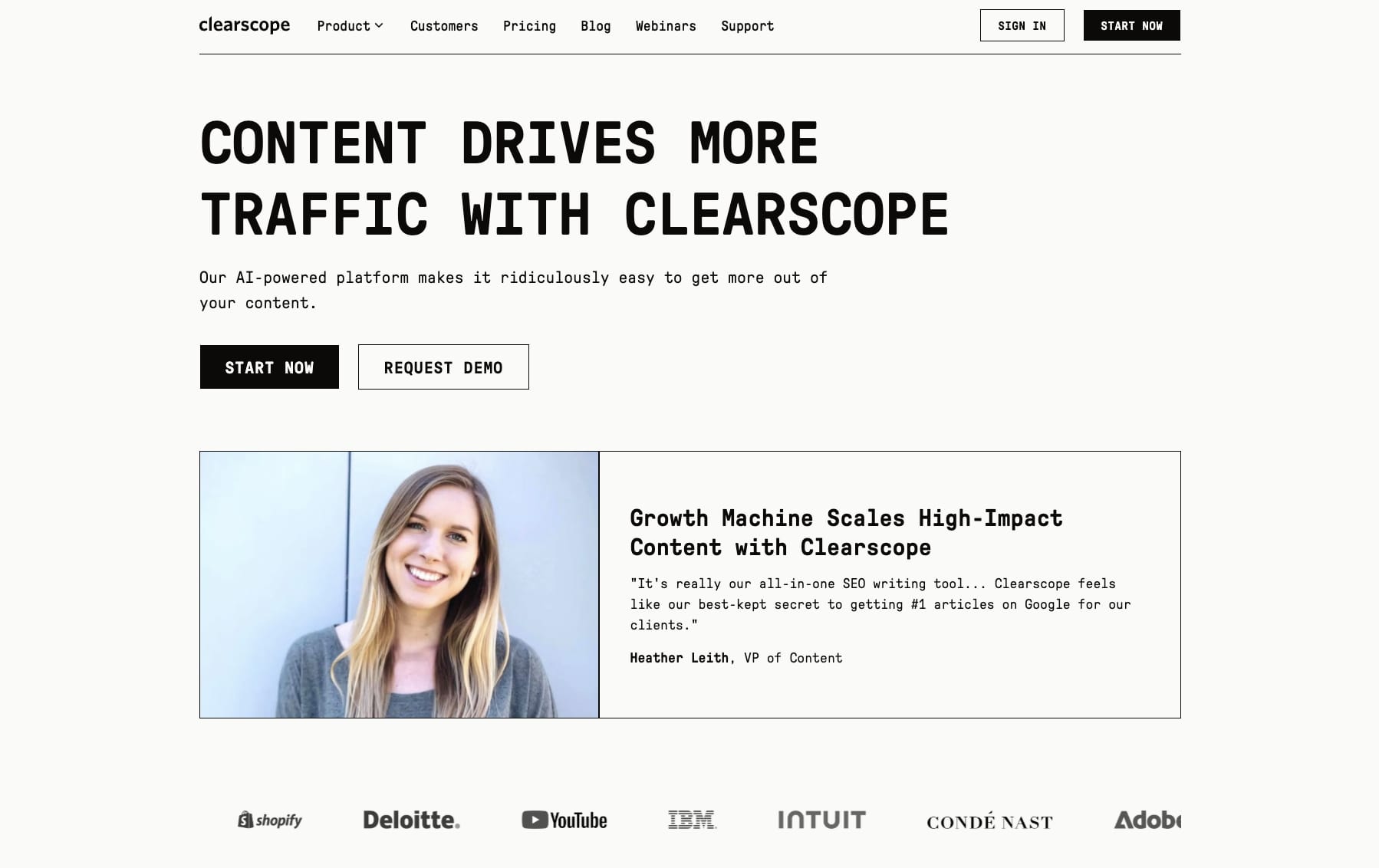
Clearscope is a classic AI tool that existed before most of the AI apps on this list did. I first discovered Clearscope back in 2019, and what the platform does is it uses AI to tell you what keywords you should include on a page for it to maximize its ranking potential.
You give Clearscope a keyword and it generates an SEO report on your competitors that target that same keyword. Then it tells you what content you should include on your webpage to maximize its reach.
I say it's the "AI tool before AI really became a thing" because Clearscope has been using IBM Watson and Google NLP to run it's AI for a long time.
Their tool can search a target keyword and then identify the frequency of related terms between all the top ranking pages. This can also be referred to as something like TF-IDF. And then it uses AI to figure out what the semantically related keywords are that you should include in your page.
Here are some things I like about Clearscope:
- Gives you a clear content grade so you know when your page is optimized
- Been around since before the AI boom so the product is mature and reliable
- Pulls keyword recommendations based on what is actually ranking
- Integrates with Google Docs and WordPress
Here are some cons with Clearscope:
- No free plan and the entry price of $129/month is steep
- Does not do full keyword research on its own
- Limited to content optimization, so you still need other SEO tools
- Can feel pricey compared to alternatives like Surfer SEO
Clearscope pricing
Here are Clearscope's pricing plans:
- Essentials: $129/month with 20 AI tracked topics, 20 monthly topic explorations, 20 monthly AI drafts, and 50 content inventory pages
- Business: $399/month with 50 AI tracked topics, 50 monthly topic explorations, 20 monthly AI drafts, 300 content inventory pages, and a dedicated account manager
- Enterprise: Custom pricing with custom credits, custom agreements, crawler whitelisting, and SSO
You can view more details about each plan here.
Clearscope reviews
Here is what users rate Clearscope on third-party review sites:
- G2: 4.9/5 star rating (from +92 user reviews)
- Capterra: 4.9/5 star rating (from +60 user reviews)
10. v0
- Best for: Prototyping web apps and websites with great design
- Pricing: Free plan available, Premium starts at $20/month
- How I use it: Prototyping app designs and website layouts, then exporting the code into Cursor to build out into production
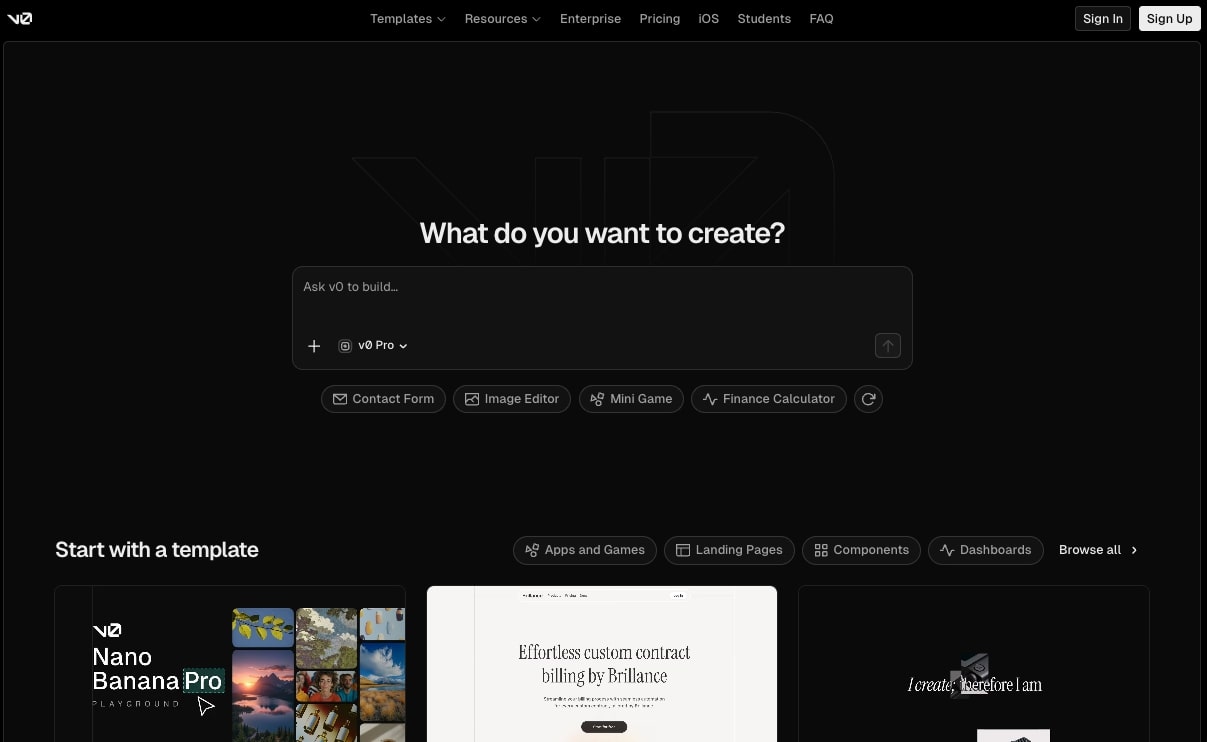
If you want to build prototypes of web apps or beautifully designed websites, then v0 is definitely a tool you need to check out. It is the best vibe coding tool I have found for prototyping apps and websites, especially if you care a lot about design.
The tool is created by the team at Vercel, the popular hosting platform. So you can actually host your websites and products on Vercel by using v0. The tool also integrates with Supabase, so you can create a full database for your apps in v0.
Although the way that I personally like to use it is to prototype with it and then export the code and import it into Cursor where I will continue to flesh out the prototype into a more production-ready tool. Nevertheless, v0 is a great AI app for prototyping and vibe coding. And I think it is the best option if you have not used any vibe coding tool yet.
Here are some things I like about v0:
- Best design quality of any vibe coding tool I have tried
- Built by Vercel so you can deploy directly from the platform
- Supabase integration lets you add a full database
- Free plan includes $5 of monthly credits and GitHub sync
Here are some cons with v0:
- Free plan is limited to 7 messages per day
- Output sometimes needs cleanup for production use
- Better for prototyping than building full production apps
- Credits can run out fast on complex projects
v0 pricing
Here are v0's pricing plans:
- Free: $0/month with $5 of included credits, deploy to Vercel, visual design mode, and GitHub sync (7 message/day limit)
- Premium: $20/month with $20 of included credits, $2 of free daily credits on login, 5x higher attachment limits, and Figma import
- Team: $30/user/month with $30 of included credits per user, shared team credits, and centralized billing
- Business: $100/user/month with everything in Team plus training opt-out by default
- Enterprise: Custom pricing with SSO, RBAC, priority access, and guaranteed support
You can view more details about each plan here.
v0 reviews
Here is what users rate v0 on third-party review sites:
- Product Hunt: 4.8/5 star rating (from +52 user reviews)
- G2: 4.7/5 star rating (from +52 user reviews)
11. Lovable
- Best for: Building full-stack web apps and websites without writing code
- Pricing: Free plan available, Pro starts at $25/month
- How I use it: Quickly prototyping app ideas and internal tools by describing what I want in plain language
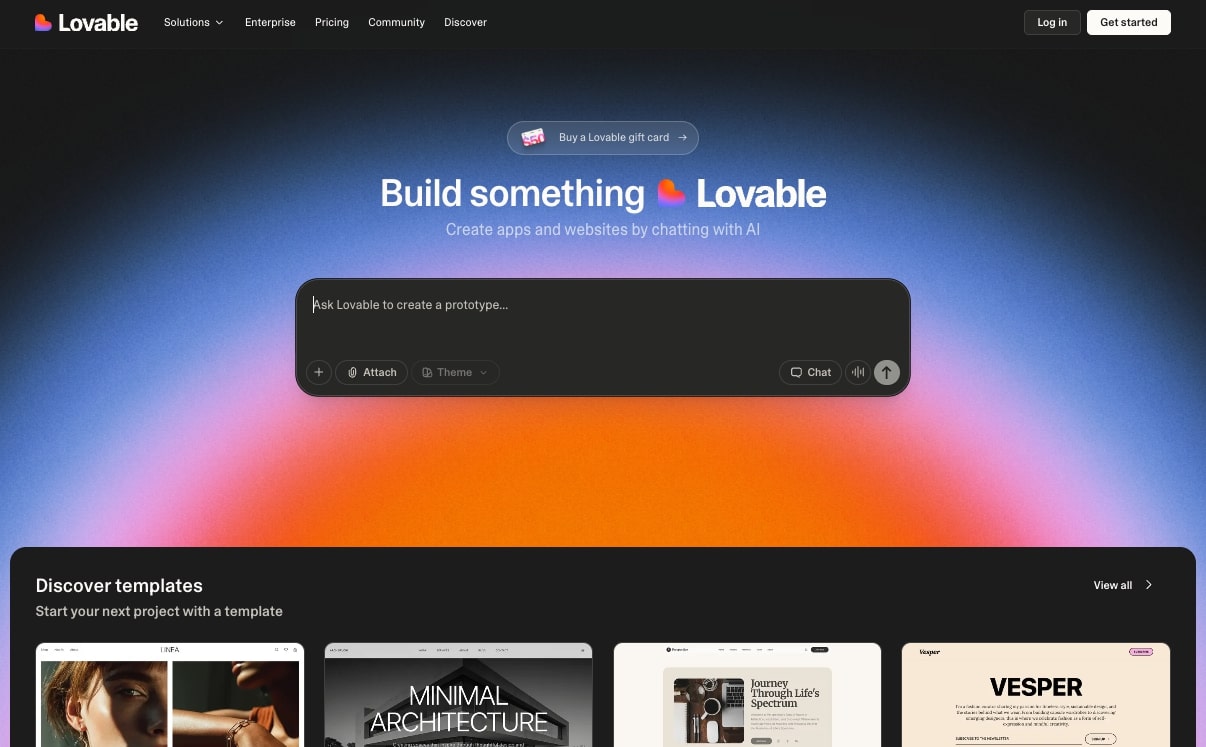
Staying on the theme of vibe coding, Lovable is an AI website builder that helps you create apps and websites in natural language. You describe what you want, it builds a working prototype in real time, and you can iterate on it with simple feedback and deploy it with one click.
It also connects to databases like Supabase and syncs with GitHub, so you can take your project further if needed (similar to the v0 to Cursor use case).
The difference between Lovable and v0 is that Lovable is more focused on building full working apps rather than just frontend prototypes. If v0 is where I go for design-first prototyping, Lovable is where I go when I want a working product fast without touching code. They also have a solid template library if you do not want to start from scratch.
Here are some things I like about Lovable:
- Can generate full working apps from prompts
- One-click deploy so you can ship fast
- Connects to databases and GitHub out of the box
- Unlimited collaborators even on the free plan
Here are some cons with Lovable:
- Free plan is limited to 5 daily credits and public projects only
- Designs can look like every other vibe coded app or website
- Not ideal for complex enterprise-level applications
- You still need some technical understanding to debug issues
Lovable pricing
Here are Lovable's pricing plans:
- Free: $0/month with 5 daily credits (up to 30/month), public projects, unlimited collaborators, and 5 lovable.app domains
- Pro: $25/month with 100 monthly credits, 5 daily credits (up to 150/month), credit rollovers, custom domains, and user roles
- Business: $50/month with everything in Pro plus internal publish, SSO, team workspace, design templates, and security center
- Enterprise: Custom pricing with dedicated support, onboarding services, SCIM, audit logs, and publishing controls
You can learn more about Lovable's pricing plans here.
Lovable reviews
Here is what users rate Lovable on third-party review sites:
- Product Hunt: 4.6/5 star rating (from +166 user reviews)
- G2: 4.6/5 star rating (from +208 user reviews)
12. Originality AI
- Best for: AI content detection and plagiarism checking
- Pricing: Pay as you go for $30, or Pro starts at $14.95/month
- How I use it: Scanning blog posts and content drafts to check for AI detection flags before publishing
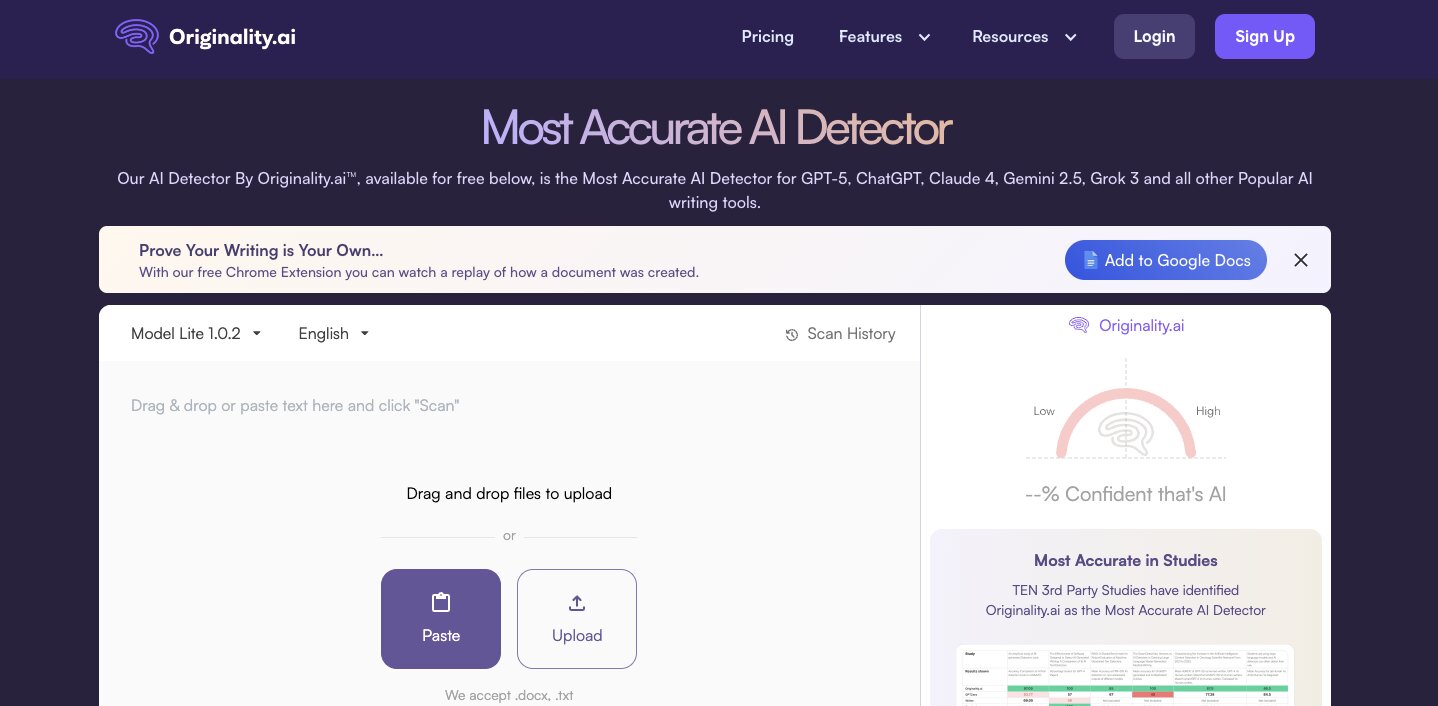
Originality AI is the main tool I use for analyzing content for AI detection. Out of every AI content detector I have used, it has consistently been the most accurate and highest quality. It also includes a plagiarism checker, readability checker, and fact-checking aid all in the same platform.
However, it is important to note that these tools should be used as guides and not ultimate truths. I have had times where 100% human-written content has been flagged as generated by AI in this tool and others.
So take these with a grain of salt, but like I mentioned, this platform is the most accurate one I have seen.
Here are some things I like about Originality AI:
- Most accurate AI detection tool I have tested
- Includes plagiarism, readability, and fact-checking in one tool
- Pay-as-you-go option so you do not need a subscription
- Chrome extension and WordPress plugin for easy access
Here are some cons with Originality AI:
- No AI detection tool is 100% accurate, including this one
- Pay-as-you-go credits expire after 2 years
- Free plan does not exist, you have to pay to use it
- Interface is functional but not the most polished
Originality AI pricing
Here are Originality AI's pricing plans:
- Pay as you go: $30 one-time payment with 3,000 credits, AI checker, plagiarism checker, readability checker, fact-checking aid, and 30 days scan history
- Pro: $14.95/month with 2,000 credits per month, file uploads, full site scans, team management, and Chrome extension
- Enterprise: $179/month with 15,000 credits per month, dedicated customer success manager, priority support, 365 days scan history, and API access
You can view more details about each plan here.
Originality AI reviews
Here is what users rate Originality AI on third-party review sites:
- G2: 4.5/5 star rating (from +171 user reviews)
- Capterra: 5/5 star rating (from +7 user reviews)
13. Descript
- Best for: AI-powered video and podcast editing
- Pricing: Free plan available, then starts at $16/month
- How I use it: Editing long-form video content, removing filler words, and generating scripts with AI
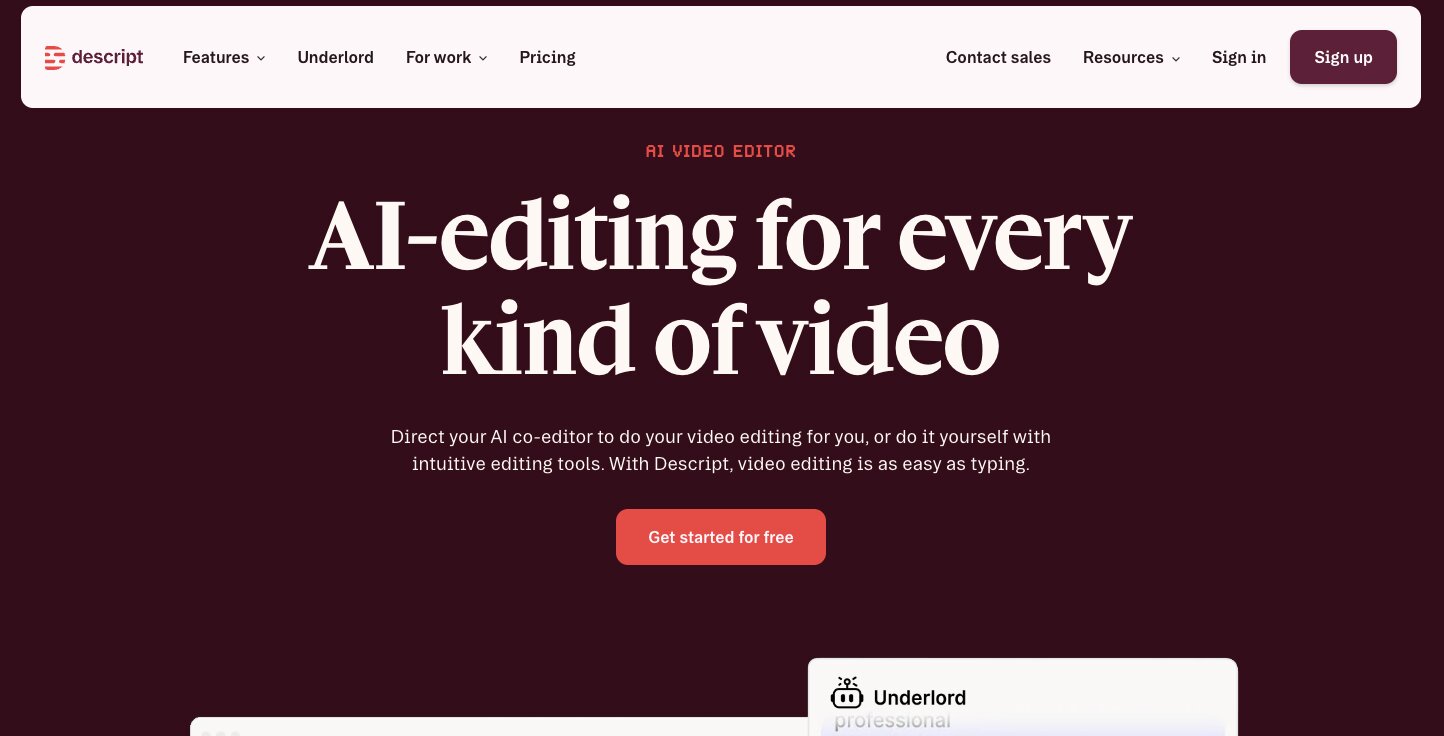
Descript is an AI editing platform designed for long-form videos and podcasts. It is great if you are working on video projects that require a script to be read on the video. With Descript you can edit and generate scripts with their AI. You can even create custom videos for B-roll sections.
The platform has evolved into a full text-based editing platform with AI tools that can handle things like green screen, eye contact correction, studio sound, and filler word removal. It is a full video, podcast, and clips editing platform with AI sprinkled on top.
Here are some things I like about Descript:
- Edit video by editing text, which is genuinely a game-changing workflow
- AI filler word removal saves hours of manual editing
- Studio Sound cleans up bad audio quality automatically
- Can generate scripts, video clips, and custom voice clones
Here are some cons with Descript:
- Free plan is very limited and mainly good for testing
- Can feel a bit slow with longer projects or large files
- AI credits run out fast if you are using a lot of AI tools
- 1080p export is limited to the Hobbyist plan, 4K requires Creator
Descript pricing
Here are Descript's pricing plans:
- Free: $0/month to get started with text-based editing and basic AI tools
- Hobbyist: $16/month (or $24 monthly) with 10 media hours, 400 AI credits, 1080p export, and AI tools including Studio Sound and filler word removal
- Creator: $24/month (or $35 monthly) with 30 media hours, 800 AI credits, 4K export, full Underlord access, AI video generation, and stock media library
- Business: $50/month (or $65 monthly) with 40 media hours, 1,500 AI credits, Brand Studio, 30+ language dubbing, custom avatars, and priority support
- Enterprise: Custom pricing with SSO/SCIM, granular brand controls, custom AI credits, and flexible licensing
You can view more details about each plan here.
Descript reviews
Here is what users rate Descript on third-party review sites:
- G2: 4.6/5 star rating (from +854 user reviews)
- Capterra: 4.7/5 star rating (from +179 user reviews)
14. Perplexity
- Best for: AI-powered research and conversational web search
- Pricing: Free plan available, Pro starts at $17/month (billed annually)
- How I use it: Researching statistics, content ideas, and trends with deep web search and sourced answers
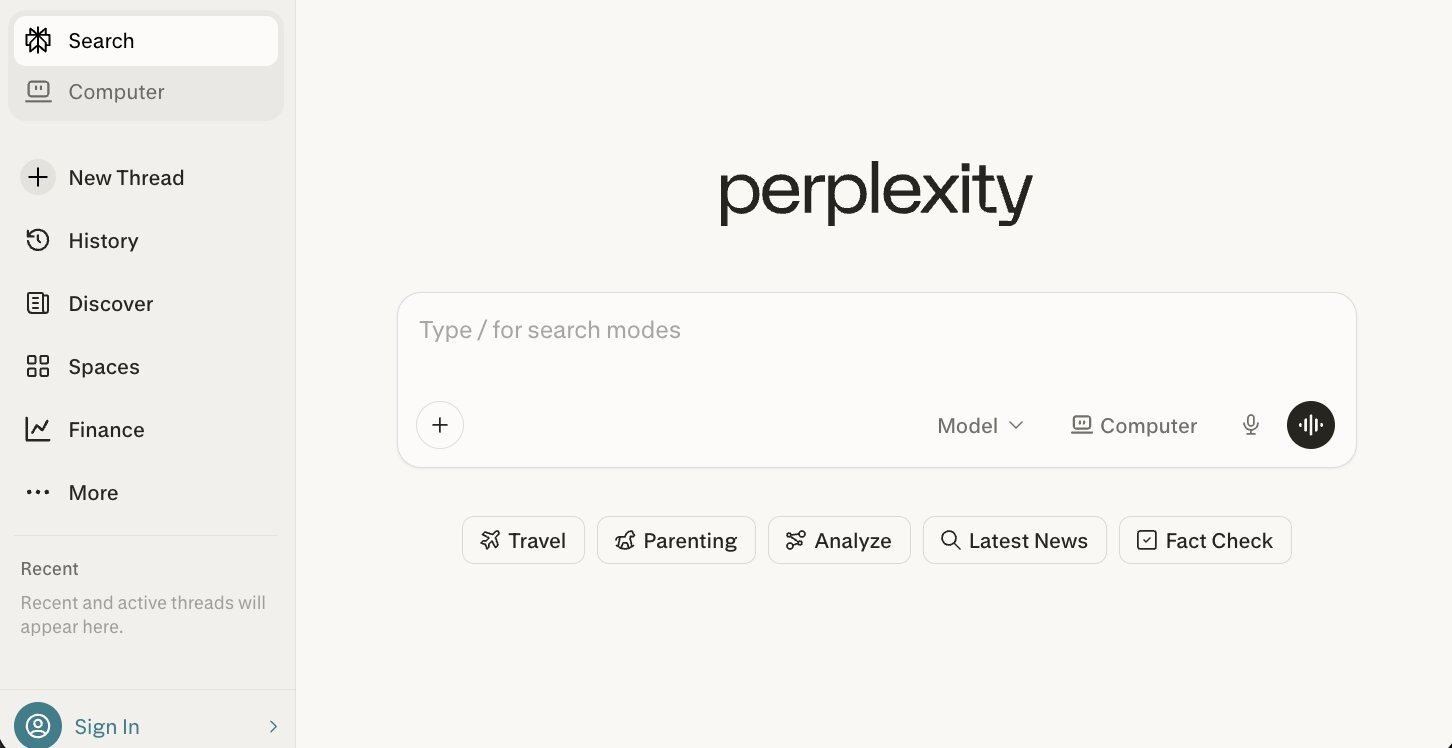
Perplexity is an AI search engine that has quickly become my favorite way to research any topic. The cool thing about Perplexity is that it can do a social search and pull in insights from forums and UGC content.
You can also use Perplexity like you would ChatGPT or Claude, except it has a lot better web searching capabilities compared to those platforms. So it is best used when you have prompts that need web searches or deep research. Whether you are searching for statistics, content ideas, trends, or literally anything and want a conversational search experience, Perplexity is definitely an app to check out.
They also now have a Computer feature that is an AI agent that can complete tasks for you. It is very similar to how Claude Cowork or ChatGPT Agent works.
Here are some things I like about Perplexity:
- Gives you sourced, cited answers instead of just a list of links
- Social search pulls insights from forums and UGC content
- Pro plan lets you choose between GPT-5.2, Gemini 3.1 Pro, Grok 4.1, and more
- Computer feature lets you delegate tasks to an AI agent
Here are some cons with Perplexity:
- Sources are not always the most authoritative
- Can sometimes confidently present outdated information
- Free plan has limited access to advanced models
- Ultra plan at $167/month is expensive for most users
Perplexity pricing
Here are Perplexity's pricing plans:
- Free: $0/month with basic search and AI answers
- Pro: $17/month (billed annually) with access to GPT-5.2, Gemini 3.1 Pro, Grok 4.1, deeper sourcing from proprietary data, and reports/documents/apps
- Ultra: $167/month (billed annually) with advanced reasoning models, deep investigations at scale, massive dataset support, 45,000 monthly Computer credits, and Model Council
You can view all the plans here.
Perplexity reviews
Here is what users rate Perplexity on third-party review sites:
- G2: 4.5/5 star rating (from +238 user reviews)
- Capterra: 4.6/5 star rating (from +30 user reviews)
15. Gamma
- Best for: AI-powered presentations, documents, and pitch decks
- Pricing: Free plan available, Plus starts at $12/month
- How I use it: Creating pitch decks, proposal documents, and social media visuals without needing a designer
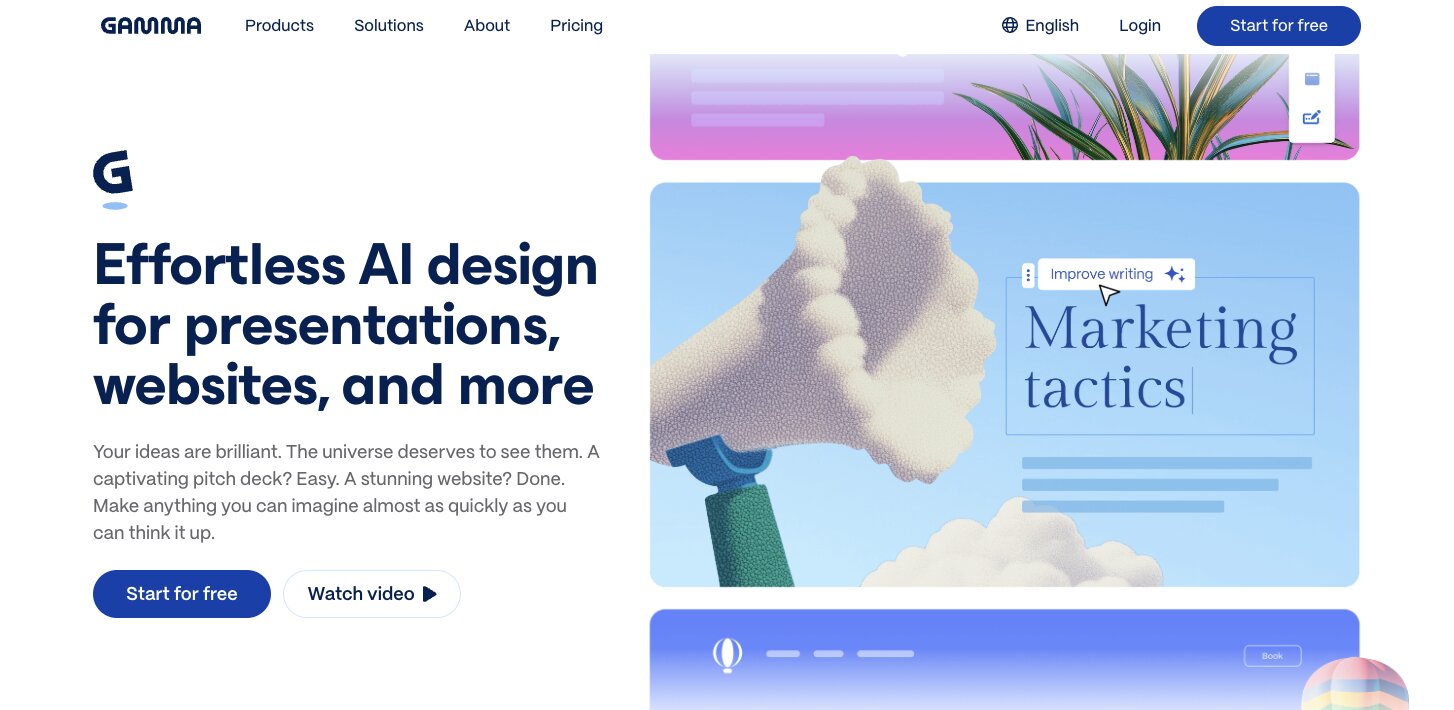
Gamma is an AI presentation builder that makes it easy to create great looking pitch decks. You can also use Gamma for things like social media posts, creating websites, and creating documents for proposals, PDFs, or literally anything. It is a full platform for creating presentations and documents with a bunch of generative AI tools. You can think of it like the Canva for documents and slides.
Here are some things I like about Gamma:
- Generates full presentations from a text prompt in seconds
- Supports presentations, docs, websites, social posts, and images all in one tool
- Import from PDF and PPTX so you can work with existing files
- Export to PDF, PPTX, PNG, and Google Slides
Here are some cons with Gamma:
- Free plan is limited to 400 credits at signup with no monthly refresh
- AI-generated content still needs editing to match your voice
- Limited customization compared to Figma or PowerPoint for detailed design
- Advanced AI models are locked behind Pro and Ultra plans
Gamma pricing
Here are Gamma's pricing plans:
- Free: $0/month with 400 credits at signup, up to 10 cards per prompt, and export to PDF, PPTX, PNG, and Google Slides
- Plus: $12/seat/month with 1,000 monthly credits, up to 20 cards per prompt, Gamma branding removed, and advanced AI image models
- Pro: $25/seat/month with 4,000 monthly credits, up to 60 cards per prompt, custom branding and fonts, detailed analytics, API access, and workspace templates
- Ultra: $100/seat/month with 20,000 monthly credits, up to 75 cards per prompt, access to the most advanced AI models, and early access to new features
You can view all the plans here.
Gamma reviews
Here is what users rate Gamma on third-party review sites:
- G2: 4.1/5 star rating (from +22 user reviews)
- Product Hunt: 4.5/5 star rating (from +77 user reviews)
What is the best free AI?
If you are looking for what is the best AI, or just the best free AI, it really depends on what you need it for. But if I had to pick one, I would say Claude. The free plan gives you access to web search, memory, file creation, MCP connectors, and even Slack and Google Workspace integrations. For a free AI chatbot, that is hard to beat. Which AI is best still depends on the job. Claude for chat, Cursor for code, Gumloop if you want automation.
But if you want free AI tools beyond just chat, Google Labs is the clear winner. Everything on the platform is free, and you get access to tools for image generation, email productivity, prototyping, and even a full AI-powered IDE with Antigravity. It is an entire ecosystem of free AI apps in one place.
And if you want to automate workflows with AI for free, Gumloop has a generous free plan that lets you build flows with 2,000 credits, unlimited nodes, and connect to any LLM model. That is enough to build a few automations and see how it fits into your workflow before committing to a paid plan.
At the end of the day, the best AI to use is the one that earns a permanent spot in your workflow. The best AI tools are the ones you actually keep using after the first week. I have tested over 70 of them and most I never opened again. These 15 are the ones that save me real time, they help me ship things faster, and a lot of them work automatically in the background while I focus on other things.
And honestly, we are still early. If the last three years taught me anything, it's that the next wave of AI apps is probably going to look different than what we currently have.

Read related articles
Check out more articles on the Gumloop blog.