7 best eesel AI alternatives and competitors in 2026

Using AI for customer service can be one of the most challenging use cases for AI.
I've been testing AI tools across multiple use cases over the past two years. If you actually search "AI tools," my personal blog comes up with all the tools I've been using.
And one category of those tools is in the customer service space.
But I've also found it's one of the most complicated ones. Mostly because it's so forward-facing. Your existing and potential customers are interacting with the AI. And if it hallucinates and gets something wrong, that's a huge hit to your brand reputation.
If you're reading this, chances are you're looking for an eesel AI alternative. Maybe it doesn't have the features you're looking for, or the price doesn't align with the stage of your business.
Whatever the case may be, I put together the best alternatives to help you find an AI-powered customer service tool that feels like it's custom-built for you.
Okay, I’m not going to ramble any more. Let’s jump in.
What to look for in an eesel AI alternative
At its core, eesel AI is designed to help you automate customer support by integrating AI agents with your existing helpdesk. This means to find the right alternative, you need to look for a platform that can handle frontline support, draft agent replies, and learn from your company knowledge.
Most of the tools I listed below can help you do that, but before I just hand you the list, I think it's important to know how to evaluate the right tool for yourself.
Your support operation has nuances that only you understand. But if you know what key features to look for based on your use cases, then finding an eesel AI alternative becomes way easier.
Here are some things you should consider before choosing an eesel AI alternative:
- Helpdesk integration: Does it integrate with your current support platform like Zendesk, Intercom, or Freshdesk? If it forces you to migrate everything to a new system, that's a huge headache you probably want to avoid.
- Knowledge base training: Can it learn from your help center articles, past tickets, Google Docs, and other knowledge sources? The more places it can pull information from, the better it will handle customer questions.
- AI agent vs AI copilot: Does it offer both automated agents that respond to customers directly and copilot features that help your human agents draft replies? Some teams want full automation, others want AI assistance.
- Customization and control: Can you control what the AI says, how it escalates, and when it hands off to a human? You need to make sure it represents your brand and doesn't answer questions it shouldn't.
- Pricing model: Is it priced per resolution, per seat, per interaction, or a flat rate? Some models get expensive fast if you have high ticket volume, so make sure you understand how costs scale.
- Setup time: How long does it take to get up and running? Some platforms need weeks of implementation, others can go live in minutes. If you want to test fast, setup time matters.
- Support and documentation: Does it have good support, guides, or a community to help you when you get stuck? Customer service tools can get complex, so having help available makes a difference.
Okay, now that you know what to look for, let's get into the list.
7 best eesel AI alternatives to try in 2026
Here are the best eesel AI alternatives:
Alright, let's take a deeper look at each one.
1. Fin AI
- Best for: Intercom users who want a native AI agent that handles complex customer service queries at scale
- Pricing: Starts at $0.99 per resolution (minimum commitments apply), or $0.99 per resolution + $29 per helpdesk seat per month for full Intercom integration
- What I like: Native Intercom integration, gets smarter over time, and includes simulation testing before going live
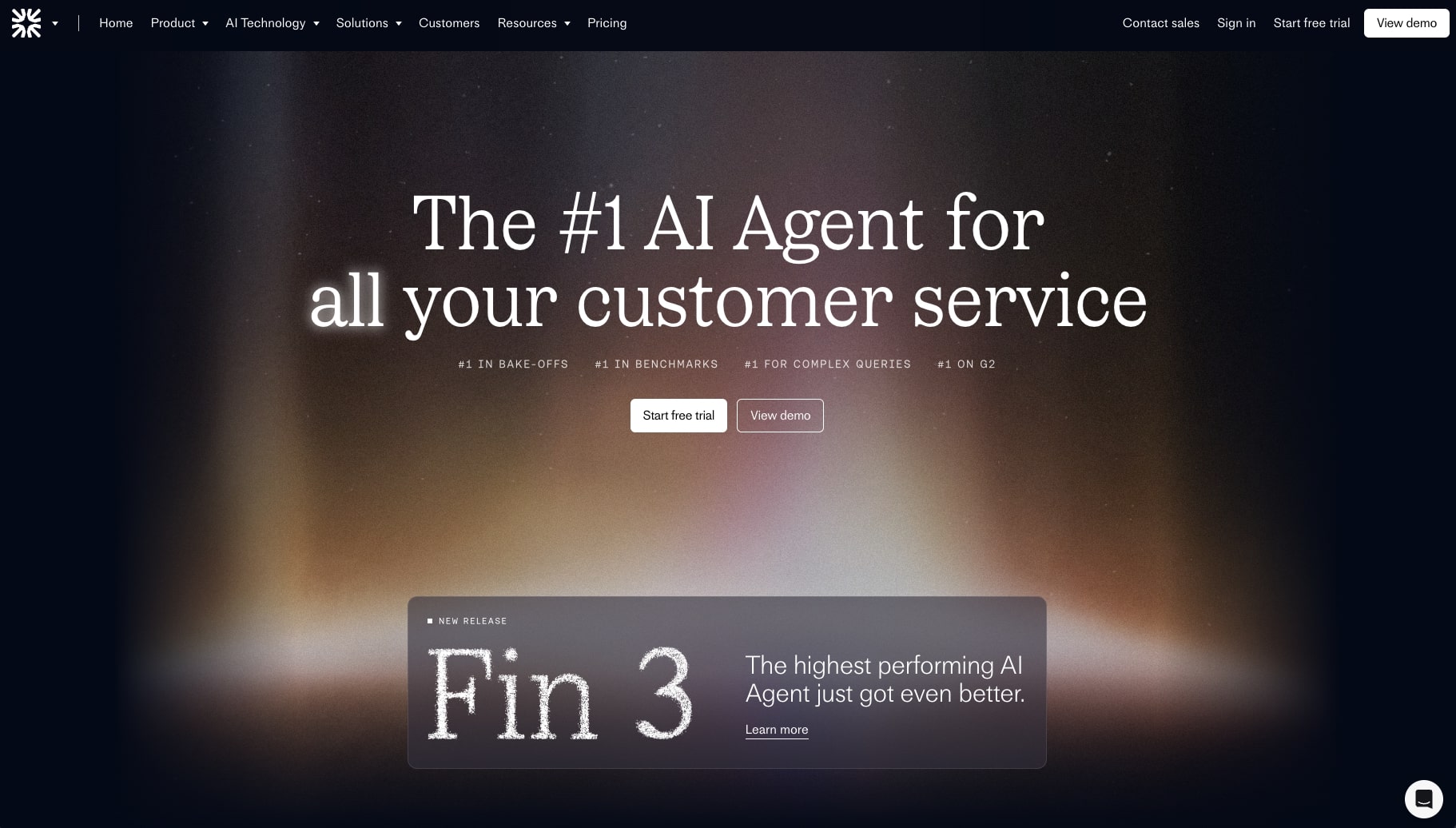
Fin AI is an AI agent builder for customer service. It's created by the team at Intercom, so if you're familiar with that platform, this is a great option.
Fin AI does lean more on the enterprise side. It's best for growing startups or more established businesses. And it's used by some cool companies like Vanta, Mercury, Shutterstock, and more.
Fin AI also has chatbot features that can interact with your customers. You train the platform on your data to handle really complex queries. From there, you can simulate customer tests before you deploy your agent live.
After you deploy your support agent, Fin also gives you analytics to learn how to improve its performance and give your customers a better experience.
Fin AI pros and cons
Here are pros to using Fin:
- Great integration if you're already using Intercom
- The AI gets better at responding to tickets over time
- Feels like a true AI support agent that can take care of most support tasks
Here are cons to using Fin:
- The pricing can quickly scale if you get an influx of support tickets
- The AI can sometimes miss the context of more hyper-specific questions
Overall, Fin AI is a great solution if you need a strong eesel AI alternative. Most users love the platform, but the main issue I've seen come up time and time again is that it can sometimes struggle with super niche questions.
When to choose Fin AI over eesel AI
You should consider Fin AI if:
- You're already heavily invested in Intercom's ecosystem and want the tightest possible integration with your existing helpdesk setup.
- You need an enterprise-grade AI agent with proven performance at scale and don't mind per-resolution pricing that can fluctuate with ticket volume.
- You want simulation testing capabilities built directly into your helpdesk platform rather than using a separate automation tool.
Fin AI pricing
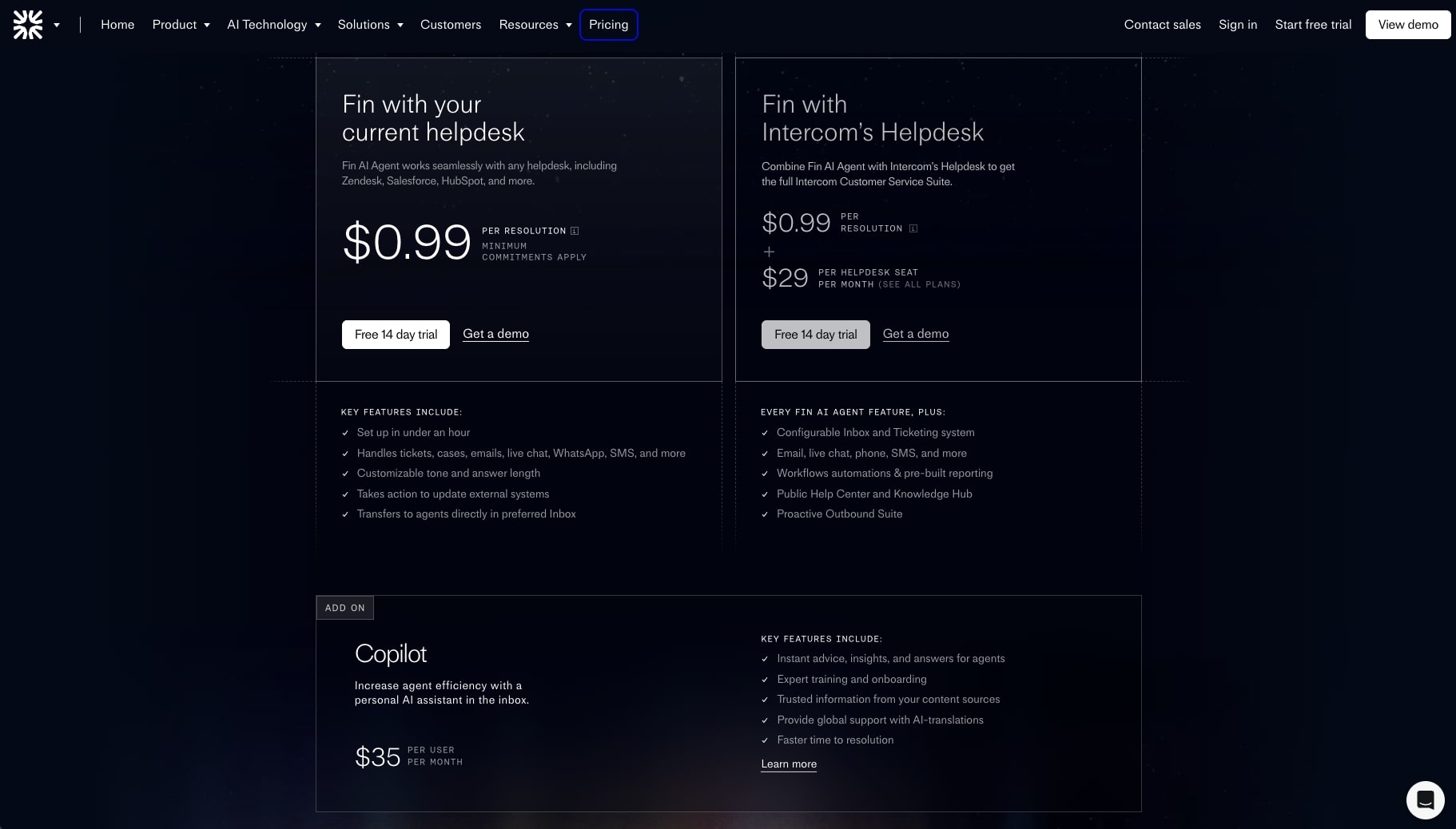
Here are Fin AI's pricing options:
- Fin with your current helpdesk: $0.99 per resolution (minimum commitments apply), includes setup in under an hour, handles tickets across multiple channels, customizable tone and answer length, takes action to update external systems, and transfers to agents directly in preferred inbox
- Fin with Intercom's Helpdesk: $0.99 per resolution + $29 per helpdesk seat per month, includes all Fin AI Agent features plus configurable inbox and ticketing system, email, live chat, phone, SMS support, workflow automations and pre-built reporting, public help center and knowledge hub, and proactive outbound suite
- Copilot (add-on): $35 per user per month, increases agent efficiency with a personal AI assistant in the inbox, provides instant advice, insights, and answers for agents, expert training and onboarding, trusted information from your content sources, global support with AI translations, and faster time to resolution
If you want to learn more about what each plan has to offer, you can check out the pricing page.
Fin AI reviews
Here's what customers of Fin AI rate the platform on third-party review sites:
- G2: 4.5/5 star rating (from +3,669 user reviews)
- Capterra: 4.3/5 star rating (from +4 user reviews)
2. Gumloop

- Best for: Teams who want an AI-first workflow automation platform that handles customer support plus other business functions
- Pricing: Free plan available, paid plans start at $37/month
- What I like: Integrates with premium LLM models without extra API costs, has Gummie AI copilot to build workflows for you, and works across multiple departments
Gumloop is a powerful AI agent and automation workflow builder. The platform takes an AI-first approach to building workflows that can be either run on their own or by an AI agent. And it can handle everything from customer support, operations, sales, marketing, and even engineering.
What makes this a great alternative to eesel AI is that it can handle more than just customer support. So if your support team is closely integrated with say your marketing or sales department, you can all create workflows in workspaces that keep everything under one roof.
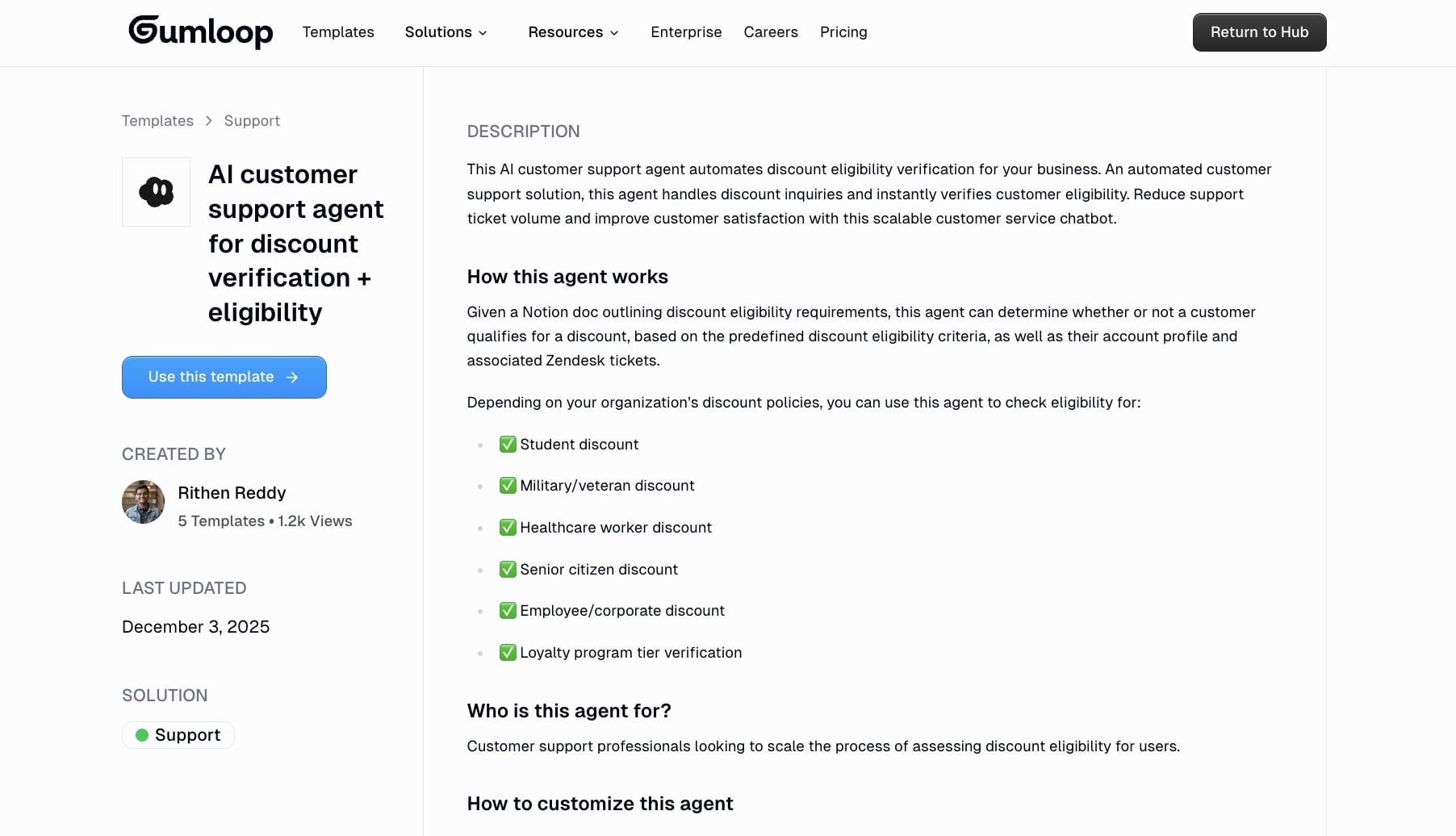
Gumloop also integrates with all the premium LLM models (with or without external LLM API keys) so you can integrate all of your tools and give them an AI layer. This is why teams at Shopify, Webflow, and Instacart are now using Gumloop across their entire company, serving multiple organizations and use cases.
Gumloop pros and cons
Here are some of the pros with Gumloop:
- You can create any AI support agent simply by asking Gummie (the AI chatbot) to build it for you
- Integrates with existing help desk and CX tools, and can integrate with MCP servers
- Built for creating both AI automated workflows and AI agents that can execute on those workflows
- Generous free plan and access to premium LLM models without needing to pay extra for them
Here are some of the cons with Gumloop:
- Similar to Zapier, it's built to automate all tasks across multiple use cases, so it's not hyper-specific to customer service only
- You should already have a manual process that is working to get the most out of the platform
Overall, Gumloop is a great platform if you already have manual customer support operations in place. It can help you integrate your existing CX stack and give it an AI layer. You can also create AI agents that can go and interact with your existing tools, allowing you to have an AI support assistant that can help you resolve tickets faster.
I have been using it to run my own agency and media company for the past 11 months now, and I can't recommend it enough.
When to choose Gumloop over eesel AI
You should consider Gumloop if:
- You need a flexible automation platform that can handle customer support workflows alongside sales, marketing, operations, and other business functions in one place.
- You want to build custom AI agents and workflows from scratch rather than using a pre-configured customer service solution, giving you full control over how automation works.
- You're looking for a tool that integrates premium LLM models without additional API costs and offers an AI copilot (Gummie) to help you build workflows faster.
Gumloop pricing

Here are Gumloop's pricing plans:
- Free: $0 with 2k credits/month, 1 seat, 1 active trigger, 2 concurrent runs, Gummie Agent, unlimited nodes and flows, and forum support
- Solo: $37/month with 10k+ credits/month, unlimited triggers, 4 concurrent runs, webhooks, email support, and bring your own API key
- Team: $244/month with 60k+ credits/month, 10 seats, 5 concurrent runs, unlimited workspaces, unified billing, dedicated Slack support, and team usage & analytics
- Enterprise: Custom pricing with role-based access control, SCIM/SAML support, admin dashboard, audit logs, custom data retention rules, regular security reports, data exports, incognito mode, and AI model access control
If you want to learn more about what each plan has to offer, you can check out the pricing page.
Gumloop reviews
Here are what real customers of Gumloop say about it:
"Gumloop has been critical in helping all teams at Instacart - including those without technical skills - adopt AI and automate their workflows, which has greatly improved our operational efficiency." — Fidji Simo, CEO @ Instacart
"With Gumloop, any team member can now identify a manual process and turn it into an automated workflow without writing a single line of code." — David Phelps, VP, Academics @ Albert
You can also check out what others say on Gumloop's wall of love.
3. Chatbase
- Best for: Teams wanting a simple AI chatbot builder with minimal setup to handle basic customer inquiries
- Pricing: Free plan available, paid plans start at $40/month
- What I like: Purpose-built for LLMs and used by major companies like Siemens, PWC, and Opal
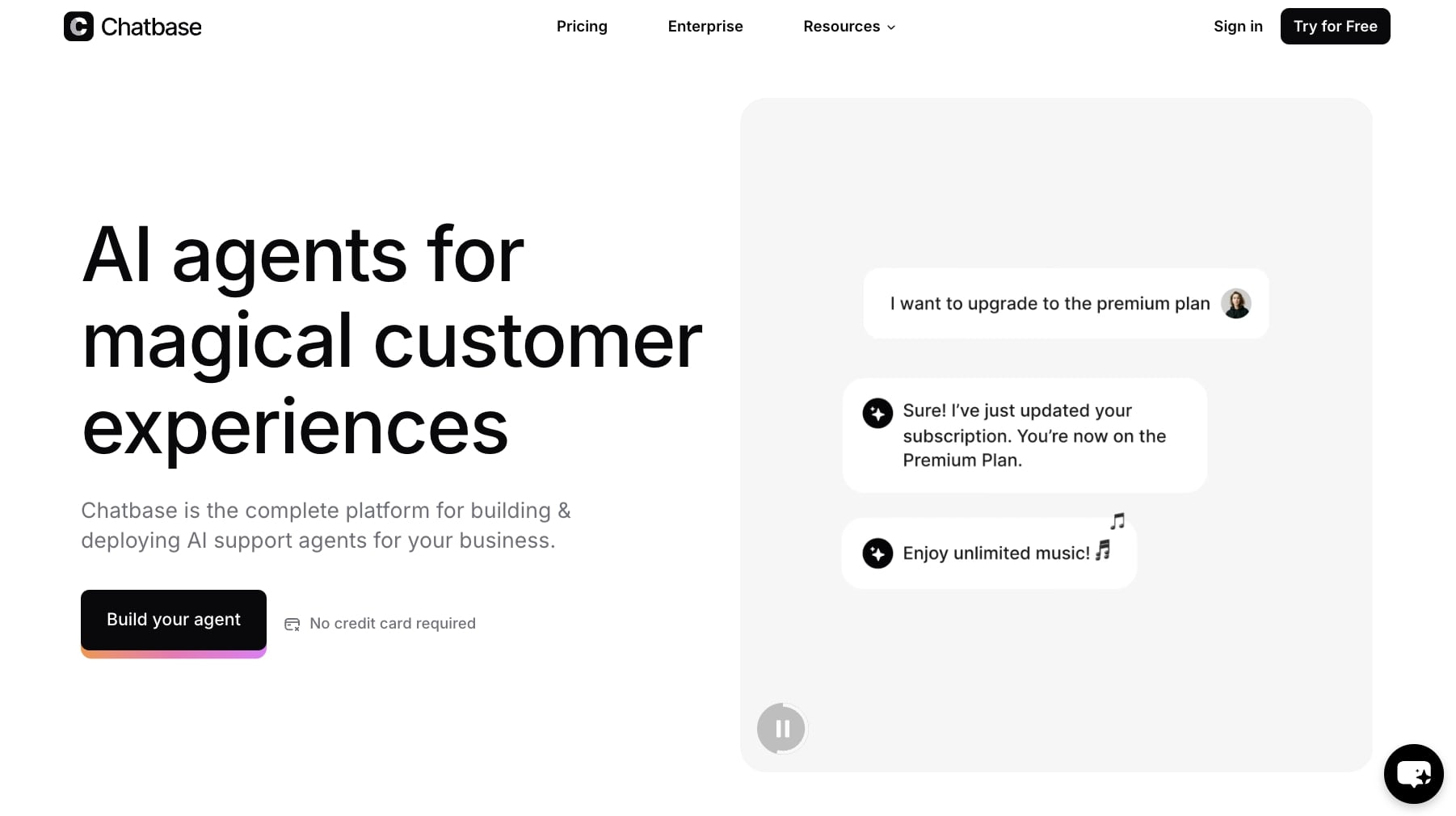
Chatbase is an AI chatbot builder that helps you create and deploy AI support agents at scale. The tool is used by some pretty big companies like Siemens, PWC, and Opal. What makes Chatbase stand out from other AI support agents is that it was purpose-built for LLMs. It's very similar to Gumloop in that regard.
The tool works by allowing you to add all of your docs and instructions on how your product works. Then it can integrate with your existing tech stack and LLMs. From there, you refine your agents to improve at completing support tickets.
Chatbase pros and cons
Here are some of the pros of Chatbase:
- Built to get better at understanding your brand and product over time
- Easy to set up and get running
- Solid analytics for chatbot performance
Here are some of the cons:
- Dashboard customization is a bit limited
- Could have better human-in-the-loop reviews
- Limited rule features compared to some other chatbot builders
Overall, Chatbase is a solid starting point if you want to experiment with automating parts of your customer service. However, if you are looking for something that allows you to create customizable dashboards with a bit more flexibility, it might be worth looking into a Chatbase alternative.
When to choose Chatbase over eesel AI
You should consider Chatbase if:
- You want a straightforward chatbot builder without needing deep helpdesk integrations or complex automation workflows.
- Your main goal is to embed a simple AI chatbot on your website to answer FAQs, and you don't need it to handle full ticket resolution or agent assistance.
- You prefer a lighter-weight tool focused specifically on chatbot creation rather than a full customer service automation platform.
Chatbase pricing

Here are Chatbase's pricing plans:
- Free: $0/month with 50 message credits, 1 AI agent, 400 KB per AI agent, 1 seat, and embed on unlimited websites (AI agents deleted after 14 days of inactivity)
- Hobby: $40/month with 2,000 message credits, 1 AI agent, 5 AI Actions per AI agent, 40 MB per AI agent, integrations, API access, and basic analytics
- Standard: $150/month with 12,000 message credits, 2 AI agents, 10 AI Actions per AI agent, and 3 seats
- Pro: $500/month with 40,000 message credits, 3 AI agents, 15 AI Actions per AI agent, 5+ seats, and advanced analytics
- Enterprise: Custom pricing with higher limits, priority support, SLAs, and a success manager
If you want to learn more about what each plan has to offer, you can check out the pricing page.
Chatbase reviews
Here's what customers of Chatbase rate the platform on third-party review sites:
- G2: 4.7/5 star rating (from +13 user reviews)
- Capterra: 4.3/5 star rating (from +73 user reviews)
4. Help Scout
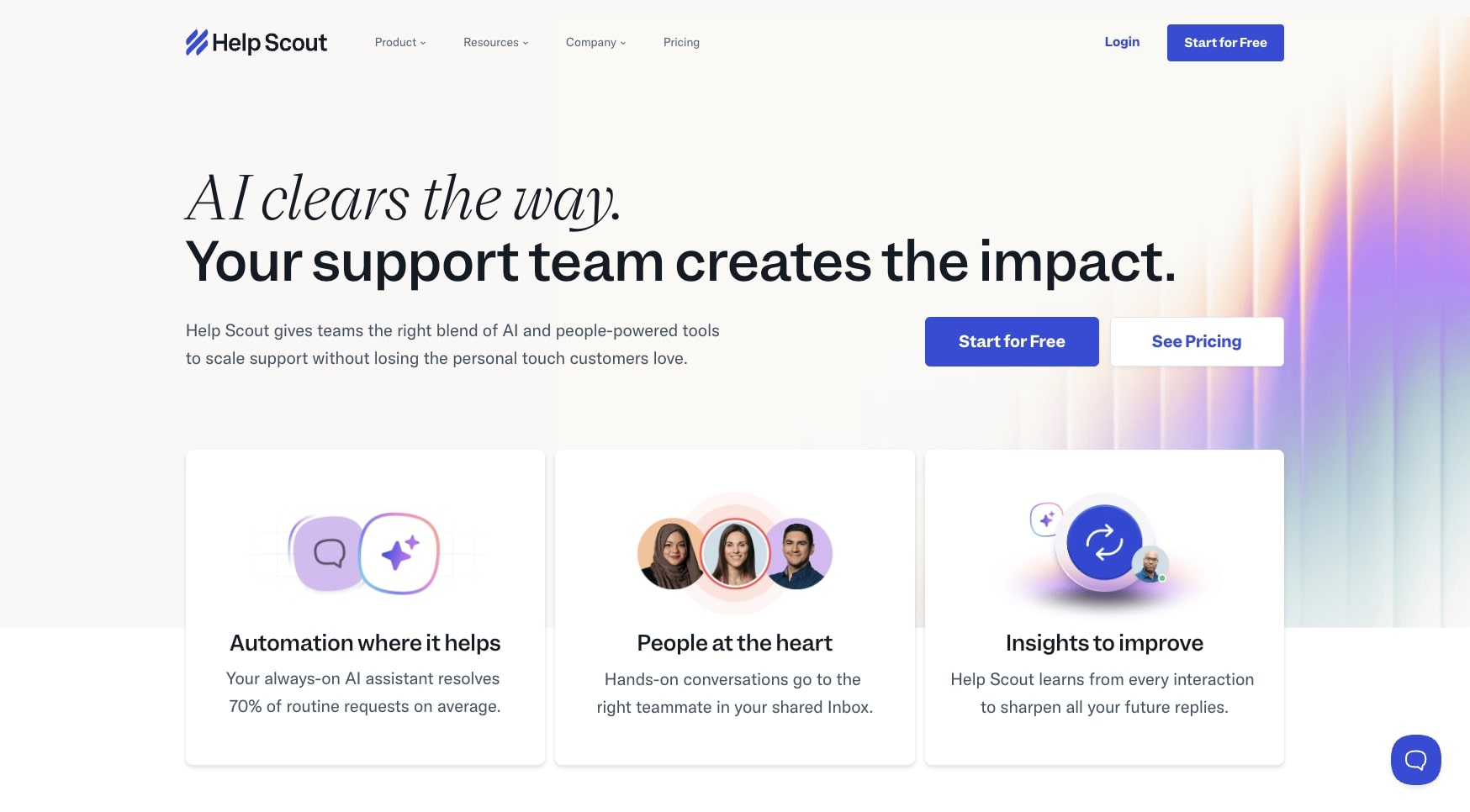
- Best for: Growing teams who want a human-first support platform with AI assistance rather than full AI automation
- Pricing: Starts at $30 per user/month, with an optional AI Answers add-on at $0.75 per resolution
- What I like: Trusted by major companies like Gusto, Buffer, and Vimeo, and balances human support with AI features
Help Scout is a popular shared inbox and help center, and it's the platform we used when I worked at Webflow. It's an extremely popular and trusted platform similar to Intercom. But instead of creating a separate AI support product, they have built AI into their existing platform.
Help Scout's AI can use it to resolve most of your customer support tickets. But the great thing about the platform is that it blends AI and insights. So if you're a bit hesitant on using AI to handle customer service (which is totally understandable), Help Scout is a great platform to look into because it's human-first.
Help Scout pros and cons
Here are some of the pros with Help Scout:
- A human-first platform with AI assistance
- Trusted by big companies like Gusto, Buffer, and Vimeo
- Has an embeddable support hub for your website that can answer questions with AI
Here are some of the cons with Help Scout:
- Because Help Scout is human-first, many of the AI features still need maturing
- Pricing can get quite expensive if you have multiple team members
- Designed for larger enterprise companies over small startups
Overall, Help Scout is a reliable platform for growing startups and larger businesses. I would recommend it to anyone leading CX at a growing organization. But if you are looking for something that is more AI-native, it might be worth looking into an alternative on this list.
When to choose Help Scout over eesel AI
You should consider Help Scout if:
- You want a complete helpdesk platform with built-in AI features rather than adding AI capabilities to your existing tools.
- Your team values a human-first approach where AI assists agents rather than fully automating customer interactions.
- You need a proven, enterprise-grade shared inbox system with AI as a complementary feature, not the main focus.
Help Scout pricing
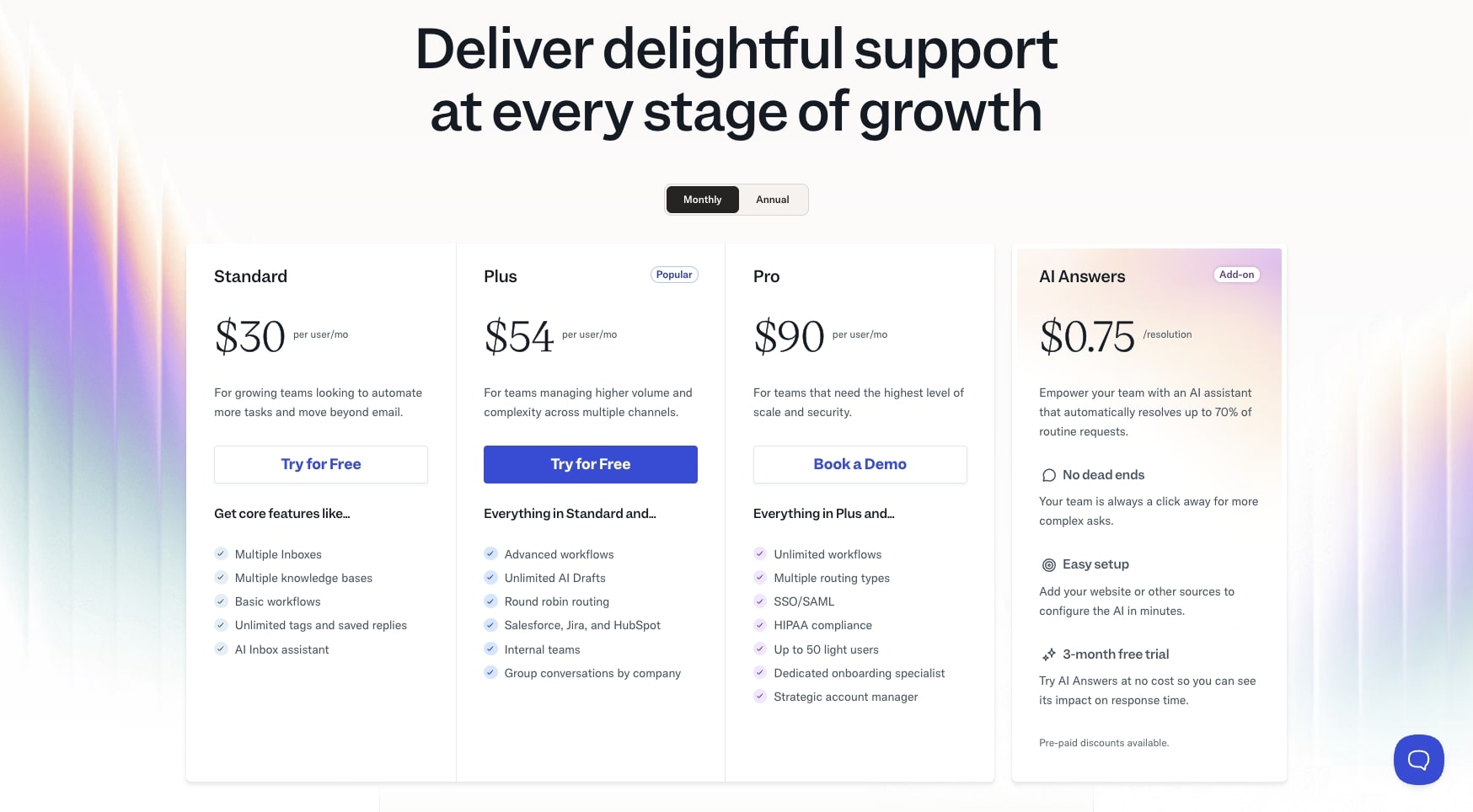
Here are Help Scout's pricing plans:
- Standard: $30 per user/month with multiple inboxes, basic workflows, and AI Inbox assistant
- Plus: $54 per user/month with advanced workflows, unlimited AI Drafts, and integrations with Salesforce, Jira, and HubSpot
- Pro: $90 per user/month with unlimited workflows, SSO/SAML, HIPAA compliance, and dedicated support
- AI Answers (add-on): $0.75 per resolution with a 3-month free trial, automatically resolves up to 70% of routine requests
If you want to learn more about what each plan has to offer, you can check out the pricing page.
Help Scout reviews
Here's what customers of Help Scout rate the platform on third-party review sites:
- G2: 4.4/5 star rating (from +417 user reviews)
- Capterra: 4.6/5 star rating (from +225 user reviews)
5. Relay.app
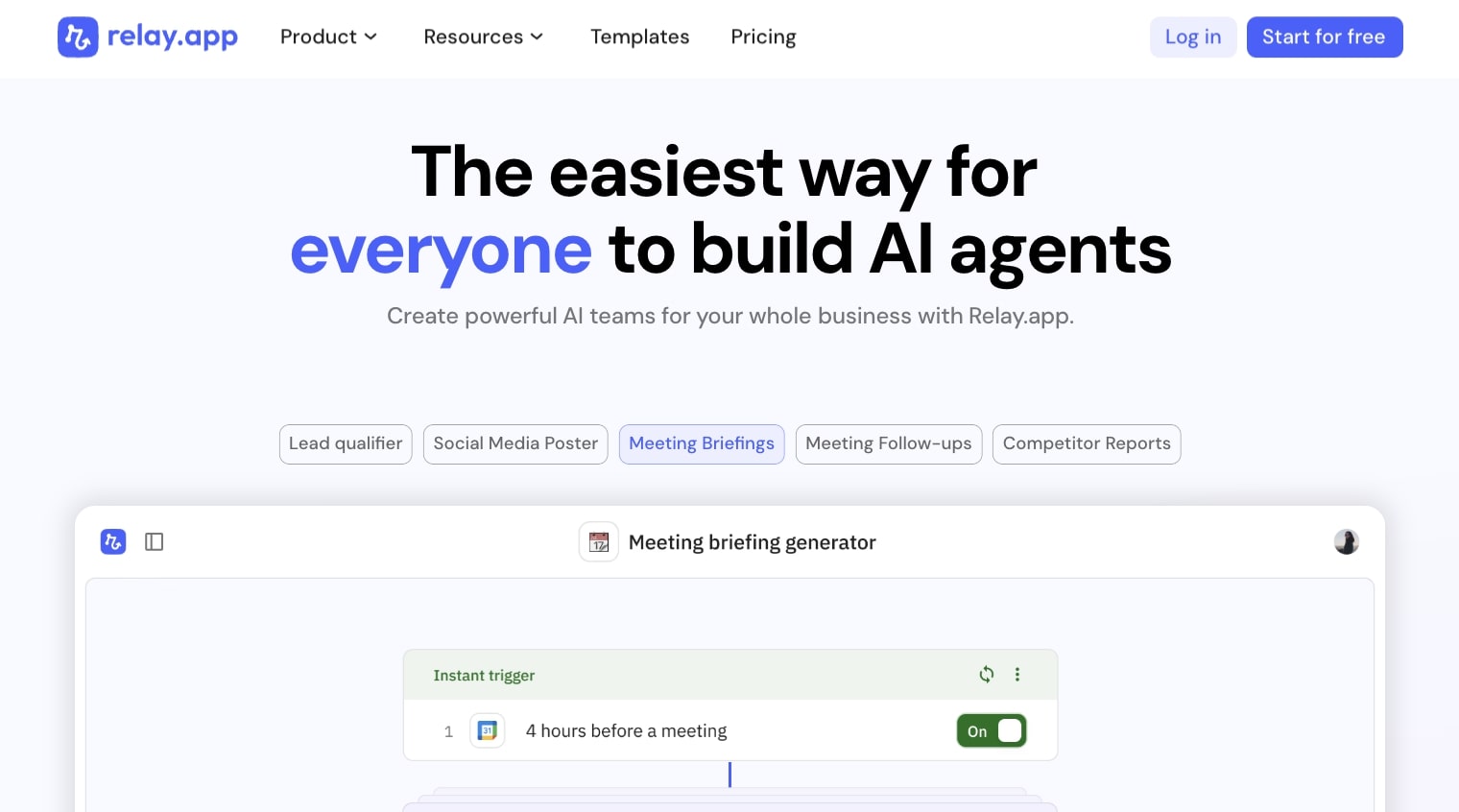
- Best for: Small startups who want to build custom AI workflows to analyze customer conversations and automate repetitive tasks
- Pricing: Free plan available, paid plans start at $38/month
- What I like: Allows you to build fully custom AI workflows and integrates with Help Scout and Intercom
Relay.app is an AI workflow builder designed to help you automate repetitive tasks. It's very similar to Zapier or Gumloop in that it allows you to automate almost any task by integrating your existing tech stack with LLMs.
While it's not the most comprehensive when it comes to customer support features, I included it on this list because I think it's a great platform if you're a small startup trying to learn your customers better. For example, if you have a lot of calls with your customers, you can use Relay.app to create meeting briefings that help generate insight reports based off of your meeting recordings.
Relay.app pros and cons
Here are some of the pros with Relay.app:
- Allows you to build fully custom AI workflows
- Great for analyzing conversations from customers
- Has integrations with Help Scout and Intercom
- Inexpensive for startups just starting out (no pun intended)
Here are some of the cons with Relay.app:
- Not specifically designed for customer service, but can handle some use cases
- Built for simple use cases, so more complex workflows may struggle
Overall, Relay.app is a great beginner platform for creating AI-powered workflows. But if you need something that is laser-focused on customer service, it might be worth looking into a different platform.
When to choose Relay.app over eesel AI
You should consider Relay.app if:
- You need a flexible workflow automation tool that can handle tasks beyond just customer service, like internal operations or sales workflows.
- You want to build custom automations from scratch with a visual builder rather than using a pre-configured customer support solution.
- You're a small team or solo founder looking for an affordable way to experiment with AI-powered workflows across your entire business.
Relay.app pricing
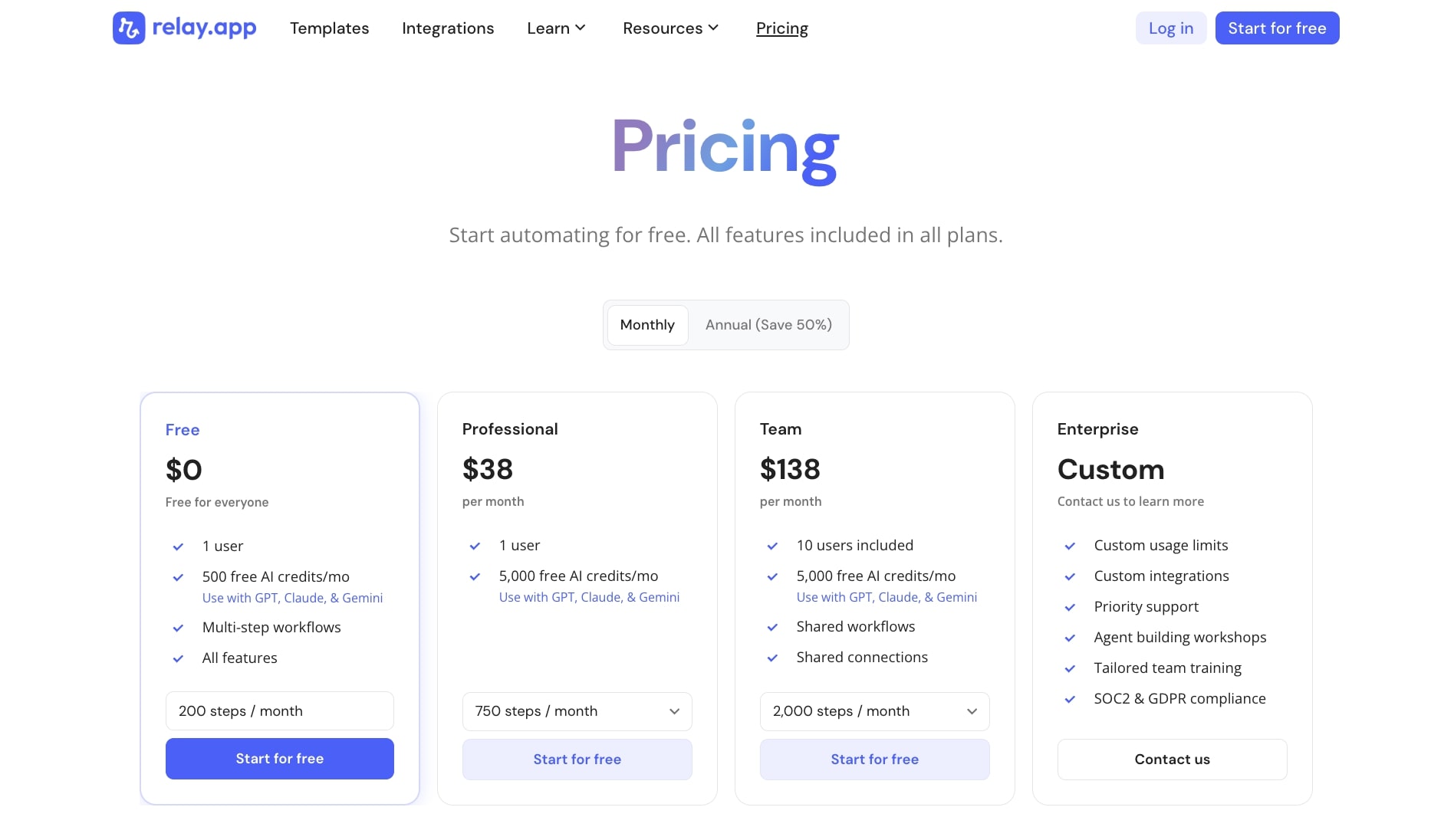
Here are Relay.app's pricing plans:
- Free: $0 with 1 user, 500 free AI credits/month, multi-step workflows, and all features
- Professional: $38/month with 1 user, 5,000 free AI credits/month, and 750 steps/month
- Team: $138/month with 10 users included, 5,000 free AI credits/month, shared workflows and connections, and 2,000 steps/month
- Enterprise: Custom pricing with custom usage limits, custom integrations, priority support, agent building workshops, tailored team training, and SOC2 & GDPR compliance
If you want to learn more about what each plan has to offer, you can check out the pricing page.
Relay.app reviews
Here's what customers of Relay.app rate the platform on third-party review sites:
- G2: 4.9/5 star rating (from +70 user reviews)
- Capterra: 5/5 star rating (from +1 user review)
6. Lindy AI
- Best for: Businesses who need AI automation with built-in phone support capabilities for handling customer calls
- Pricing: Free plan available, paid plans start at $49.99/month
- What I like: Has an AI phone agent for voice calls, works across chat, email, and phone, and integrates with 6,000+ tools
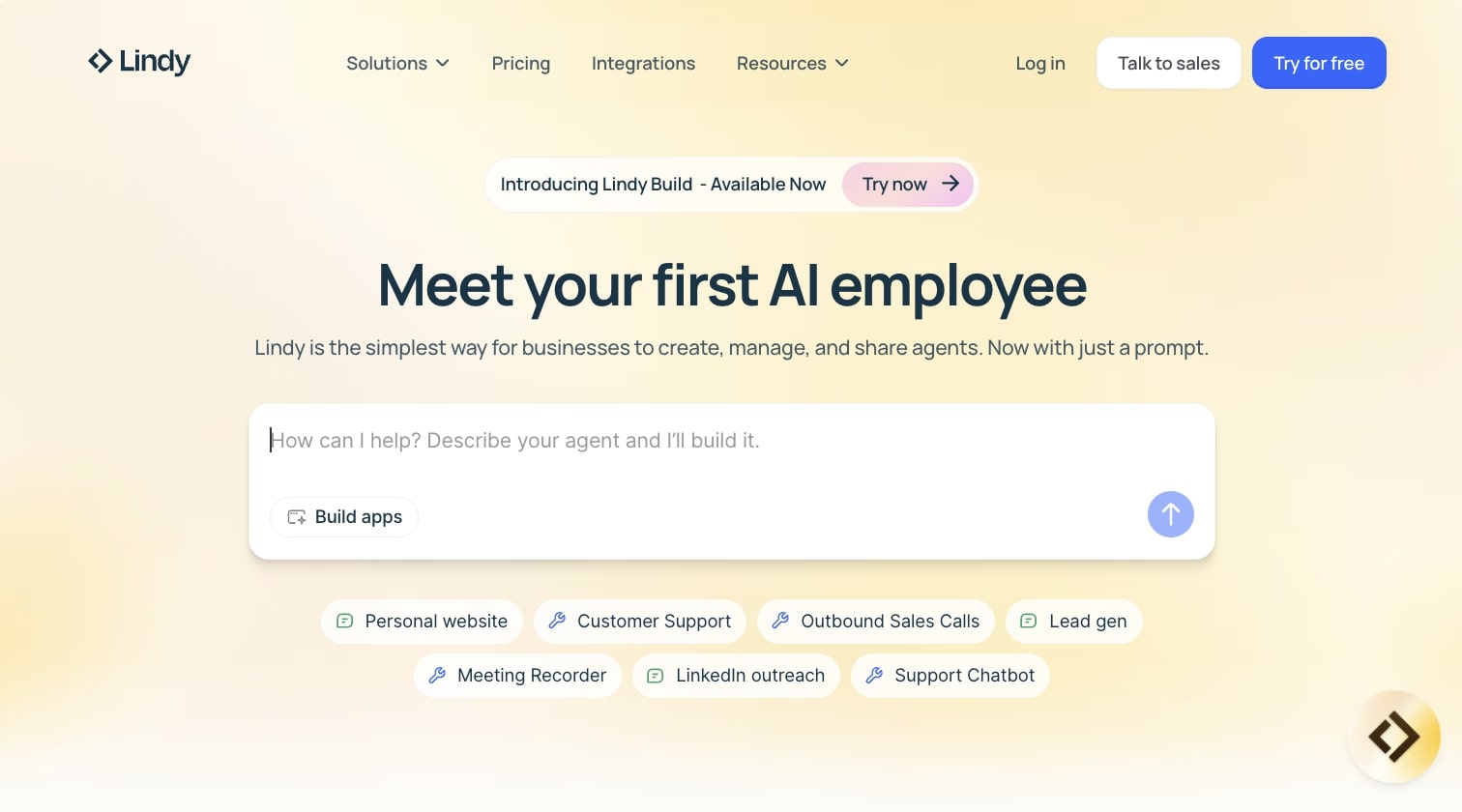
Lindy AI is a workflow automation platform similar to Relay.app, however it does have more customer service use cases. Lindy AI advertises itself as an AI employee builder. You can use it to create support agents that automatically handle certain tickets across chat, emails, and even calls.
What makes Lindy AI different than other tools on this list is that it has a phone agent. So you can create an AI voice agent when people call your store or company. This feature alone can be a huge selling point for local businesses.
Lindy AI pros and cons
Here are some of the pros of Lindy AI:
- A full automation platform with customer service use cases
- Has an AI phone agent that can answer calls
- Can integrate with a wide range of tools you're probably already using
Here are some of the cons of Lindy AI:
- While it does have customer service features, it's not purpose-built for only customer support
- Not the cheapest AI agent builder out there
Overall, if you're looking for an automation tool that has strong customer service features, Lindy AI is a solid choice. However, if you are looking for something that only does customer service, it might be worth looking into one of the earlier tools I mentioned in this article.
When to choose Lindy AI over eesel AI
You should consider Lindy AI if:
- You need an AI voice agent to handle phone calls, not just chat and email support, which is particularly valuable for local businesses or companies with high call volumes.
- You want a general-purpose automation platform that can handle customer service plus other business workflows like scheduling, data entry, and internal operations.
- You prefer a conversational AI assistant approach where you can tell the platform what you need rather than building workflows from scratch.
Lindy AI pricing

Here are Lindy AI's pricing plans:
- Free: $0 with 400 credits/month, up to 40 tasks, 1M character knowledge base, and 100+ integrations
- Pro: $49.99/month with 5,000 credits/month, up to 1,500 tasks, 20M character knowledge base, invite team members, 30 phone calls per month, and 6,000+ integrations
- Business: $199.99/month with 20,000 credits/month, everything in Pro, 100 phone calls per month, 30+ supported phone call languages, and 50M character knowledge base
- Enterprise: Custom pricing with as many credits as you need, everything in Business, priority support, dedicated success manager, unlimited phone calls, unlimited character knowledge base, and enterprise integrations
If you want to learn more about what each plan has to offer, you can check out the pricing page.
Lindy AI reviews
Here's what customers of Lindy AI rate the platform on third-party review sites:
- G2: 4.9/5 star rating (from +170 user reviews)
- Capterra: 3.5/5 star rating (from +2 user reviews)
7. n8n
- Best for: Technical teams who want full control over their AI workflows with self-hosting options and deep customization
- Pricing: Starts at $24/month, with self-hosted options available
- What I like: Has 500+ integrations, pre-built customer service workflow templates, and allows you to build any workflow you can think of
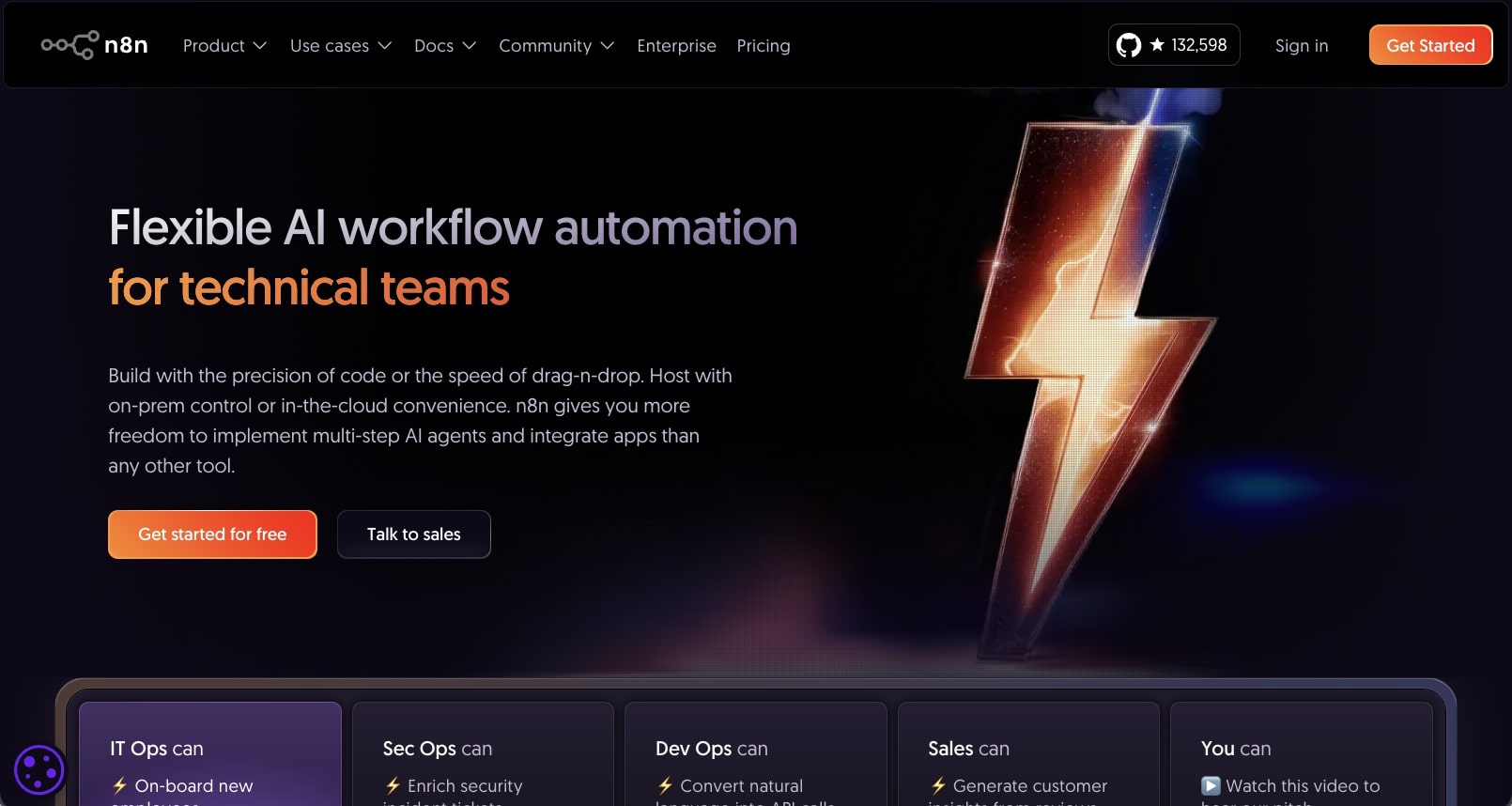
n8n is an AI workflow builder designed for technical teams to build AI agents that can handle multiple use cases. If you work in tech, there's a good chance you've already heard of this tool.
While n8n is an all-purpose tool like Gumloop or Relay.app, what makes it a great candidate for customer service is that it already has a bunch of pre-built support workflows.
If you're interested in bringing AI to your existing support operations, then using a template can be a great way to pilot if it's actually worth launching your support operations to a fully AI-powered customer service suite.
n8n pros and cons
Here are the pros to using n8n:
- Has a wide range of native integrations with existing help desks and CX tools
- Includes workflow templates built around customer service operations
- Allows you to build any workflow you can think of
Here are some of the cons with n8n:
- It's built for technical teams, so if you don't have knowledge of backend logic, there will be a steep learning curve
- The UI/UX can feel a bit clunky and outdated
- The pricing is a bit higher compared to some other tools in this space
Overall, if you're looking for an AI tool that is fully customizable to your niche support use cases (and you have engineering resources), this is definitely a platform to look into. If you do like the features n8n has, but you want something that is a bit more "no-code" and easier to use, you can check out some of my favorite alternatives here.
When to choose n8n over eesel AI
You should consider n8n if:
- You have technical skills and want full control over your automation infrastructure with self-hosting capabilities for complete data privacy.
- You need to comply with strict data security requirements and prefer keeping all your workflow data on your own servers rather than a third-party platform.
- You want an open-source solution that you can customize and extend with your own code, API connections, and complex logic beyond what pre-built tools offer.
n8n pricing

Here are n8n's pricing plans:
- Starter: $24/month with 2.5k workflow executions, 1 shared project, 5 concurrent executions, and hosted by n8n
- Pro: $60/month with 10k workflow executions, 3 shared projects, 20 concurrent executions, and hosted by n8n
- Business: $960/month with 40k workflow executions, 6 shared projects, self-hosted option, and SSO/SAML/LDAP
- Enterprise: Custom pricing with unlimited shared projects, 200+ concurrent executions, and hosted by n8n or self-hosted
If you want to learn more about what each plan has to offer, you can check out the pricing page.
n8n reviews
Here's what customers of n8n rate the platform on third-party review sites:
- G2: 4.8/5 star rating (from +178 user reviews)
- Capterra: 4.6/5 star rating (from +41 user reviews)
Building customer service AI agents
At the end of the day, finding the right AI platform for customer support comes down to what you actually need.
If you want something that integrates directly with your existing helpdesk and handles real-time customer interactions without forcing a migration, tools like Fin AI or Help Scout are solid choices. They focus on improving response times and giving your team AI-driven support without completely replacing the human touch.
But if you need more flexibility, like building custom workflows that connect customer service with sales, operations, or even ecommerce, then platforms like Gumloop, Relay.app, or Lindy AI give you way more customization options. You can train them on your customer data, integrate ChatGPT or other LLMs, and automate beyond just support tickets.
The important thing is to pick a tool that fits your current customer experience needs while giving you room to grow. It’s better to grow into a platform than to have to migrate to a new one that no longer fits the size of your business.
Overall, there are two types of these AI customer service agents. Some platforms prioritize ease of use and getting set up fast, while others give you deep control over how your AI agents behave.
If you're still not sure which one is right for you, I'd recommend starting with a free trial. Test how it handles your actual customer queries, check if it can generate useful summaries or insights from past tickets, and see if the user-friendly features actually make your team's life easier.
Happy automating!

Read related articles
Check out more articles on the Gumloop blog.