Trigger Gumloop Agents with any app

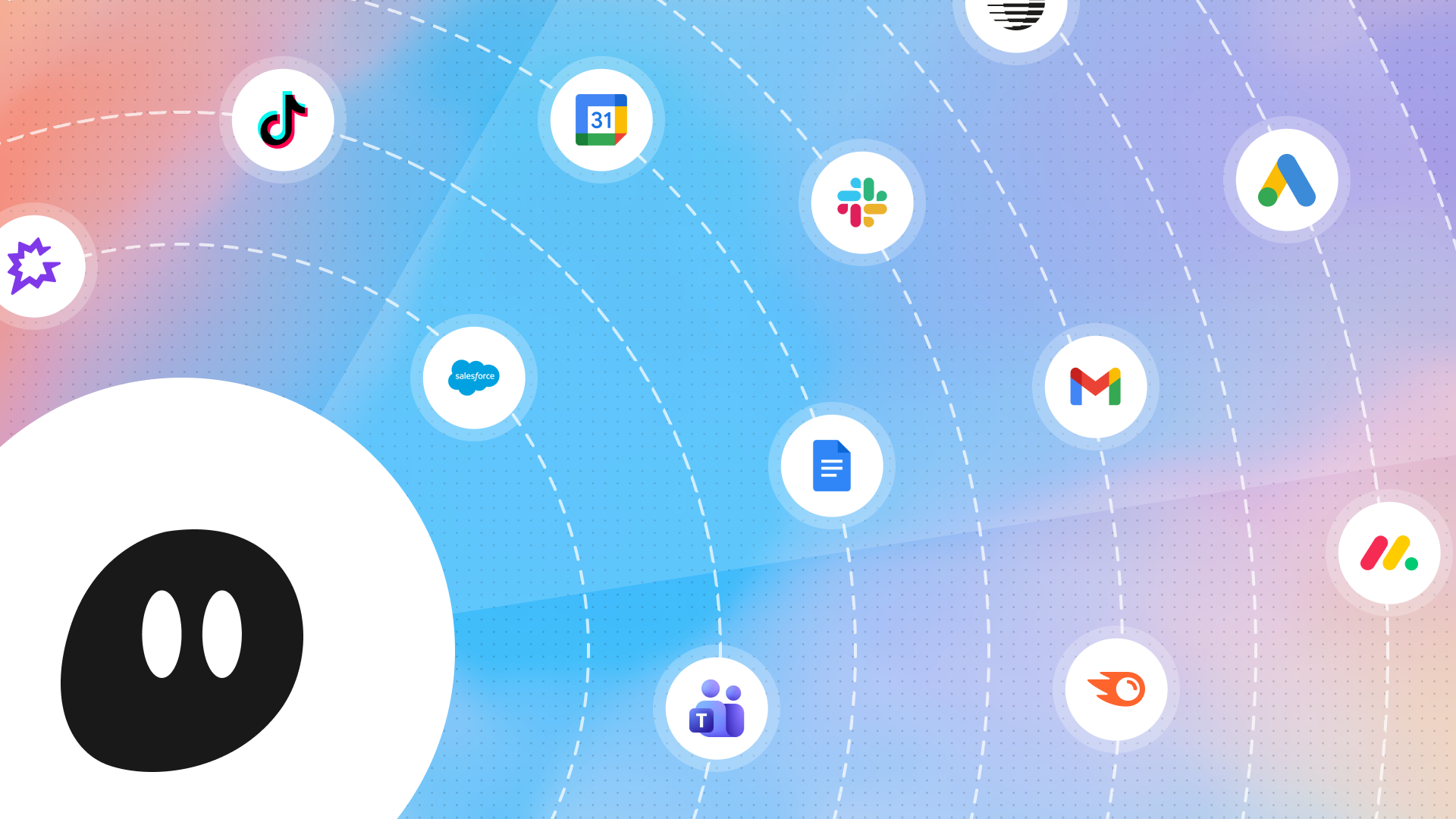
Now, agents can spring into action when an event happens in any app (or combination of apps). Just describe what you want to monitor in plain English.
Your agents are monitoring the situation. 👁️ 👁️
Gumloop Agents can now be triggered by events occurring in any app. You can tell your agent to run…
- When a Salesforce lead moves from “Prospecting” to “Qualification”
- When a new comment is left on a Zendesk ticket that is assigned to a certain person
- When someone is whose name starts with S is added to a certain Slack Channel
- When your friend posts on Twitter
- Every weekday morning at 9am
- When one of your competitors announces a new feature
You can even combine data from multiple apps to define conditional triggers: for example, run this agent after a triggering event from App A, but only if certain conditions are also met in Apps B, C, and D. Like, “When a customer opens up a support ticket in Zendesk, AND has an overdue invoice in Stripe of greater than $5000, AND works at a company whose Salesforce data says their renewal date is coming up in the next 60 days, then send a Slack message to that customer’s designated account manager.”
If you can describe the situation, you can monitor it.
Setting up a trigger
To set up a new trigger, just chat with your agent. Try making a trigger for:
- Daily Slack summaries: “every weekday morning at 8am, send me a Slack message summarizing the most important unread conversations that happened in key Slack channels”
- Pre-meeting briefings: “15 minutes before every event on my Google Calendar, send me a Slack message with context from Salesforce and Apollo on who’s attending the meeting and the purpose of the meeting”
- Email triage: “when I get a new email in my Gmail inbox, label my incoming emails according to these specific criteria…”
You can even use data from multiple apps to create complex conditional triggers:
- Opportunistic sales outreach for prospects: “Use Parallel to monitor companies associated with stale opportunities in Salesforce. When one of them releases a new product → create a Gmail draft with a personalized outbound message to their VP of Product congratulating them.”
- Renewal risk alert: “When a customer has opened 3+ high-severity tickets this month in Zendesk, and HubSpot shows that their renewal is within 60 days → immediately alert their AE and CSM with a risk summary in Slack.”
- Competitive content monitoring: “Use Parallel to monitor our competitors (listed on this Google Sheet). Whenever a competitor publishes a new blog post on their website, check against our blog to see if we have an equivalent blog post published. If we don’t → send a message to our #content-marketing Slack channel, and use Semrush to draft a keyword-optimized blog post in Google Docs, using our company’s brand voice skill.”
How do these triggers work?
When you give an agent a trigger, it monitors the connected MCP servers by writing invisible scripts. The frequency of the scripts is determined by the agent based on the expected change rate. For example, if the agent is asked to monitor something that will likely happen on a weekly basis, it’ll run the script once a week. If the agent is asked to monitor something in real time, it’ll run the script every 5 minutes.
Monitoring costs 1 credit per polling check. When the agent actually fires, it costs 3 credits plus the additional cost of any triggered services/usage. You only pay the full cost of credits when the trigger criteria are actually met.
“Monitoring the situation”
A Gumloop Agent can monitor and react to what happens in any of the 100+ apps supported by Gumloop, or on any custom MCPs. Agents can also monitor the web, using a tool like Parallel. That means your agents can monitor and react to news — like when one of your prospects hires a new executive, or one of your competitors’ social posts goes viral.
Everything else about making an agent in Gumloop is the same as it was before: write instructions, connect apps, give it skills, and test it out to make sure everything’s working. Once the agent is ready, set it live, and it’ll be ready to run on its own, at exactly the right time.

Read related articles
Check out more articles on the Gumloop blog.