Make shareable files with agents

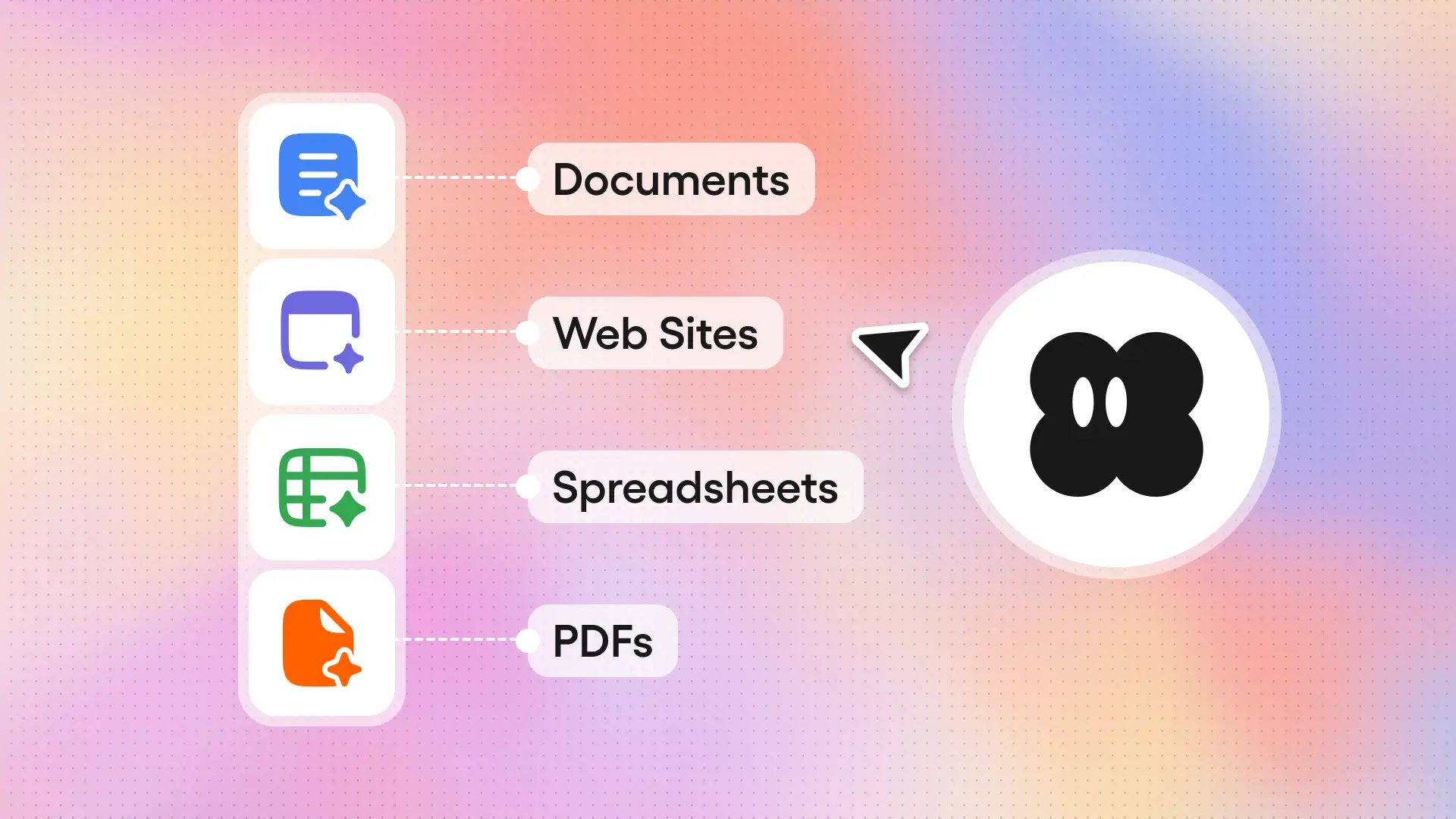
Agents now create artifacts — slide decks, dashboards, spreadsheets, and more — that you can preview, version, and share with a link.
What your agent can create
Gumloop agents can now produce previewable, shareable and versioned files directly in the chat. Ask your agent to:
"Create a weekly metrics slide deck for leadership."
The agent will pull data from Google Sheets and Salesforce, and give you a styled slide deck as a .pptx file — with all your latest metrics, on slides that match your company’s brand guidelines.
"Build me a dashboard showing our top 10 customers by revenue this quarter."
The agent will pull data from Snowflake and Stripe, and hand you back a self-contained, interactive HTML dashboard that you can open in any browser or share with your team via a link.
“Pull our Q1 sales data and build a comp plan tracker.”
The agent will pull data from HubSpot and generate a formatted Excel workbook with per-rep quotas, attainment percentages, and commission calculations — complete with conditional formatting, multiple sheets, and summary charts.
Supported file types
Anything that your Gumloop agent can deliver in code, it can give you as a shareable file:
- Presentations (.pptx): create slide decks with custom layouts, charts, themes, and images
- PDFs: polished reports with charts, tables, page numbers, and custom layouts
- Interactive HTML: dashboards, data visualizations, single-page apps, and styled reports with CSS, that render in a sandboxed preview with full-screen mode — all self-contained, no server needed
- Spreadsheets (.csv, .xlsx): simple CSVs or formatted Excel workbooks with multiple sheets, conditional formatting, styled headers, and formulas
- Images (.png, .jpg, .svg, .gif, .webp): visualizations, processed photos, infographics, and AI-generated images
- Documents (.docx): Word documents with structured headings, tables, and images
- Code and text (.py, .js, .json, .md, .txt, etc.): syntax-highlighted text viewer for any code or markup file
How to create artifacts
Just ask. If your prompt to an agent implies a deliverable — "make me a chart," "create a report," "build a dashboard" — the agent will produce one.
A few prompts to try:
- "Pull our Q1 revenue data from BigQuery and build an interactive dashboard with breakdowns by region and product line"
- "Create a PDF report summarizing the last 30 days of support tickets from Zendesk, grouped by severity"
- "Generate a pitch deck based on this prospect's company info from Apollo and their recent activity in HubSpot"
- "Build a spreadsheet comparing our pricing against competitors, formatted with conditional formatting and charts"
- "Design a simple HTML landing page for our upcoming webinar, using our brand colors"
Your agent pulls live data from your connected apps, writes code in a secure sandbox to build the file, and exports it as an artifact. The artifact appears as an interactive card in your conversation, then you can click to preview, full-screen, or share.
To iterate, just say what you want to change: "swap to a dark theme," "add a column for YoY growth," "make the title slide more concise." Each revision creates a new version of the same artifact. You can always go back to previous versions.
Sharing is built-in: every artifact gets a dedicated URL you can send to teammates, paste into Slack, or include in an email. Access control follows Gumloop's existing sharing model — restricted, organization-wide, or public link — and enterprise admins can block external sharing entirely.
Go ask your agent to make you something!

Read related articles
Check out more articles on the Gumloop blog.