Your AI agents, your rules

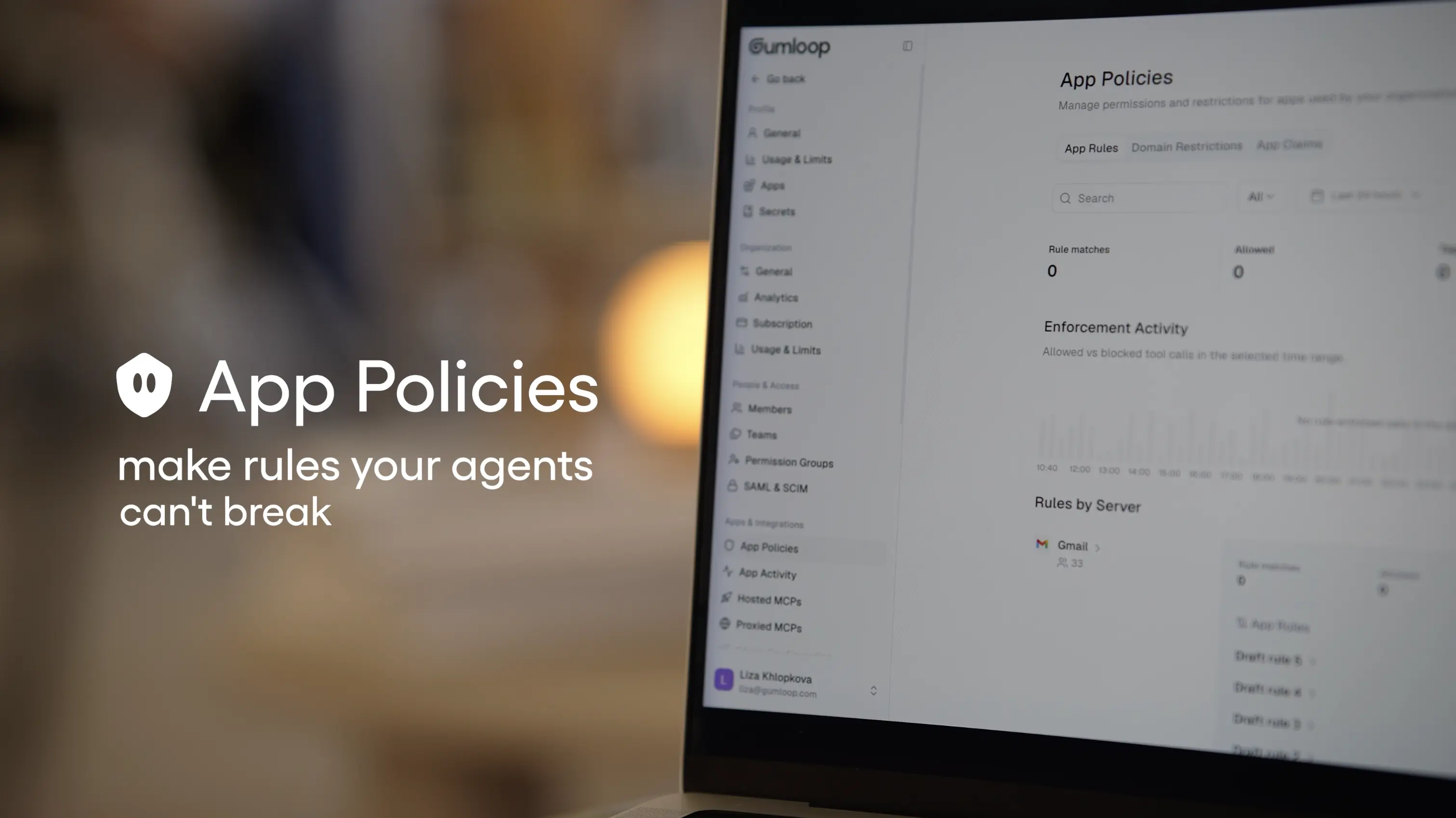
Define what your agents can and can’t do (in plain English) and enforce the rules across every tool call in your org.
Your agents are connected to your company's most important tools: Salesforce, BigQuery, Gmail, HubSpot. With App Rules, you can define what agents are and aren’t allowed to do with those tools, and describe those constraints in natural language. Like:
- Don't post messages in the company’s #general Slack channel
- Block Salesforce account deletions if the account has an active owner
- Don't allow “delete” queries in BigQuery
Write your rule in plain English, and Gumloop converts it into an enforceable policy that will run on every tool call the agent makes. If an agent tries to do something that would violate a rule, the action is blocked and the user will see exactly what rule stopped it (and why). This means you can give your agents broad capabilities while also maintaining the exact level of control your team needs.
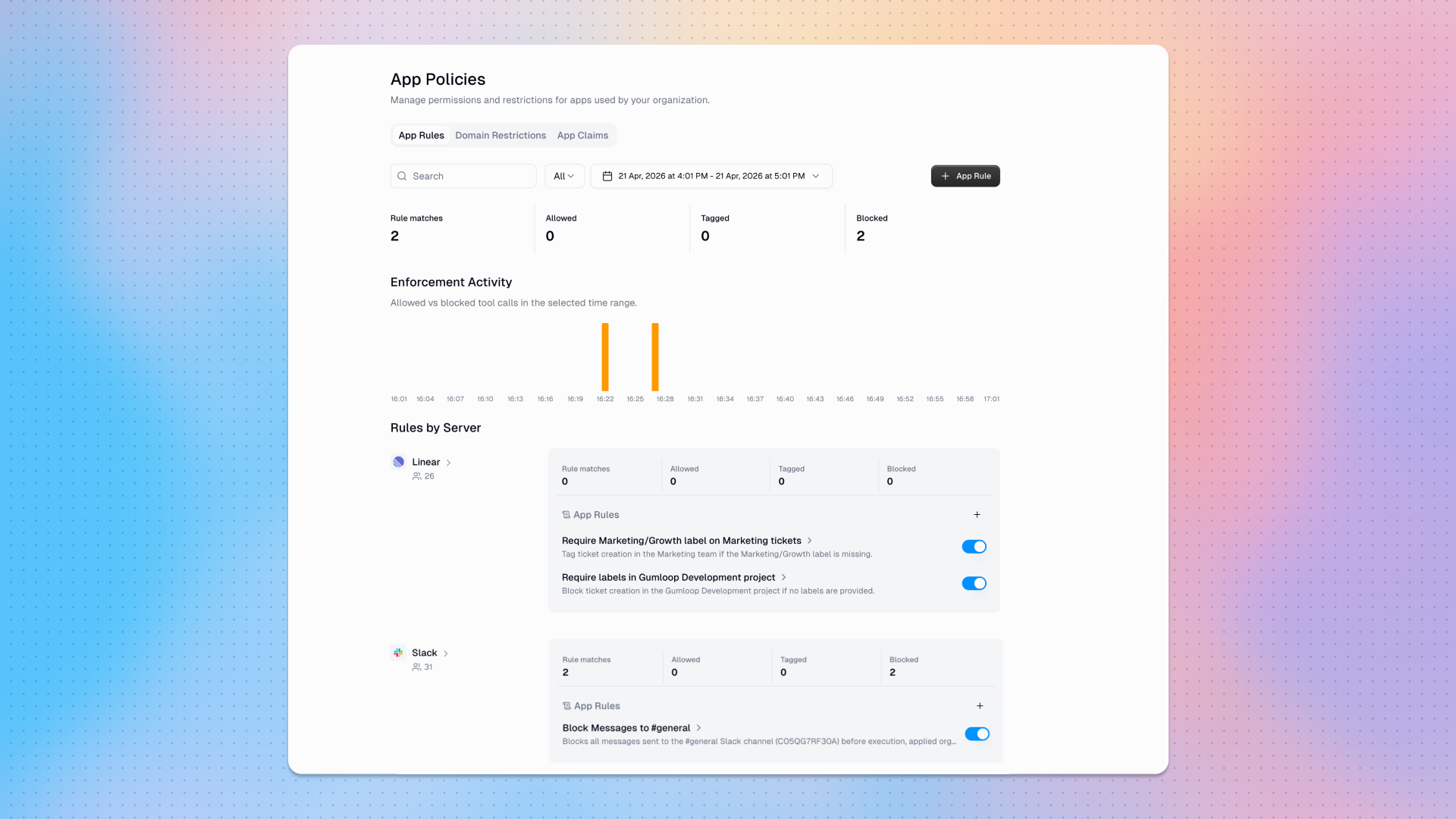
Different guardrails for different agents
Different agents and teams need different levels of access to tools. A sales agent might be allowed to send external emails but blocked from modifying billing records. An internal ops agent might have broad database access but no ability to send messages externally.
To ensure every agent gets exactly the capabilities it needs and nothing more, rules can live at three different levels:
- Agent: applies to that specific agent’s tool calls only
- Organization: applies to every user and agent in an entire organization (available on Enterprise only)
- Permission group: applies to members of a specific permission group only (part of the Gumloop Enterprise plan’s custom user roles)
How rules work
To create a policy, describe the constraint you want to apply, and Gumloop's AI will translate it into lightweight enforcement logic that evaluates every outgoing MCP tool call in real time. When an agent attempts to take an action that matches a policy, the policy can either block or tag the tool call.

When an agent attempts to take an action that matches a rule, the rule can either block or tag the tool call.
If the action is blocked, the action is stopped before it reaches the external tool. The user who triggered it sees the name and description of the rule that blocked them, and the blocked attempt is logged for audit. Use blocking to fully prevent undesirable actions.
If an action is tagged, the action still runs, but the tool call is flagged for review in the admin panel. Tagging is useful for monitoring or auditing existing workflows, or testing out a rule before committing to a full block.
You can also test any rule against historical tool calls before activating it, so you can see exactly what would have been blocked or tagged, without affecting anything in production.
What you can control
If an agent can call it, you can write a rule for it. Anything your agents do through any of Gumloop's 100+ connected apps can be governed:
- Data operations: Block destructive queries, restrict write access to specific tables or databases
- CRM actions: Prevent deletions or modifications to records that meet certain criteria
- Communications: Restrict which domains agents can email, or which Slack channels they can post to
- File operations: Control what agents can create, modify, or share
- Scheduling: Control when and how agents create or modify calendar events
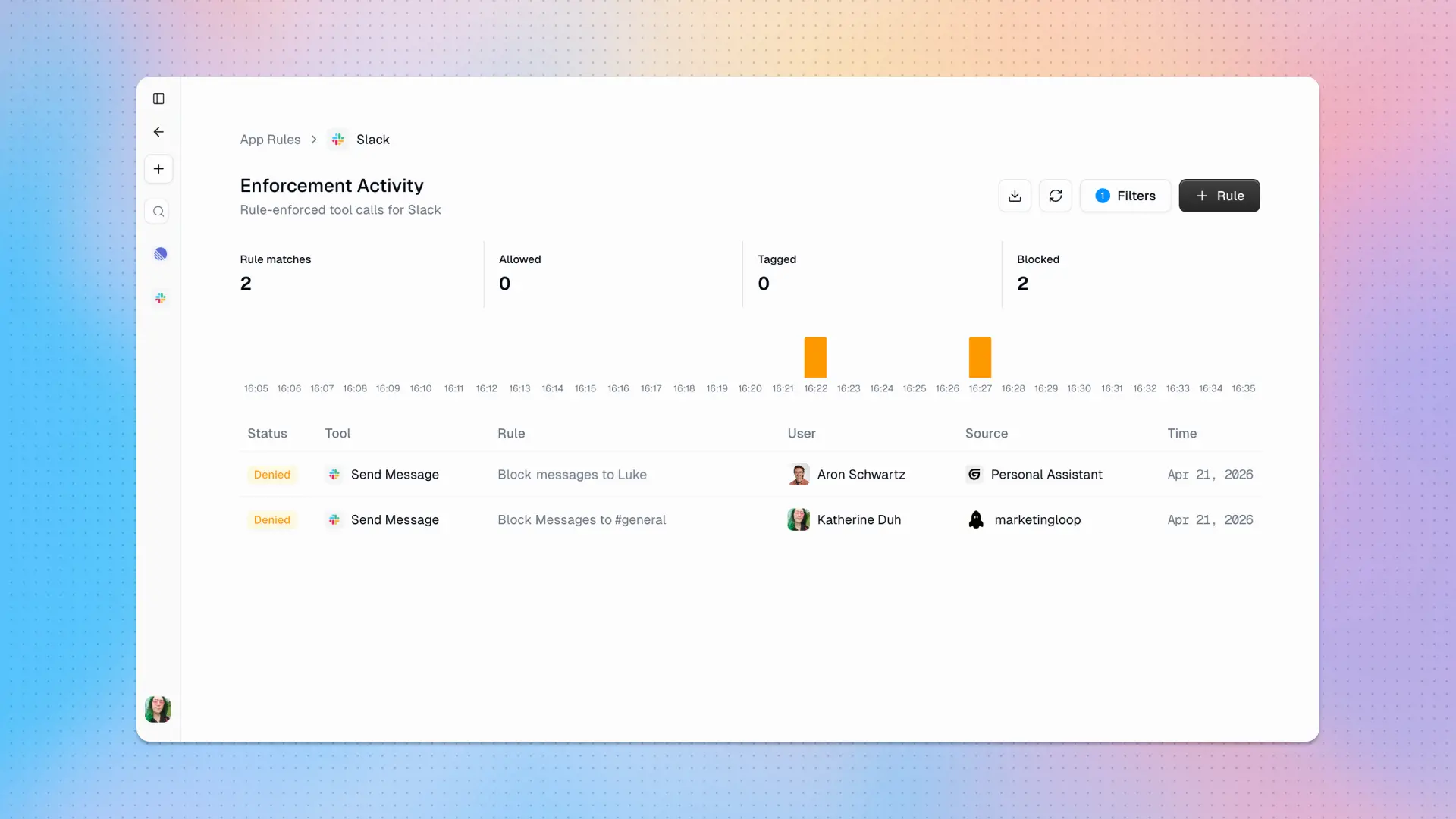
Under the hood
Rules are defined in natural language but enforced as generated logic (like regex patterns and conditional checks) that can evaluate at scale without adding latency to tool calls.
This is a deliberate architectural choice so that rules can't be prompt-engineered around: rules are hard constraints enforced at the infrastructure level. No agent can talk its way past a rule, regardless of what model it's running or what its instructions say.
App Rules are available now for Pro and Enterprise organizations:
- Users in Pro organizations can set agent-level app rules, and each agent can support a maximum of up to 3 app rules.
- Users in Enterprise organizations can set up unlimited agent-level app rules. Org admins can also set up unlimited organization-level and permission group-level app rules.
For more detailed information on App Rules, check out our support documentation.

Read related articles
Check out more articles on the Gumloop blog.