Agents can command other agents

Introducing subagents: Gumloop agents can clone themselves to work in parallel and call other agents.
Just like how you (the human reading this) can delegate agents to do certain tasks for you, Gumloop agents can now delegate other agents to do tasks for them.
One way an agent can do this is by creating copies of itself, giving each clone a specific part of the work, and then running all the clones in parallel. This happens fully autonomously: the agent reads the task, decides if three of itself would be faster than one, and fans out. Each clone has its own context window, so this ends up being cheaper than asking one agent to handle everything. A clone can also see what its fellow clones are working on in real time, so work doesn’t get duplicated.
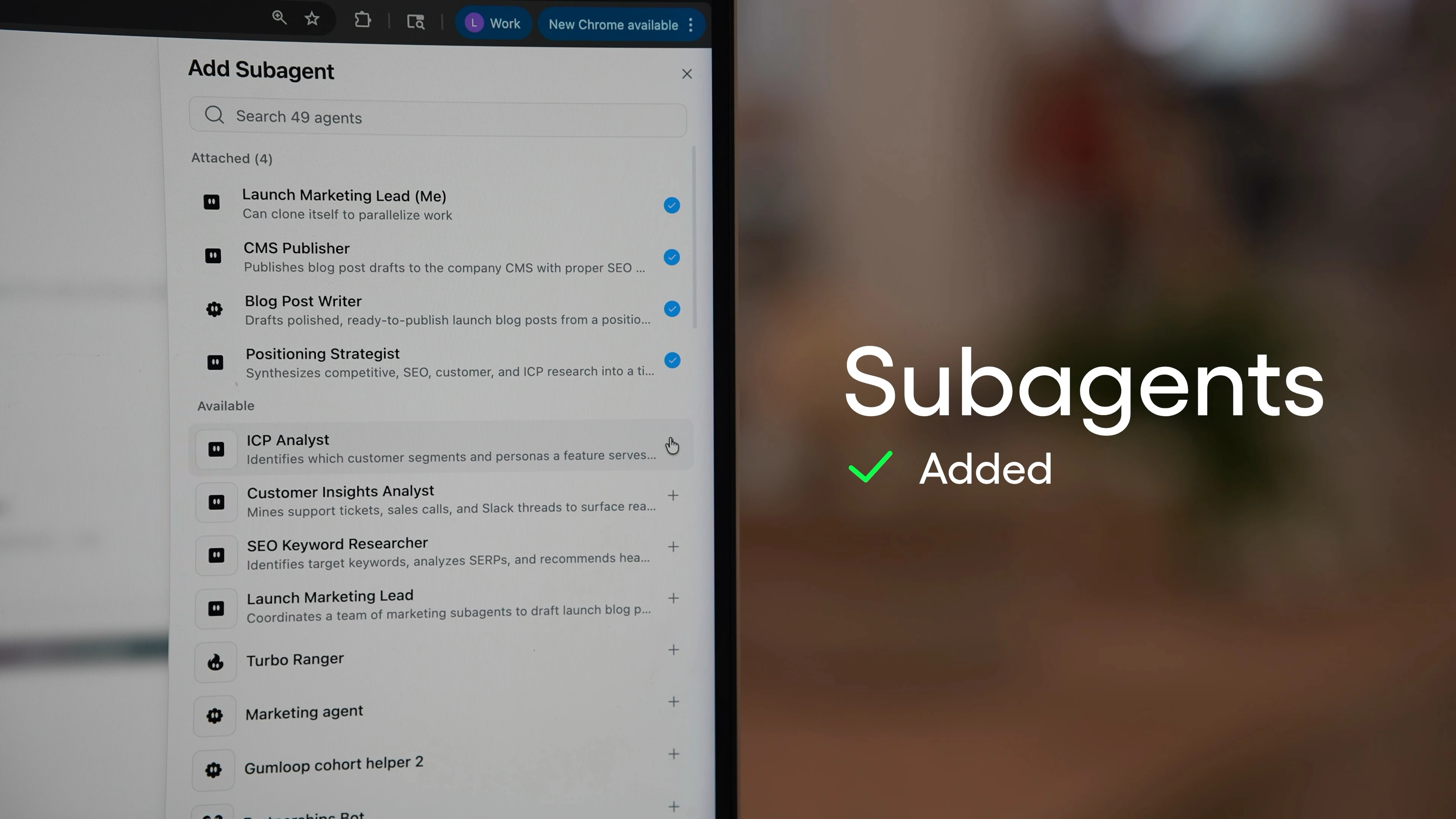
Additionally, agents can also call other agents you’ve already built. If you’ve made a specialized agent (like an SEO agent, a contract redline agent, a CRM agent, etc.), you can add those agents as a subagent. The main agent can let those subagent specialists handle the parts of the task for which they’ve been optimized. You decide which specialists are available; the agent decides when to use them.
So why would you want to use subagents? Here’s a few examples of when subagents can make tasks faster (and cheaper!):
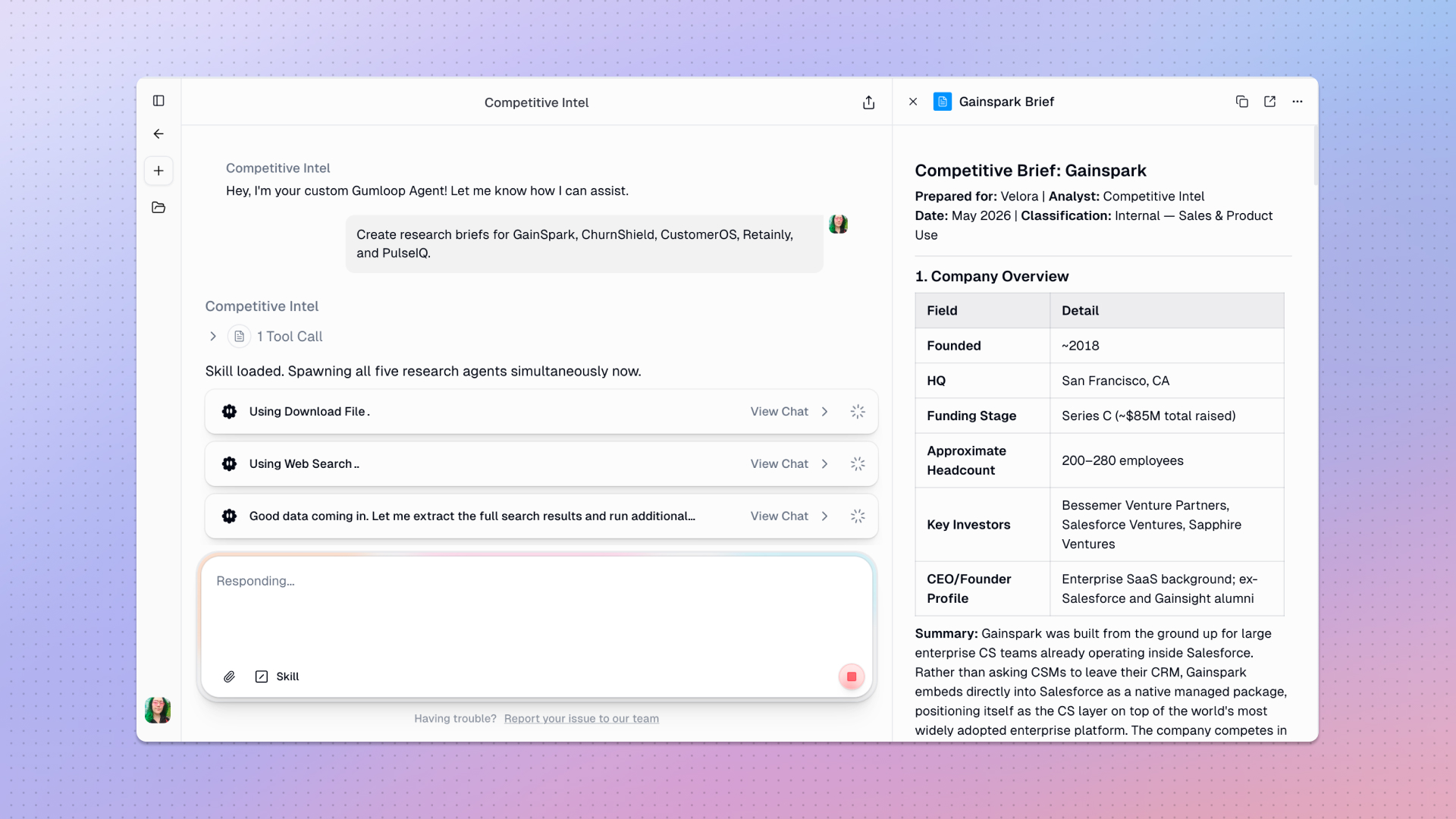
- Research five competitors at the same time, instead of one after another. Ask your competitive intel agent to go deep on five companies, and it’ll create five clones, each focused on one company. The clones will return a single combined briefing in roughly the time it would take to research one.
- Build an orchestrator agent that coordinates your specialists. A general marketing agent can call your SEO agent for keyword research, hand the brief to your copywriting agent for a draft, and call your engineering agent to publish it to your CMS. Each specialist stays specialized. The orchestrator just knows which one to call when.
- Run a single prompt that touches three apps in parallel. "Summarize this Notion doc, pull related Salesforce records, and find adjacent tickets in Linear" splits into three concurrent subagents (one per source) and stitches the results back together for you.
How to use subagents
You don’t actually need to do anything for an agent to clone itself. If you give an agent a task with multiple independent components, it’ll create clones on its own to tackle the task as efficiently as possible.
To orchestrate unique subagents, you can connect the subagents in the agent settings and write some brief instructions to explain when each specialist agent should be called. For example, for a marketing agent, you could write a single sentence, like, “Given a topic, use the SEO agent for keywords, then the copywriter for a draft, then the engineering agent to publish.”
Here’s some other info you should know about subagents:
- Every subagent has its own viewable conversation. Click into any sub-chat and see exactly what that clone or specialist agent did, which tools it used, and what it returned.
- Permissions inherit cleanly. When your orchestrator calls another agent, it uses the same permissions as if you'd messaged that agent yourself.
- Subagents stay up-to-date. When your agent calls a subagent, it's calling the current version (instructions, skills, and connected apps included). Improve the specialist later, and every orchestrator that calls it picks up the upgrades automatically.
- Files move between sandboxes. If a parent generates a CSV and hands it to a subagent, or a subagent produces a chart the parent needs to summarize, the artifacts transfer cleanly between conversations.
If you want to try out subagents yourself, open any agent and check the Subagents section in the agent's settings. You’ll see that by default, agents have the ability to clone themselves, and you can also grant access to other agents.

Read related articles
Check out more articles on the Gumloop blog.