Introducing Agent Tasks

You can now configure Gumloop Agents to run on a schedule, or in response to trigger events in other apps.
Gumloop Agents get more powerful every time we ship, and now, Gumloop Agents can run on their own, without needing you to chat to them.
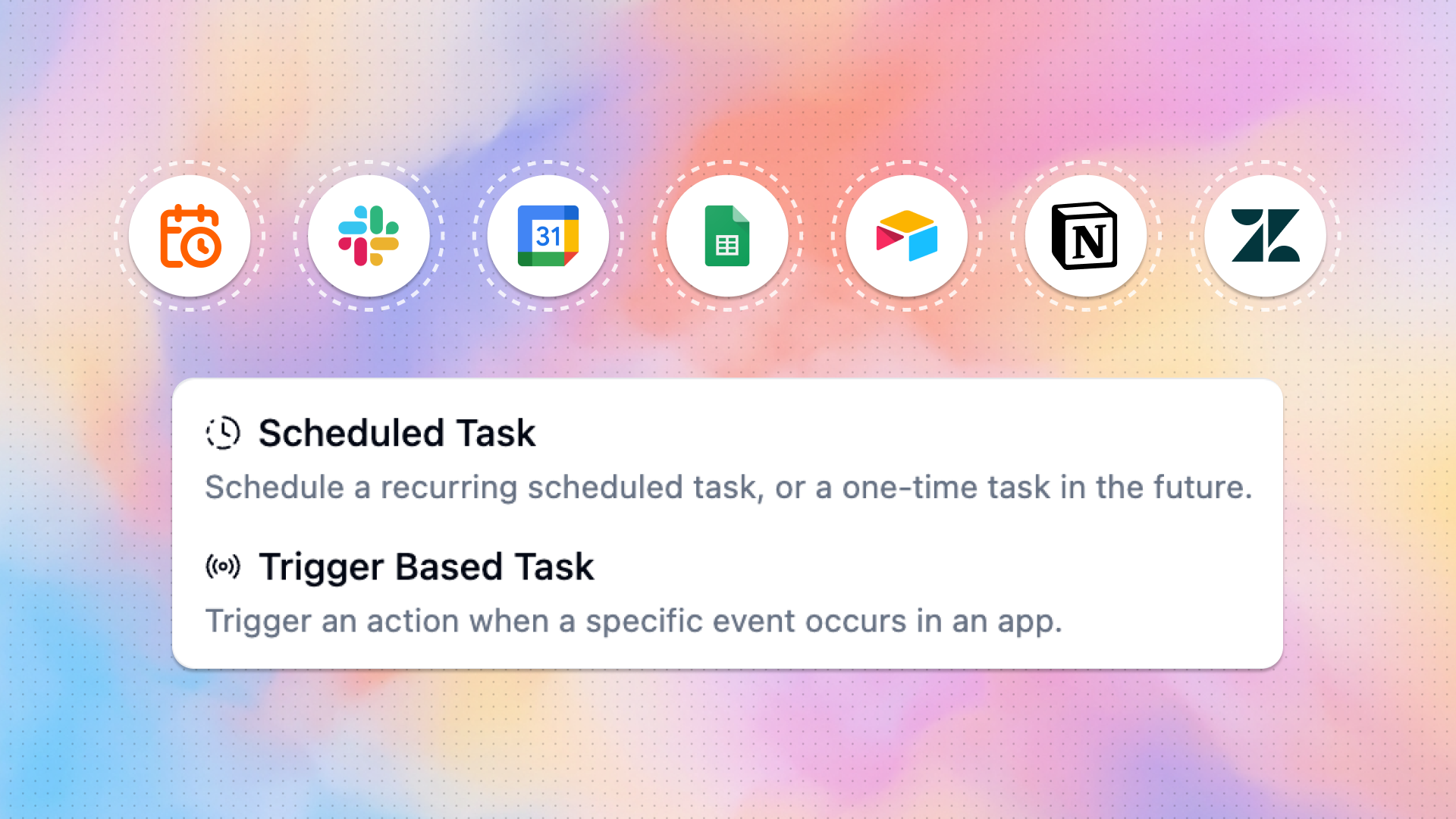
With Agent Tasks, Agents can now run on a schedule (e.g. 8am every weekday morning, the first Tuesday of every month, etc.) or in response to a trigger event in another app (a new email received, a form response submitted, a Zendesk ticket filed, etc.)
Previously, you could embed Agents in workflows, but with Agent Tasks, you can instruct your Agents to act automatically without ever needing to build a workflow.
Scheduled Tasks
For tasks that need to be done at a specific time, set up a Scheduled Task. You can set an agent to run automatically on a recurring basis (e.g. every hour, every weekday at 3pm, etc.) or at a specific point in the future (e.g., in 1 week, at 12:00am on Jan 1, 2027, etc.). Some examples:
- Daily Slack summary: every weekday morning at 8am, send a Slack message to yourself summarizing the most important conversations that happened in key Slack channels
- Weekly pipeline review: every Friday at noon, create a slide deck reviewing the team’s sales pipeline, pulling information from Salesforce and Gong
- New candidate daily digest: every two days at 9am, send an email to the hiring manager highlighting most promising new applicants, pulling information from LinkedIn and Ashby
Trigger-based Tasks
You can also set up an Agent to take action in response to specific trigger events happening in other apps. This could be anything from a new email arriving in an inbox, to a row being updated in a Google Sheet, or a new ticket being assigned to you in Zendesk. Some examples:
- Email triage: when a new email enters your Gmail inbox, an agent labels incoming emails according to specific criteria
- Pre-meeting briefing: 15 minutes before every calendar event, send a Slack message to yourself with context on who’s attending the meeting and the purpose of the meeting
- SDR lead qualification: when a new lead comes from Typeform, an agent qualifies the lead based on internal scoring frameworks, then sends qualified and enriched leads to a dedicated Slack channel
Setting up Tasks
To set up a Task on a new or existing Agent, open up the Agent and enable Task Editing and Creation in the new Tasks section.
You can chat with your agent to build a Task: ask it “run this agent every morning at 8 am” or “run this agent every time a response is submitted to our Contact Sales form,” and it’ll automatically configure a schedule-based or trigger-based task.
Everything else about making an Agent is the same as it was before: write instructions, connect apps, give it skills, and test it out to make sure everything’s working. Once the Agent is ready, set it live, and it’ll be ready to run on its own at exactly the right time.

Read related articles
Check out more articles on the Gumloop blog.