


Tips for writing great instructions
Your agent has tools. It has access to your systems. But without good instructions, it won't know what to prioritize, how to respond, or when to ask for help. Writing effective instructions is what turns a functional agent into a genuinely useful one.
Your agent is live in Slack. Your team can tag it, ask questions, and get responses. But here's what you'll notice pretty quickly: the quality of what your agent does depends entirely on the instructions you gave it.
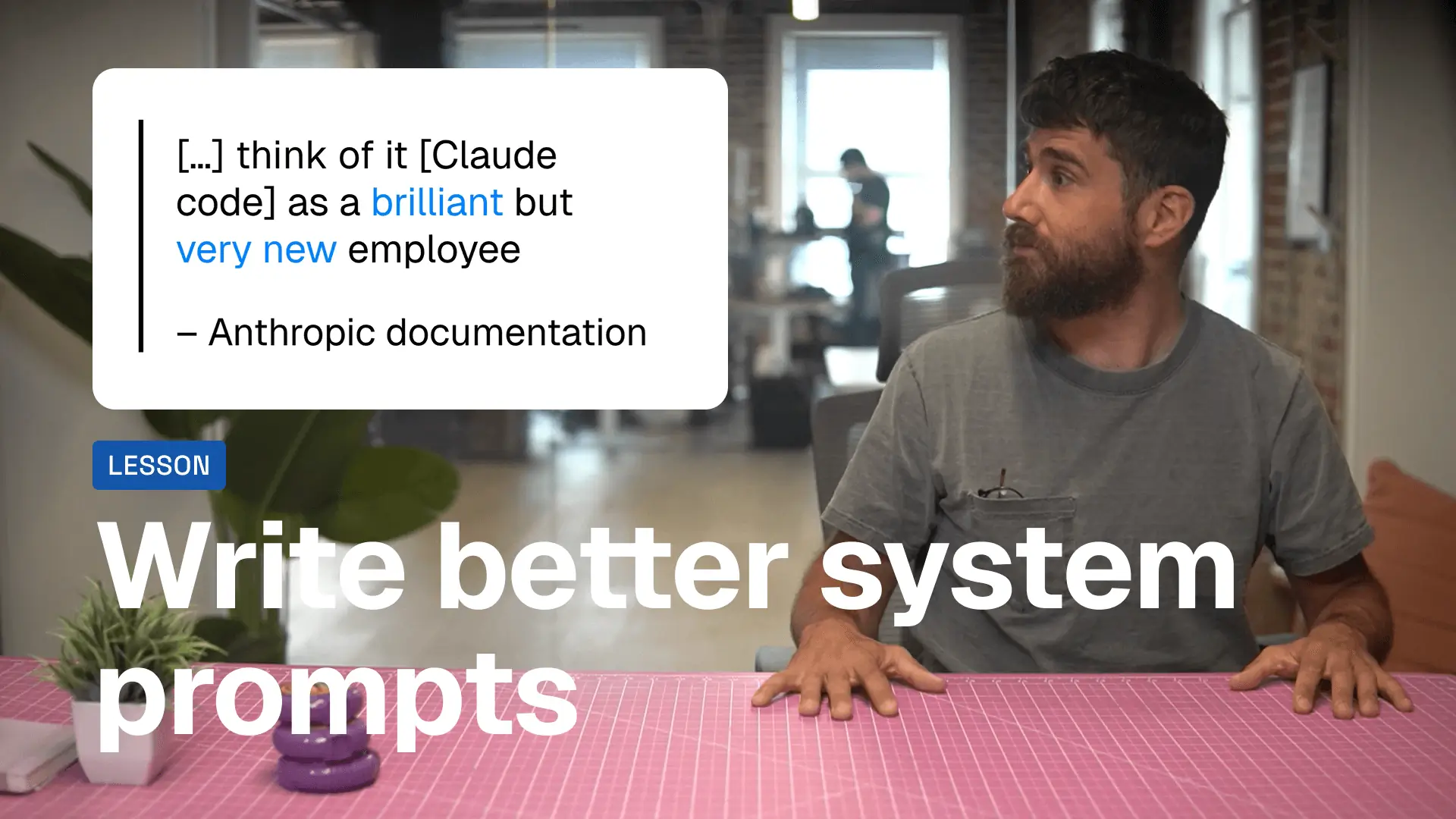
Think about onboarding a new hire. You wouldn't just give them system access and say "good luck." You'd explain what matters, how decisions get made, what success looks like. Same deal with agents.
The gap between an agent that frustrates your team and one they actually rely on? It's all in how you write the instructions.
Start by defining what your agent is
Before diving into rules and guidelines, tell your agent what role it's playing. This shapes everything—tone, priorities, decision-making.
If you're building a support agent, you might say: "You help customers resolve issues quickly and professionally. You prioritize their experience over everything else."
If you're building a sales assistant, try: "You're here to accelerate deals. Be direct, action-oriented, and focused on moving conversations forward."
The role sets the frame. Everything else builds on it.
Get specific about what you expect
Vague instructions produce inconsistent results. Your agent will interpret "be helpful" or "write good emails" differently every time.
Instead, be concrete about what you want.
Don't say: "Respond to customer questions."
Say: "Check if the customer has an active account first. If they do, answer their question and offer to escalate if needed. If they don't, direct them to sign up."
Don't say: "Create reports."
Say: "Pull the last 30 days of data. Summarize the top 3 trends. List any blockers. Keep it under 200 words. Use bullet points."
The more detail you provide, the less your agent has to guess—and the better it performs.
Examples beat explanations
If you want your agent to format responses a certain way, show it an example. If you want it to handle edge cases, walk through a scenario. Concrete examples clarify what abstract instructions can't.
Improve instructions based on what breaks
Your agent won't get everything right the first time. That's expected.
When something goes wrong, don't just fix it in the moment—update the instructions so it doesn't happen again.
Here's a trick: when your agent makes a mistake, ask it directly: "How should I update your instructions to prevent this next time?"
The agent will reflect on what went wrong and suggest a specific addition to your instructions. Take that suggestion, refine it, and add it to your system prompt.
Over time, your instructions evolve. Your agent gets sharper. Your team gets more consistent results.
Instructions are never finished
The best agents aren't the ones with perfect instructions on day one. They're the ones where the instructions keep improving based on real usage.
Start simple. Test with your team. Watch what breaks. Refine based on feedback. Repeat.
That's the process. That's how you build something people actually use.
Try the Prompt Coach Gummie
Want help improving your agent instructions? We built a Gummie specifically for that. Share your current instructions or describe what you want your agent to do, and it'll give you concrete recommendations. Try the Prompt Coach here.
You now know how to build an agent, give it tools, deploy it to Slack, and write instructions that make it useful. You're ready to start solving real problems for your team.
Go build something that matters. 🚀
