The new way to use Gumloop

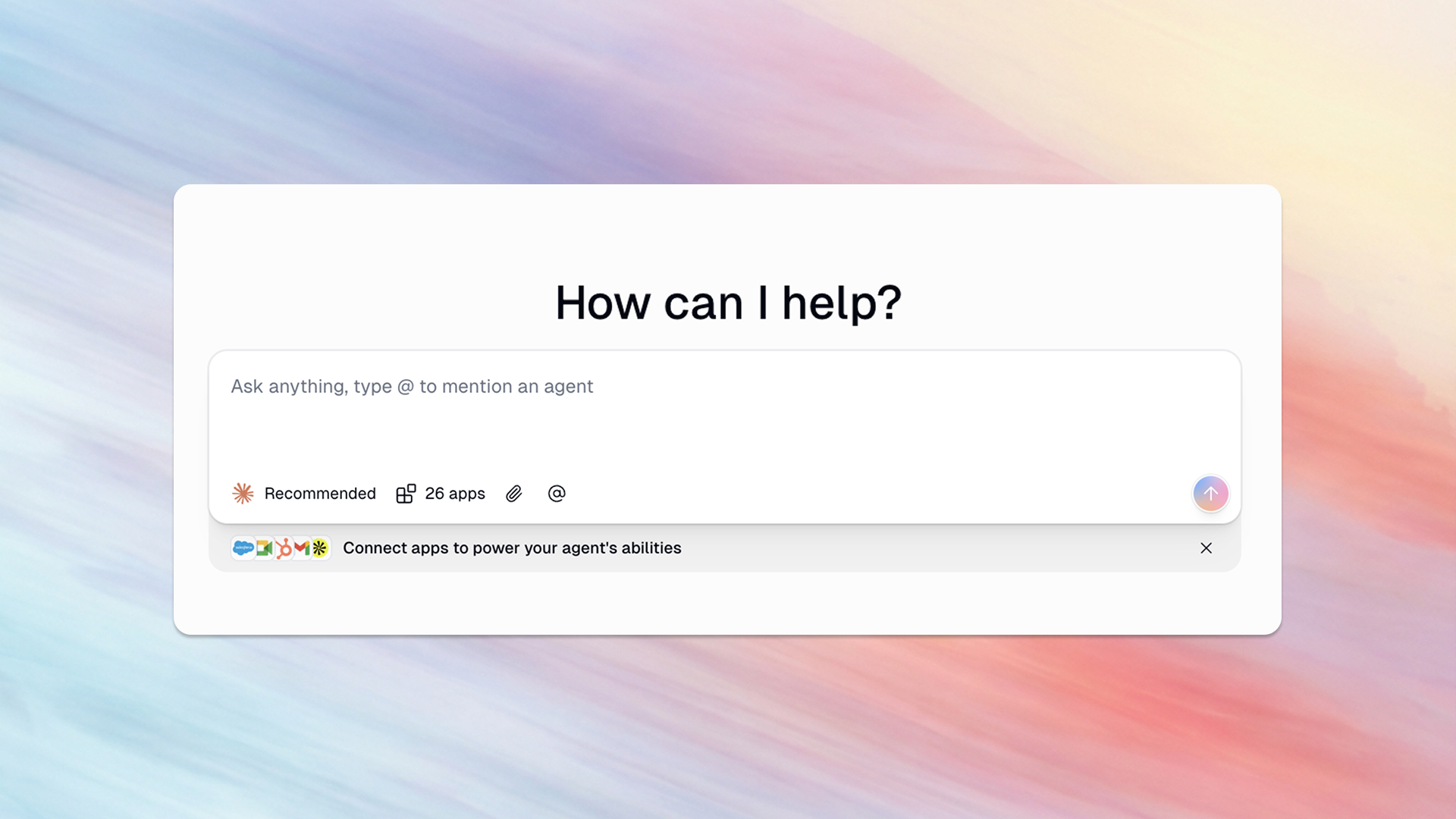
Gumloop now has a command center for all your apps and agents. Start chatting right away and get work done, with zero setup.
Since we introduced Gumloop agents last year, we noticed an interesting pattern: customers kept building agents, and giving them access to (almost) everything. Clearly, users want a central location where they can chat with all of their tools and existing agents.
Now, when you open up your personal Gumloop workspace, the first thing you’ll see is a chat window. Go ahead, start chatting: you can ask questions or do research like you would with any regular chatbot. But what makes chatting with Gumloop truly powerful is that you can immediately connect to over 100 apps and data sources on demand, without any additional configuration or setup.
Get tasks done at the speed of chat
Gumloop agents are capable of performing sophisticated, highly complex tasks that are tailored to your team’s unique automation needs. But the truth is, a lot of the work we do isn’t that specific. The average work day includes a lot of general, straightforward, or personal one-off tasks, like:
- Check what’s coming up on my calendar today
- Update an opportunity in my team’s Salesforce instance
- Summarize my unread emails
Now, doing these kinds of work tasks is as easy as starting a chat.
- Want to check your pipeline? Gumloop can access your team’s CRM to give you instant answers.
- Want to research keywords while writing a blog post? Gumloop can connect to Semrush to give you stats on target keywords.
- Want to know more about your upcoming meetings for the day, and who else is going to be there? Gumloop can access your Google Calendar, and use Apollo to research the other attendees.
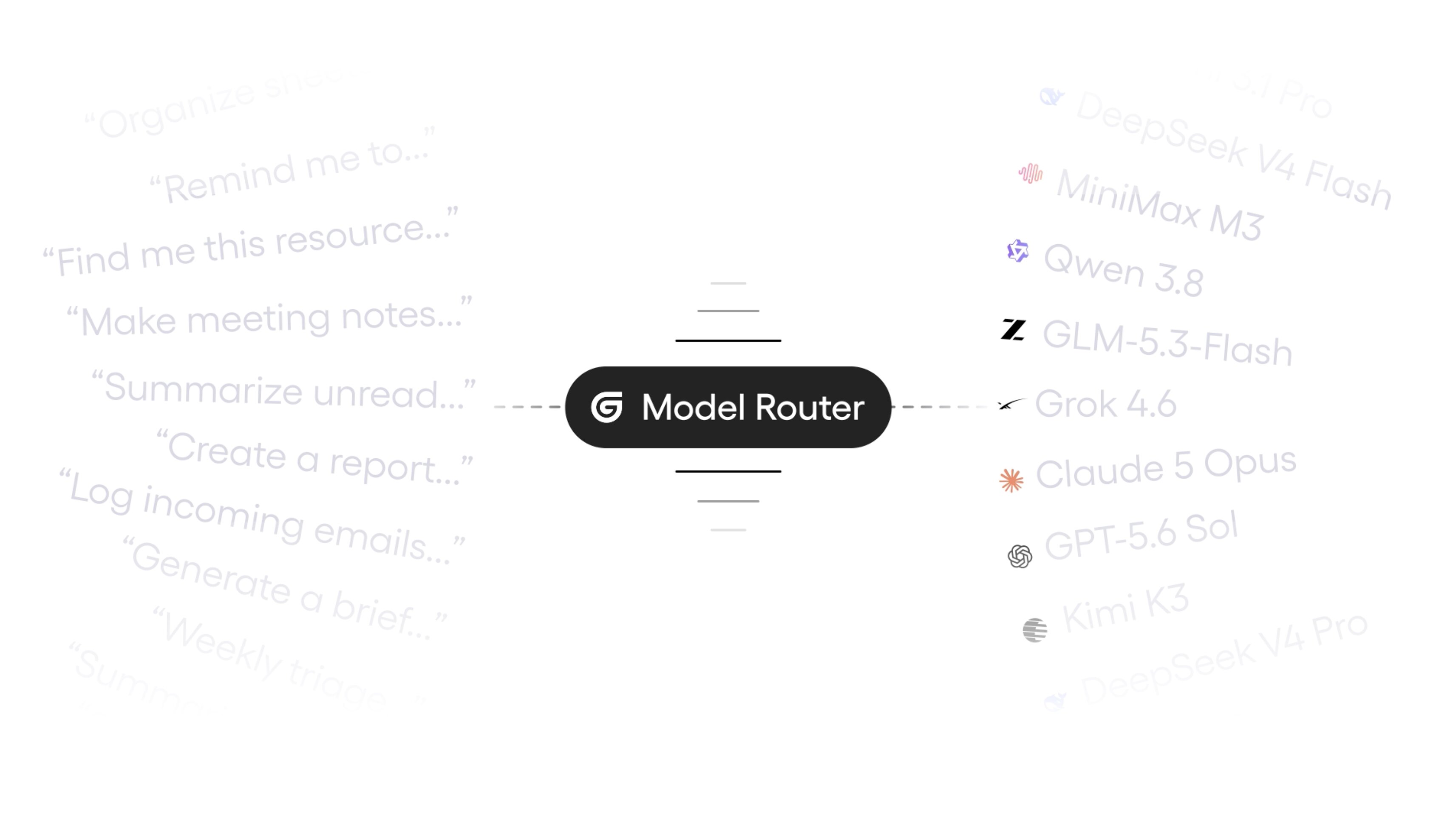
Intelligence isn’t just using tools (it’s knowing what tools to use)
A Gumloop subscription includes access to so many different tools and datasets. But because there are so many possible options, customers aren’t always aware of all the tools they have access to.
When you chat with Gumloop, it can look through all the tools it could possibly use and recommend the best tools for the task at hand. You might not have known that as a Gumloop customer, you can use tools like Apollo, Google Maps, Semrush, and Exa without needing a separate subscription or API key. But Gumloop does know, and it understands when those tools could help you with your work.
All your special agents at your fingertips
It doesn’t end there: Gumloop chat can also access and use specialized agents you’ve already built. So if you’ve built complex custom agents that have instructions on the exact way you like your pipeline reports formatted, or your team’s exact processes for prioritizing support tickets (or, if you’ve copied one of the many agents that are available in our Community Templates), you can use those agents directly from chat.
Everyone now has a command center with immediate access to all your apps and all your specialized agents. Just open up Gumloop, and start working in seconds.

Read related articles
Check out more articles on the Gumloop blog.