


Supporting the world’s most AI-native companies with a 2-person team

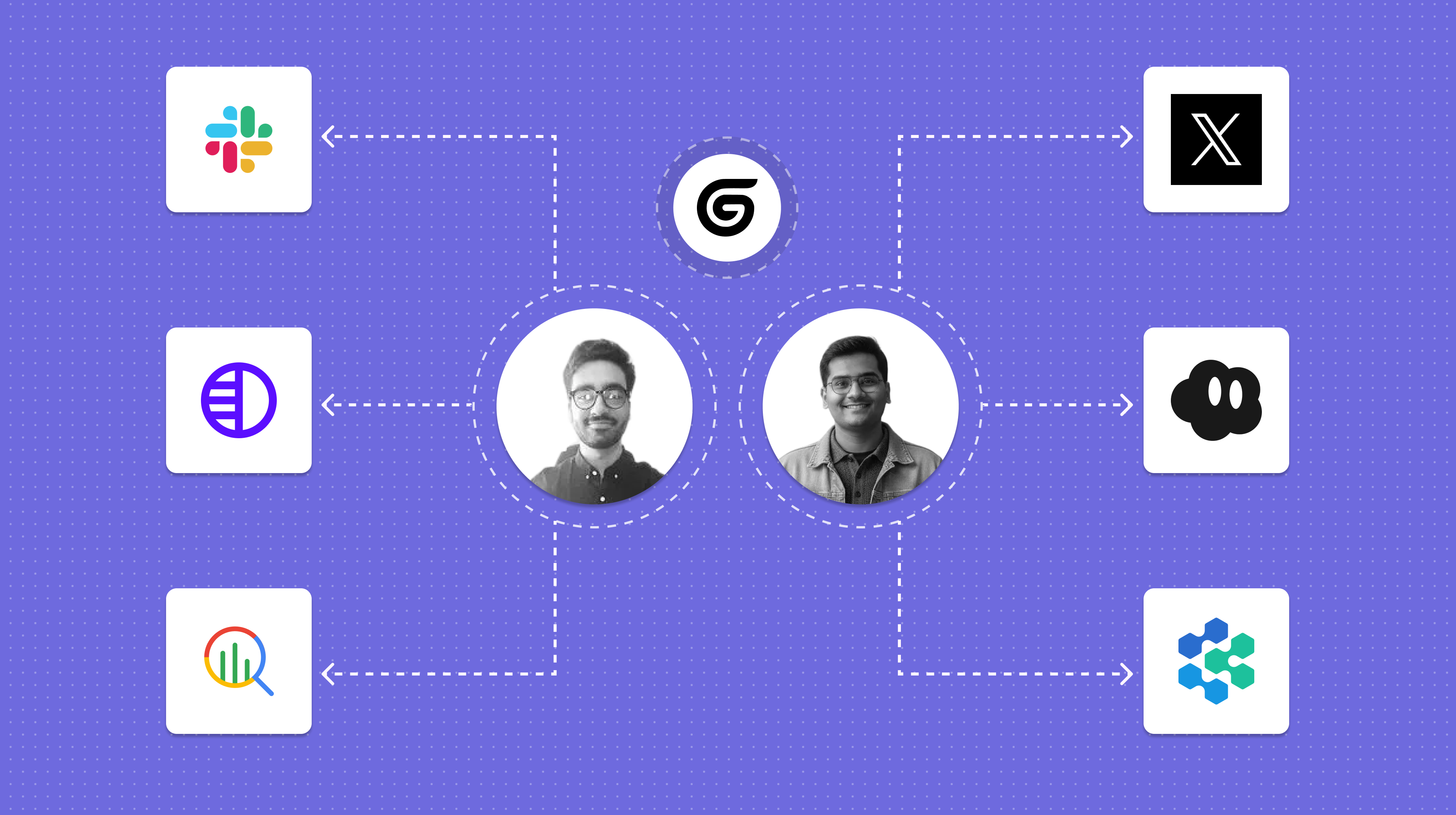
Gumloop’s support team built a fully automated support operations system, using the same tools available to every Gumloop user.
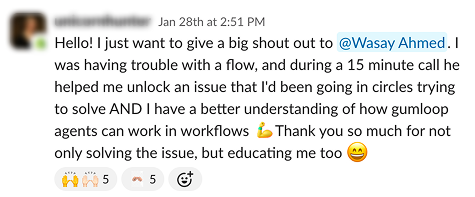
The biggest enterprise companies on earth rely on Gumloop for their business-critical AI automations. If these companies ever face issues or need guidance, our world-class support team is immediately available to help them out, at all hours of the day. These companies know us for the quality of our small but mighty support team. And we say “small but mighty,” we mean it: our support team has only two people. So how does such a small team run a comprehensive, global support operation?
We do it with Gumloop.
The Gumloop support team has built their own comprehensive customer support system from the ground up with Gumloop: processing every ticket with instant user intelligence, routing messages across multiple platforms, and deploying AI agents that can investigate issues, draft responses, monitor platform health, and even reply to customers on Twitter.
And they built it all with the same building blocks that are available to every Gumloop user: workflows, agents, triggers, and MCP tools. Here’s how.
Getting real-time user intelligence at scale
To address the customer’s concerns, a support agent needs to understand the customer’s context. Who is this user? What plan are they on? What have they been doing in the product?
The support team has built a system of interconnected workflows and agents that ensures every customer interaction has as much context as possible.
- User data enrichment: every time a support ticket opens, a workflow automatically queries internal databases and pushes a complete user dossier directly into Pylon. This data is synced every 30 minutes, so by the time a human support agent opens the ticket in Pylon, Gumloop has already retrieved the most up-to-date info on the user's profile, activity history, and error counts.
- Error detection and enrichment: when an error is detected, a message is sent to an error-monitoring Slack channel. This triggers a workflow that automatically extracts the user ID from the error message, identifies the user, and provides context on the user’s recent activity. Another agent automatically runs every 30 minutes to identify the specific users with the most errors and anomalies. With these automations, the support team can proactively identify bugs and reach out, before a user even files a ticket.
- Deep user research: for high-value customer profiles, a user research agent takes a user’s email address, performs a comprehensive search on them using Apollo, Exa, Parallel, and Firecrawl, and posts a summary to a Slack channel.
Support operations and ticket management
Gumloop’s human support agents are themselves supported by a team of specialized AI agents. These agents are embedded inside workflows and work intelligently to understand and resolve customers’ problems.
- Diagnosing user issues: an agent (named “Gummie Support”) first determines what kind of issue it’s dealing with: a workflow failure, a how-to question, or an agent issue. Based on the situation, it chooses which tools to use next (searching product documentation for how-to questions, BigQuery for error analysis, or Pylon for edge cases), identifies the root cause of the issue, and generates a detailed support response.
- Crafting helpful responses: another agent (named “Support Captain”) takes Gummie Support Agent’s investigation results and formats them into friendly, polished, and on-brand customer communications.
- Automatic cleanup: two other agents automatically archive email threads and Pylon tickets after issues have been resolved.
- Pre-call research: when the support team needs to hop on a call with a user, an agent automatically researches the user, any past interactions they’ve had with the Gumloop team, any tickets they’ve submitted, and adds pre-meeting notes so the support team has maximum context.
- Following up with customers: every day, a workflow identifies users to follow up with, to ensure that the solutions the support team provided actually work. Another agent runs every time Gumloop merges staging, so we can inform users that a fix relevant to their issues was shipped.
Automated, continual monitoring
Agents operate 24/7 without breaks, which makes them ideal for the kind of always-on monitoring that great support requires — watching for platform issues, scanning social media for customer complaints, and keeping the team informed without adding noise.
- Platform health monitoring: an agent automatically investigates error rates and monitors platform health. If (and only if) a finding is actionable, it alerts a human.
- Social listening and brand monitoring: an agent monitors Reddit and X/Twitter for relevant mentions of Gumloop, detects which mentions are customer complaints, and responds to those complaints.
- Daily support summary: every 24 hours, an agent fetches the last 24 hours of support tickets and posts a formatted summary to Slack.
- Monthly support summary: every month a different agent reviews the past 30 daily summaries to extract insights about most common error patterns. This report is compared to our backlog and the agent suggests Linear tickets that should be created to address the most common issues.
- Support doc maintenance: every 24 hours, a workflow analyzes the Gumloop support docs, identifies gaps in our documentation, and uses Devin to draft missing content.
- Conversational analysis: another workflow categorizes and analyzes every support conversation, making it possible for the support team to identify and understand trends and user sentiment over time.
Lessons learned from using Gumloop at Gumloop
Gumloop’s multi-agent, multi-modal, multi-platform support operation didn’t start out fully formed: it grew one workflow at a time, over months of continuous iteration. Here’s what we’ve learned along the way:
- Know your models, and use the right models for the right tasks: at Gumloop, we use many different models across our agents and workflows. For lightweight, high-volume tasks, we use Gemini Flash; for code-related tasks, we use GPT 5.2 Codex. Claude Sonnet and Opus 4.5 handle core reasoning; Claude Opus 4.6 is reserved for the hardest tasks. By strategically selecting different models for different tasks, we’re able to optimize for the best intersection of cost and capability.
- Context is king: when it comes to support, speed matters. Our user intelligence system automatically assembles a complete customer profile and pushes it into every ticket before a human even reads it. The support agent never has to waste the user’s time asking questions like "what plan are you on?" or tabbing between dashboards.
- Be proactive, not reactive: speaking of speed — what’s even better than solving a user’s issue fast? Addressing a problem before the user even reports it. Error enrichment workflows monitor Slack around the clock for product issues; social listening agents flag customer complaints and brand risks before they escalate. This kind of proactive support is only possible with agents.
Everything described above was built using the same Gumloop platform available to every customer. The support team saw problems and were able to build their own solutions. That's what Gumloop is for: giving any team the power to build exactly the tools they need, without waiting for engineering.

Read related articles
Check out more articles on the Gumloop blog.

.webp)