Tips & Tricks
Resume Button
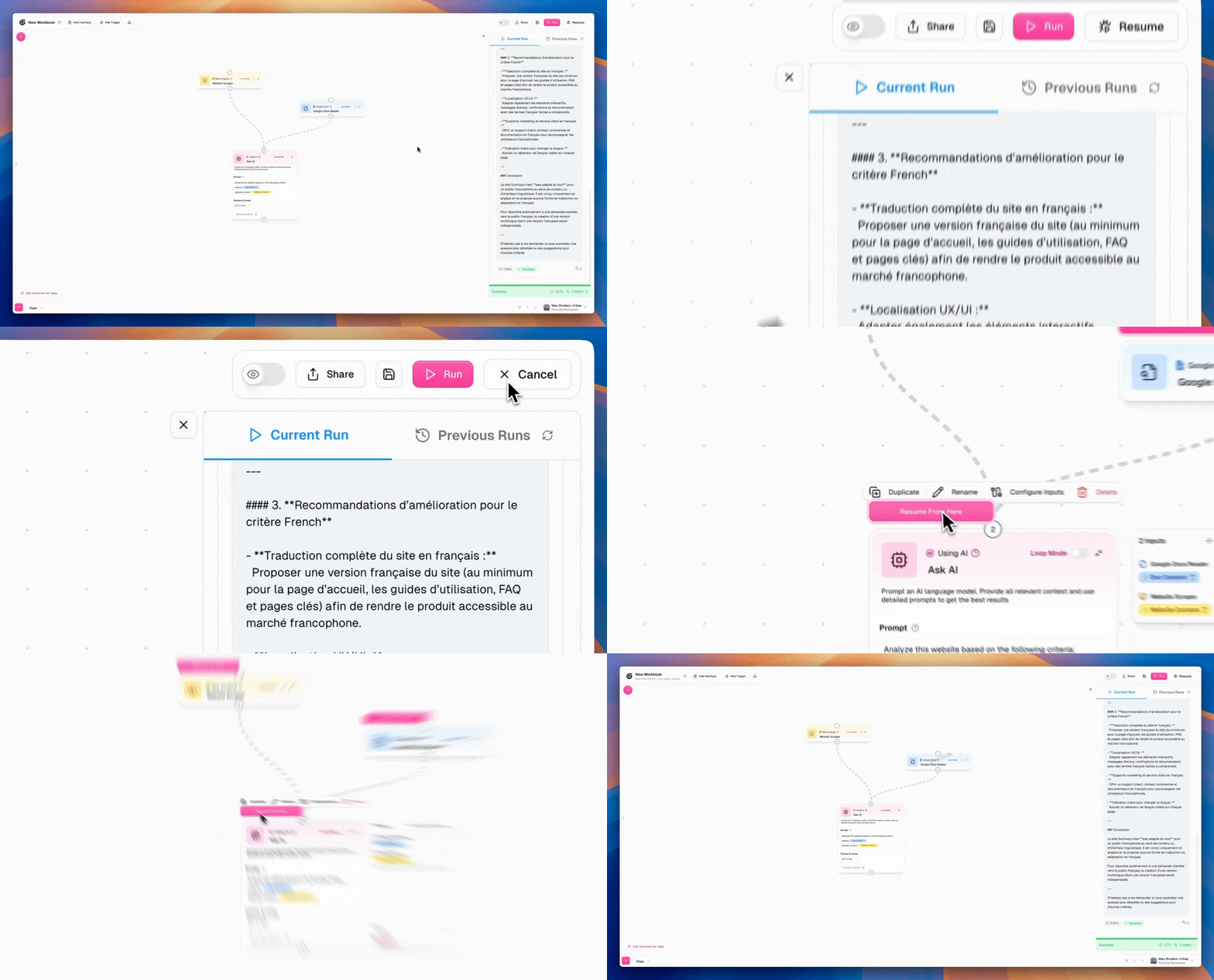
The easiest way to iterate on your workflow is by using the resume button. Imagine you have a workflow with many steps but you want to iterate on the AI prompt at the end of the workflow. You can tweak that prompt at the end, click the resume button and it'll jump right to the step you care about. No more re-running the whole workflow. This saves credits and tons of time.
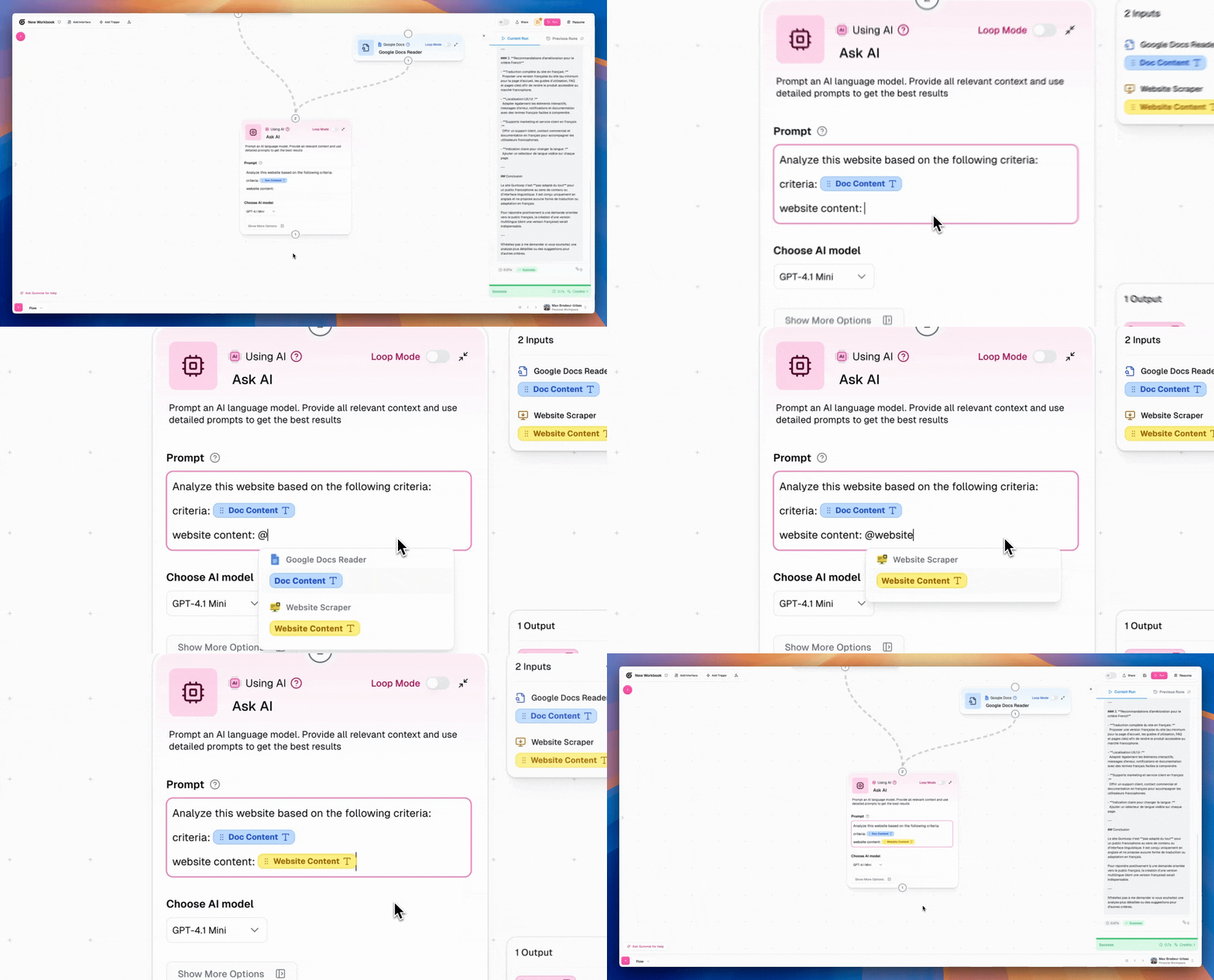
Use the @ symbol to invoke badges
You can drag badges into your node OR you can tag them in by typing the @ symbol and bringing them in. I find this much quicker as I'm typing in my workflows
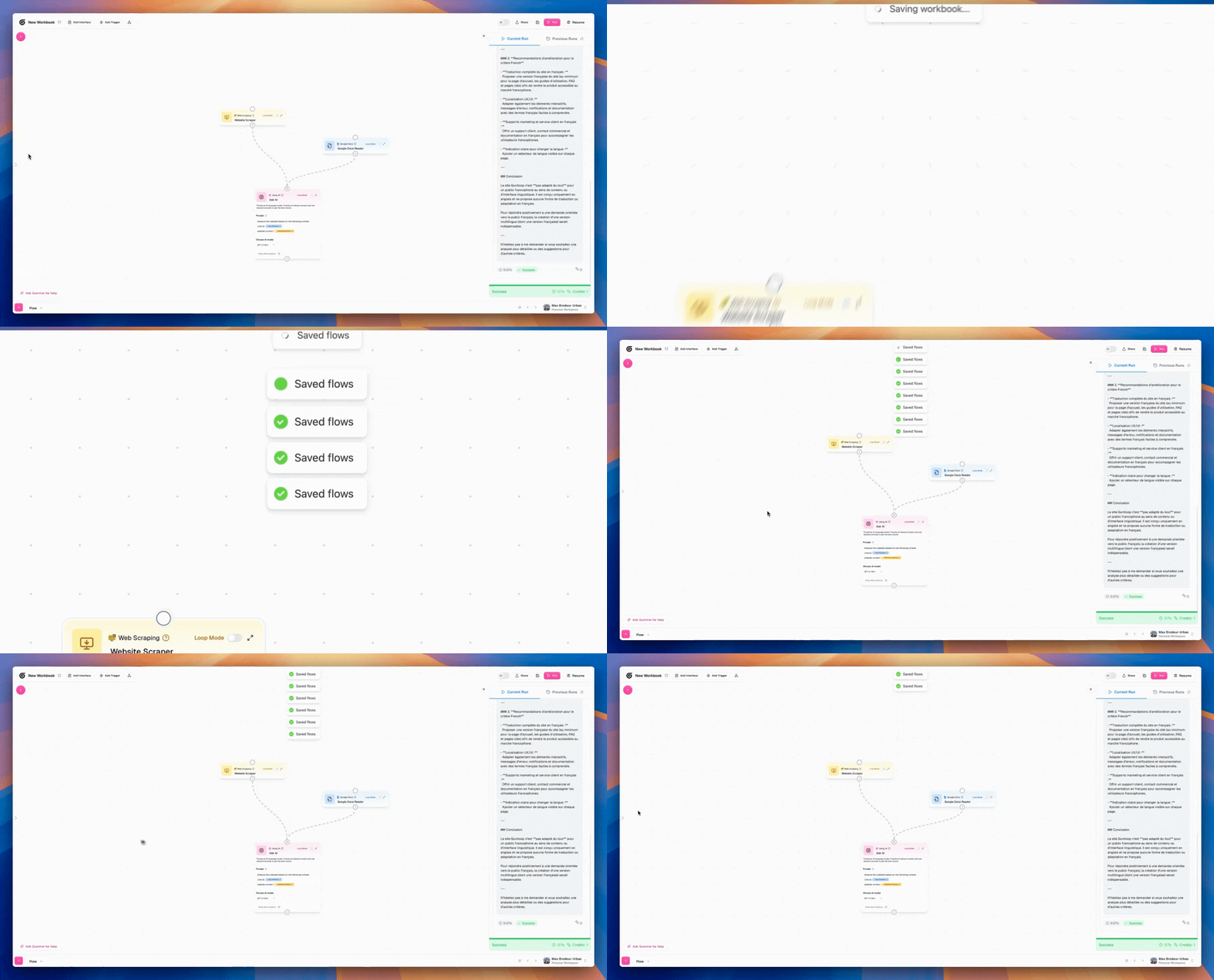
Cmd + S
There are tons of shortcuts on Gumloop but I use cmd + s the most. I save often as I build.
Select groups of nodes
Hold your shift key, click and drag to select many nodes at once. This helps when you want to drag around or delete many nodes at once.
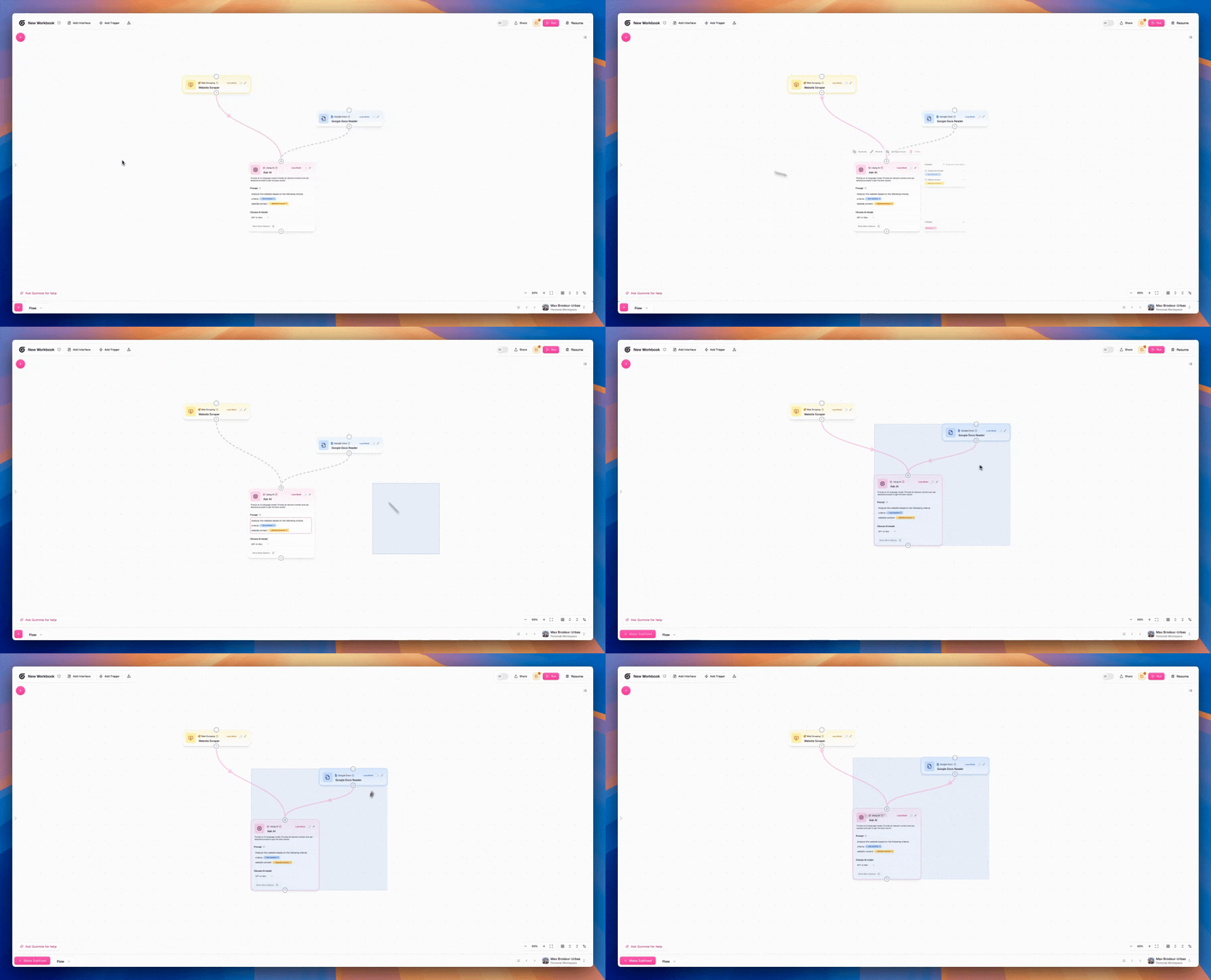
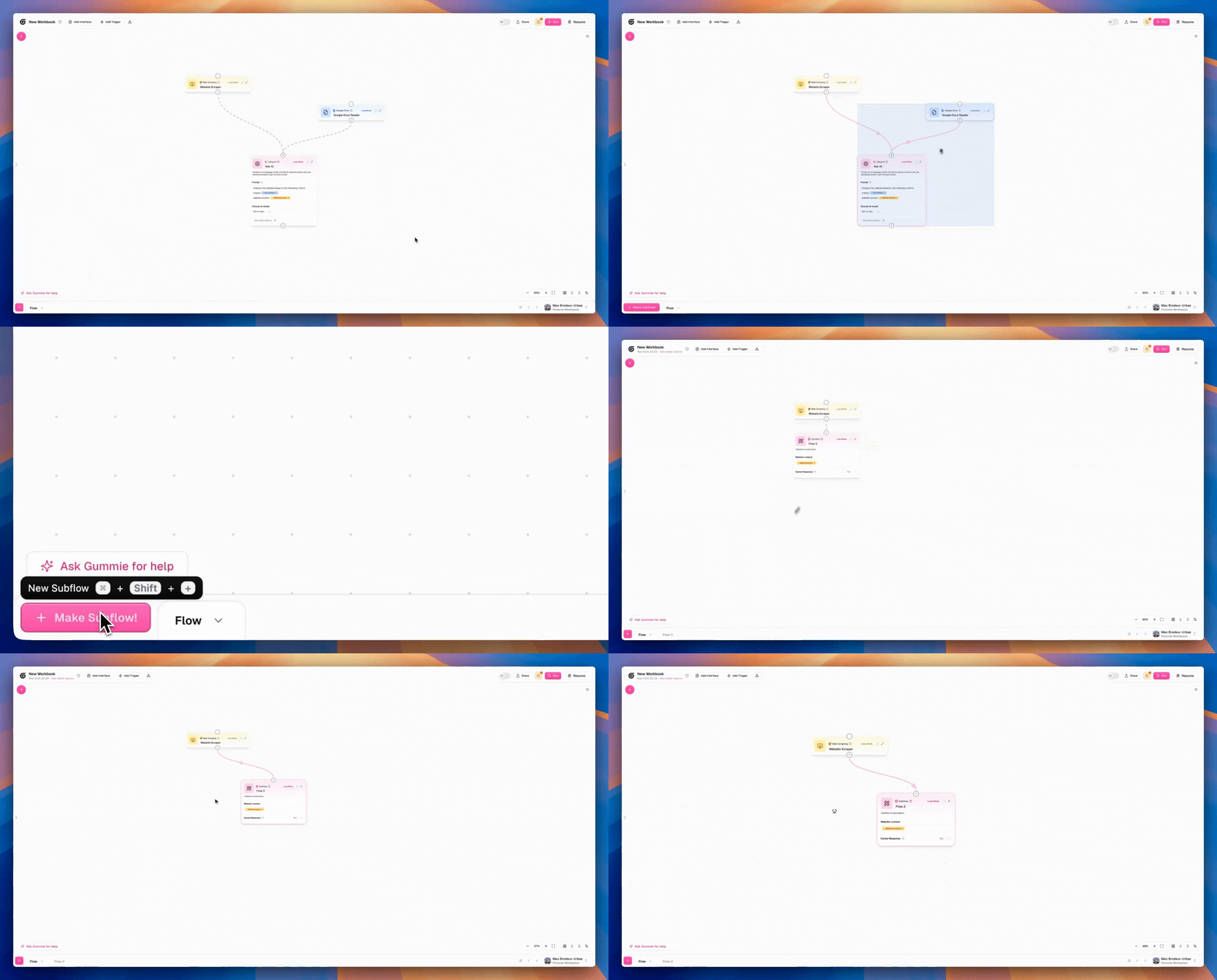
Convert groups of nodes to subflows
If you highlight a group of nodes, you can convert it to a subflow with a single click. If you ever are mid-build and realize a section of it should be a subflow it's very easy to convert it into the right format.
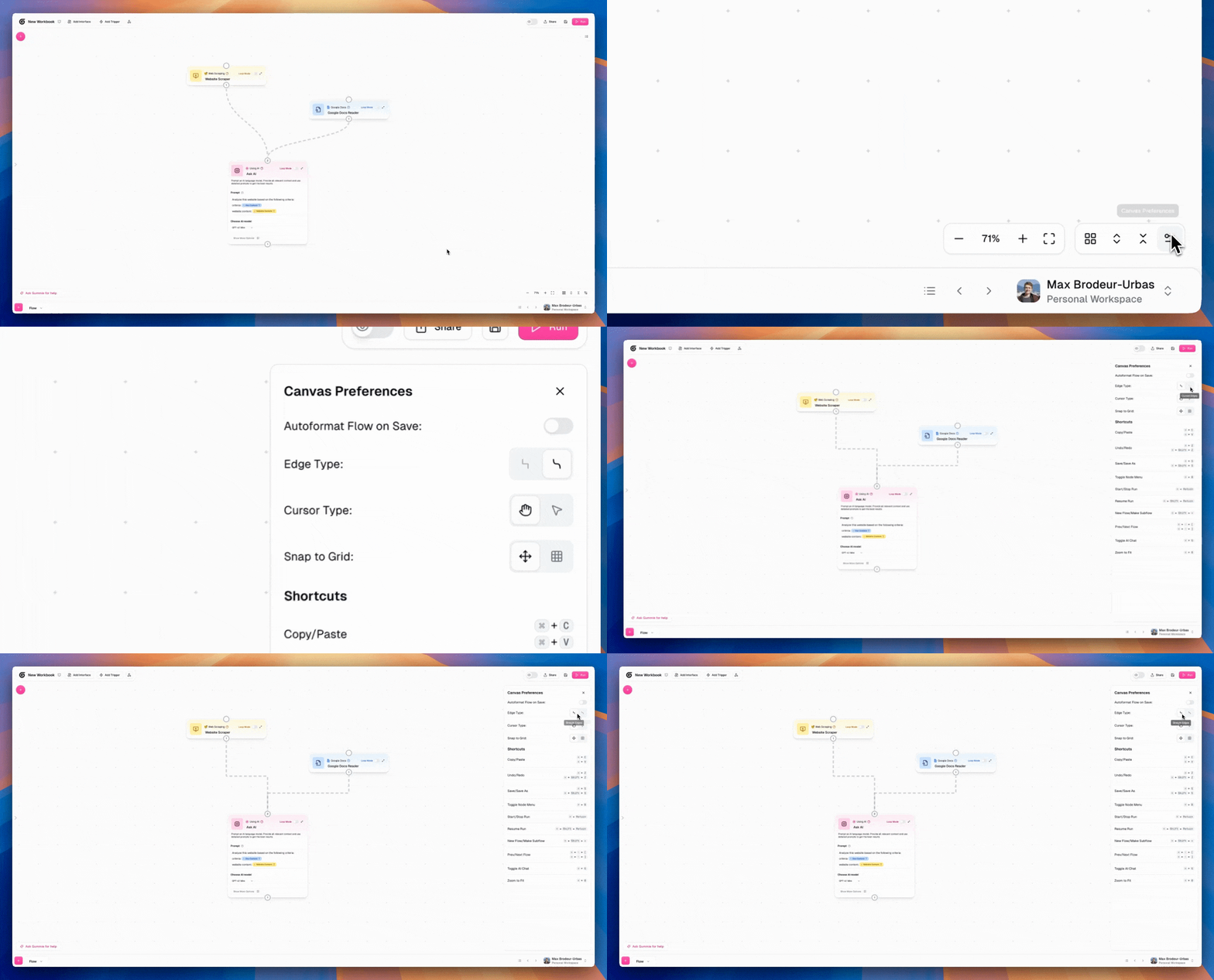
Change your edge type
I really prefer curved edges on Gumloop. Some people like straight edges. Pick your poison.
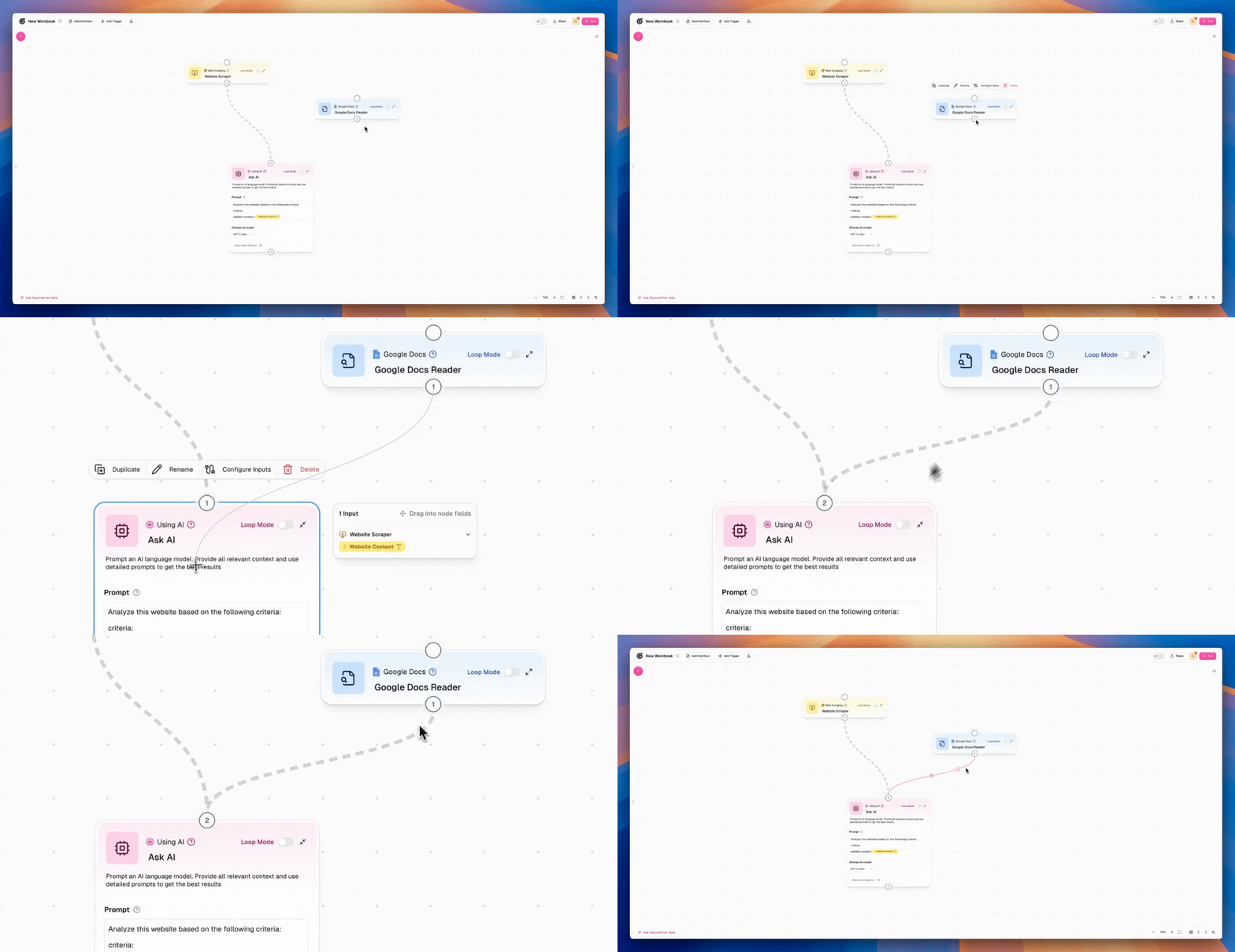
Drag edges onto nodes themselves
Most people are carefully dragging outputs into inputs. You can just drag the edges onto the nodes themselves! Much bigger targets.
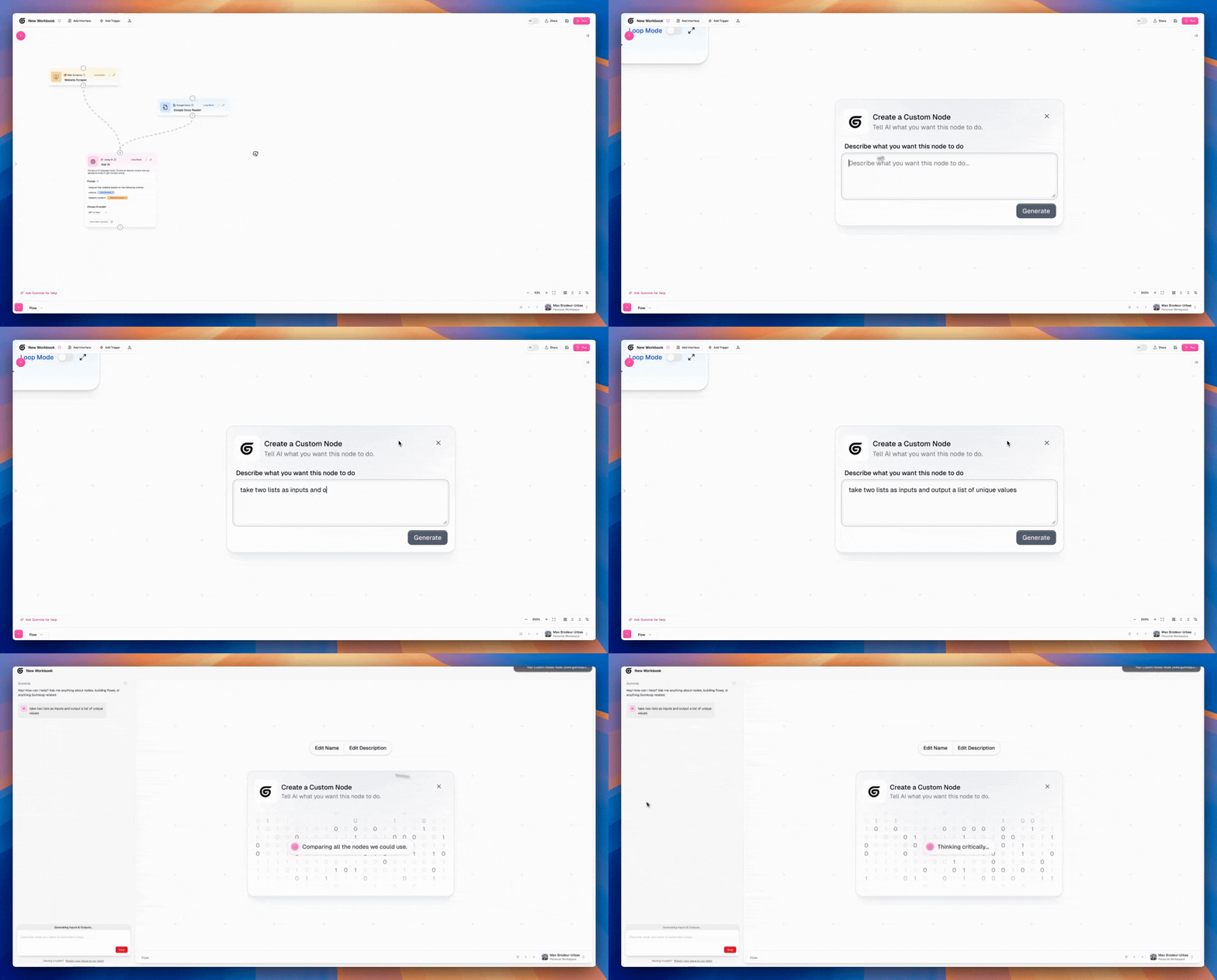
Make custom nodes
Whenever I need to filter, manipulate data or call any external APIs, I hit shift+cmd+g to create a custom node inline. I just describe what I want that node to do and AI will build it for me.
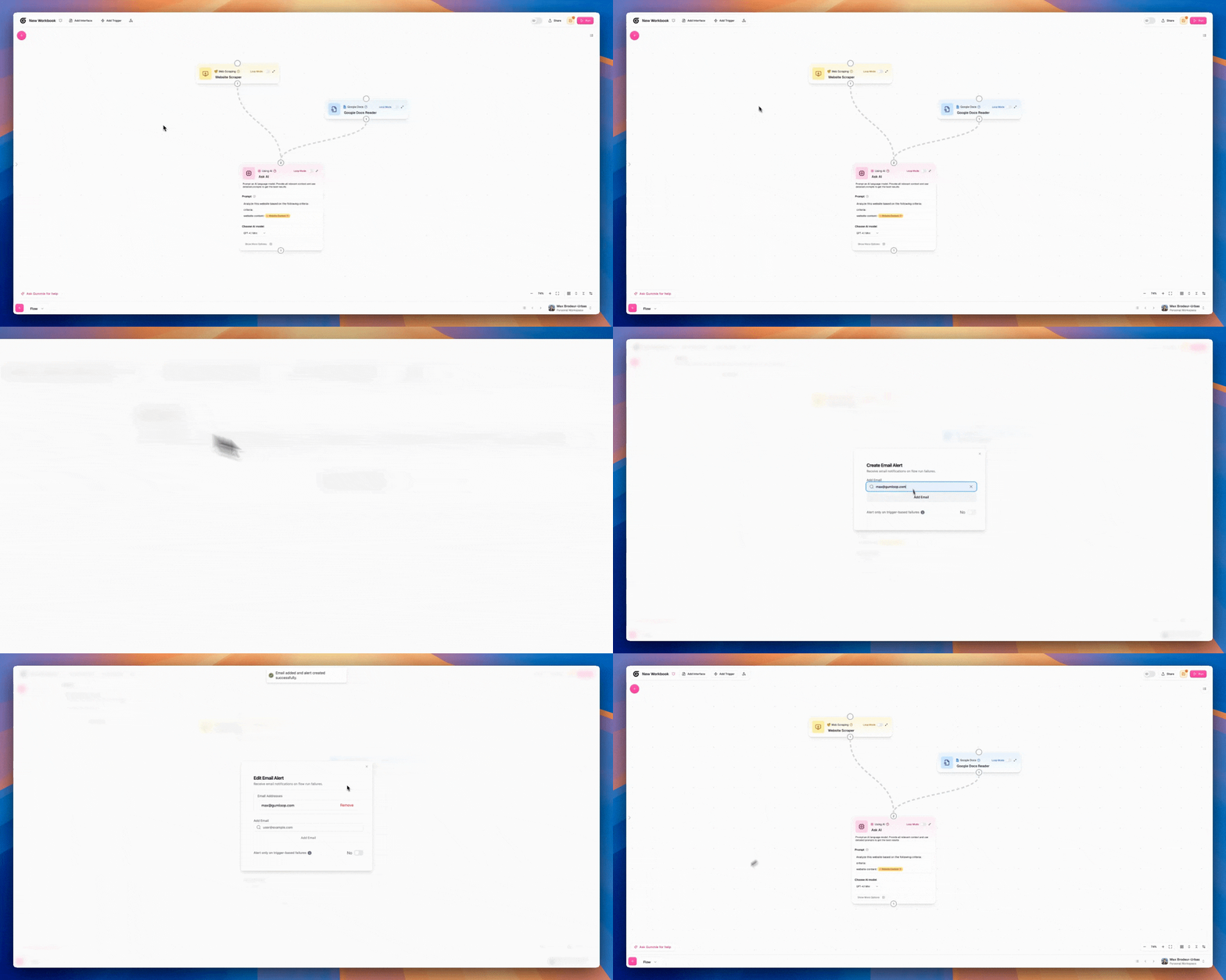
Use alerts
If your workflow is super critical, you can set up alerts easily so you get emailed whenever there's an error. Ideally there are no errors but you can sleep easy knowing you'll hear about it if any happen.